How to create an Arabic classifieds website (right to left)
An Arabic classifieds website reads from right to left, in your words and your currency. Here is how to build one on WordPress, and the limits to know first.
In this guide
- Set the WordPress site language to Arabic, and Listivo turns right to left in every demo
- Translate or rename every theme text in one place, with nothing extra to install
- Pick a font with Arabic letters, then set your currency and price format
- A Listivo site runs in one language at a time, so decide early if Arabic is enough
- User names in Arabic letters can be about 9 characters at most, a WordPress limit
To create an Arabic classifieds website, start from a WordPress theme that supports right to left. Set the site language to Arabic, translate the theme texts, then add your currency, cities and categories. Plan for two limits before you launch, one language per site and short Arabic user names.
This guide shows each step on Listivo, a classifieds theme that turns right to left when the site language is Arabic. What every classifieds site needs, in any language, is in our guide to the classified ads website.
What an Arabic classifieds website needs
A right to left classifieds website is more than text that starts on the right. The whole page is mirrored, so people read it the way they read any Arabic site.
- The logo, the menu, the search box and the ad cards start on the right
- Every word is in Arabic, also on forms, buttons and emails
- A font with Arabic letters that is easy to read on a phone
- Prices use the local currency, in a format people know
- Cities and areas carry the names people use every day
The rest works as on any classifieds site. Categories, a form for each category and paid ads follow the same steps as a website like OLX, only in Arabic.
How to set up a right to left classifieds website in six steps
Each step is done in the WordPress admin, without code. On your own server, import the demo closest to your idea before step 1, because a demo import replaces what is on the site.
1. Switch the WordPress site language to Arabic
In the WordPress admin, open Settings, then General, and set Site Language to Arabic. Listivo then turns the layout right to left, in every demo.
- Hebrew, Persian and Urdu work the same way
- Our right to left sample site shows the result, with English texts still to translate
2. Translate every text into Arabic
Open the Listivo Panel, then Translate/Rename, with nothing extra to install. It lists every theme text with a field for your own words. The same screen also renames the words ad and ads in your web addresses.
A few texts live in other places. Translate them too, or your site will mix two languages.
- Field names, options and hints, such as Make or Choose category
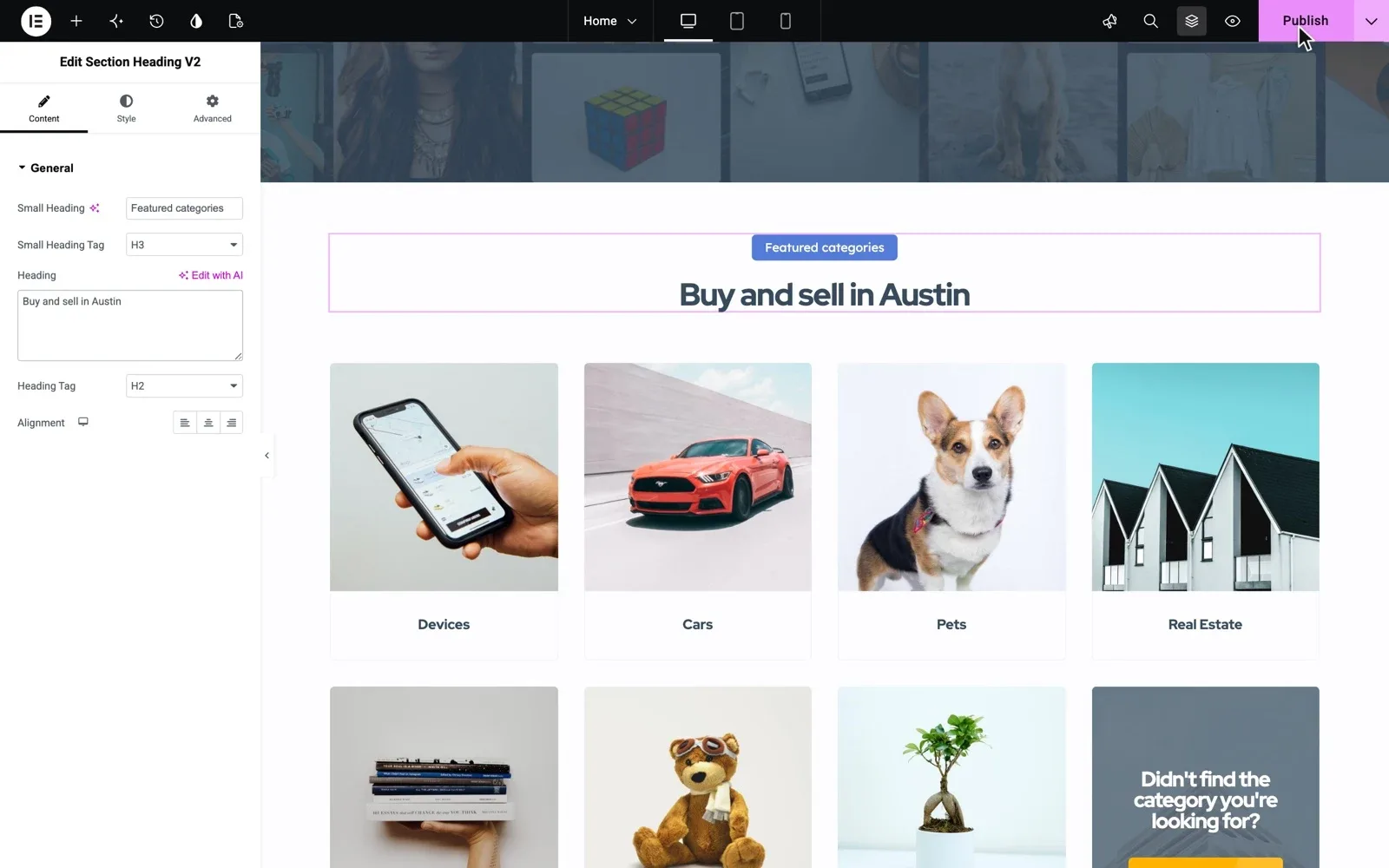
- Texts on pages, such as a heading on the home page, in Elementor on the page itself
- The heading of the search page, Classified Ads on the demo, in the SEO tab
- The sign-up confirmation, password reset and email change messages
- The contact form that opens from the E-mail button on an ad, in Contact Form 7
For your categories, start from our classified ads categories list you can copy and translate each line. Use one word for one thing across the site, for example always the same word for an ad. Then ask a native speaker to read every screen, on a phone too.
3. Pick a font that has Arabic letters
Many fonts made for English have no Arabic letters. The browser then shows Arabic in another font, and the page looks patched together.
Choose one font family with both Arabic and Latin letters, because brand and model names often stay in Latin. Free Google fonts such as Cairo and Tajawal have both. Set the font once in Site Settings, and every page follows.
Arabic often reads better a little larger than English, so check body text and ad titles on a phone.
Try the theme on a website of your own
Get your own Listivo website with the demo you pick and the full WordPress admin, ready in a minute.
Try Listivo free Free for 7 days. No card needed.4. Set your currency and price format
In the Listivo Panel, set your currency name, its sign, where the sign stands and the number format. Prices across the site then use that format.
For rent, add text after the price, such as the Arabic word for per month.
5. Add the cities and areas your users know
People search by city and area, so give them names they know. Listivo gives you two ways to do it.
- Your own list of cities and their areas, which you write in Arabic. It needs no Google Maps, but it cannot search by distance.
- Google address suggestions for up to five countries. With one country, addresses drop the country name.
Google suggestions need a Google Maps key with billing, which has a free monthly credit. With them, visitors can also search within a distance of any place, in km or miles.
6. Plan for one language and short user names
A Listivo site runs in one language at a time. If your users read Arabic, one classifieds website in Arabic is the simplest start.
The help article Arabic Name Registration Limitations in WordPress explains where the limit comes from.
Your Arabic classifieds launch checklist
17 tasks
Tick each item as you set up your site.
Language
Look and prices
Places
-
Use this instead of the fixed list. It needs a Google Maps key with billing.
Limiting Google Maps Autocomplete to Specific Countries on Your Website
Users and money
-
-
Packages use the WooCommerce payment plugin you pick. Monthly plans need Stripe.
Monetization – WooCommerce Payments Gateways
Rather have us build your Arabic site?
Send us your categories, cities and texts in Arabic, and the team that made Listivo builds the whole site.
Custom Website
Photos, your logo and a few words are enough. We design and write the whole website, and you pay only when you approve it.