Setting up Listivo for RTL languages: requirements and important information for existing users
Switch your Listivo site to a right-to-left language such as Arabic, Hebrew or Persian, and find out why sites that imported demo content before April 2023 need one extra step.
2 minute read
Listivo is RTL-ready, meaning it fully supports right-to-left (RTL) languages. When you use a language such as Arabic, Hebrew or Persian, the layout, design elements and user interface adapt to give readers who write from right to left the experience they expect.
Requirements
The only thing you need to do is switch the WordPress Site Language to an RTL language, for example:
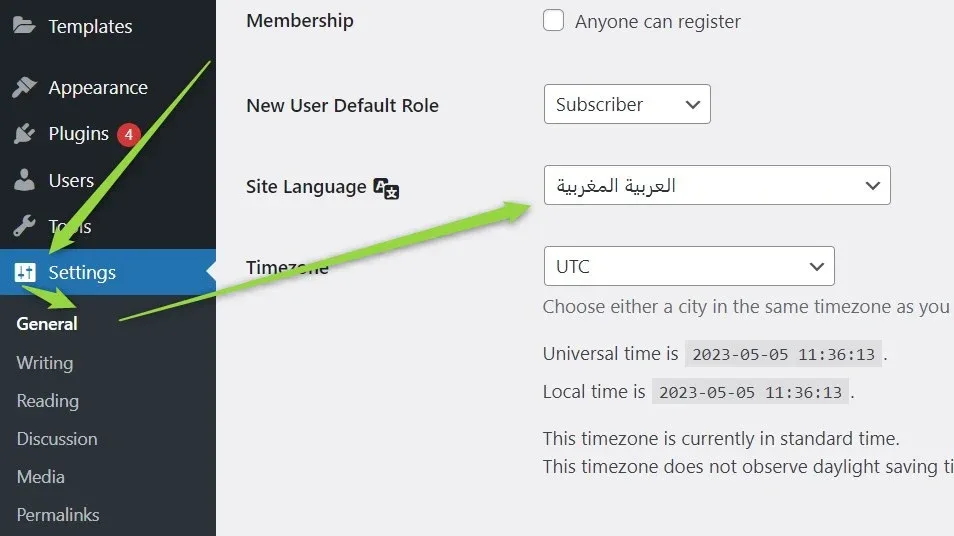
Then, no matter which demo you use, everything adapts and looks like our sample demo: demo15.listivotheme.com
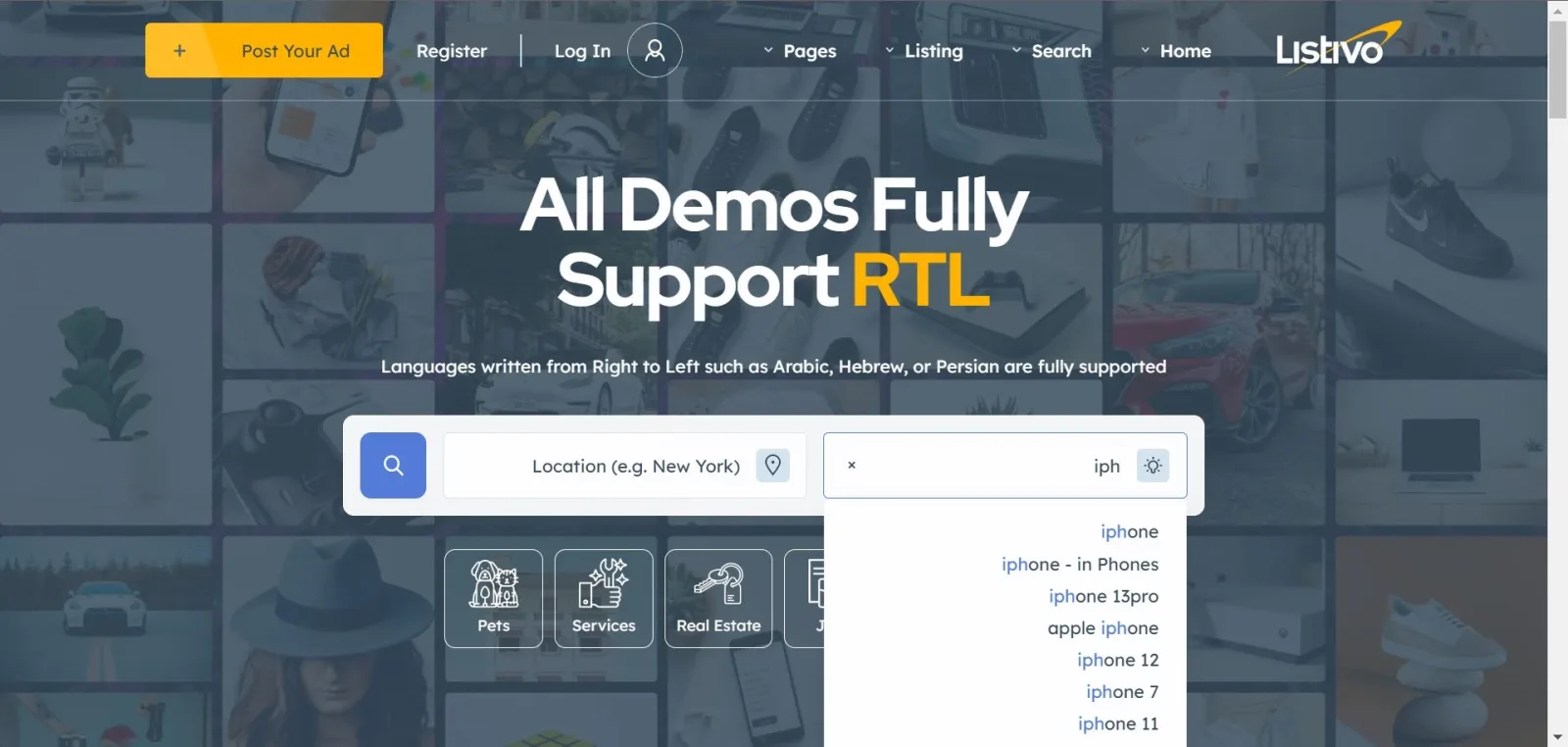
Important information for existing Listivo users
If you purchased Listivo before the release of version 2.3.10 (20th April 2023) and have already imported demo content in the past — from Listivo 2.2, for example — the RTL option might not work fully. Developing RTL support involved not only the theme files but also all Elementor Pages (homepages, contact us, about us and so on), Layouts (headers and footers) and Templates (single ad template, single user template and the rest). The Elementor demo content of that time was not RTL-ready, so to fully enjoy the RTL feature you need to import it again.
Ask the people who build Listivo
We answer by email from support@tangiblewp.com. With Premium Support, we also fix your site when something breaks.
We can also run your site for you, or build a new one.
Was this guide helpful?