SEO for a classifieds website: category pages that rank
A classifieds site gets found through its category pages, not its home page. Here is what to set up first, with a checklist you can tick.
In this guide
- Category pages, not the home page, bring most visits from Google
- Each top category needs a clear H1, a description and an SEO title
- Short, clean addresses with breadcrumbs help Google read the site
- Ad titles built from fields name the exact item people search for
- Listivo has these settings built in and works with Yoast SEO
Classifieds website SEO starts with your category pages, not your home page. People search for "used cars in Leeds" or "iPhone for sale in Austin", and Google shows them pages that list matching ads. On a classified ads website, that page is your category page.
So give each top category a page that Google can read and people want to click. It needs a clear heading, a short description, a clean address and ads with good titles.
Why category pages matter more than your home page
Your home page ranks for your site's name, and for little else. Few people know the name of a new site yet. They search for the thing they want, often with a place.
So classified ads SEO works page by page. Each kind of page answers a different kind of search.
- The home page answers searches for your site's name
- A category page answers searches for a kind of item, often with a place, such as used cars in Leeds
- A subcategory page answers searches for a narrower group, such as apartments for rent
- An ad page answers searches for one exact item, such as 2019 Toyota Corolla hybrid
- A blog post answers a question people ask before a purchase, such as how to check a used car
Category and subcategory pages are your search results pages. That makes search results page SEO most of the work on a classifieds site. The same holds for SEO for listing websites of every kind, as real estate SEO for agencies shows.
The classifieds website SEO checklist
Most tasks take a few minutes in the WordPress admin. The harder ones are explained below the list.
From the first settings to the monthly checks
17 tasks
Tick the tasks as you go.
Before launch
-
Listivo supports Yoast only. On the free trial, plugins cannot be added, so do this once the site is yours.
Comprehensive SEO Guide -
Changing them after launch breaks links that Google already knows.
How to Customize URL Slugs for Search Results and Single Ad Pages -
Every theme text can be renamed or translated, with nothing to install. A site runs in one language at a time.
How to Translate or Rename All Texts -
Category and Subcategory as two fields give /real-estate/apartments/. One multilevel field gives /real-estate,apartments/.
How to Use Breadcrumbs and How Canonical URLs Work
Category pages
-
The default H1 shows on the main search page. A one-town site can name the town there, such as Ads in Leeds.
Changing Search Form H1 (Classified Ads, Real Estate, etc.) -
Keep the title under about 60 characters, with the item and the place first.
-
Ad pages
-
Make the title fields required, since an empty field drops out of the title.
How to Auto-Generate Ad Titles -
A size, a year or an area on the page gives Google words to match.
Common settings for custom fields -
An Offer Type field adds a Sold label to the card of the ad.
Marking Ads as Sold via Custom Field 'Offer Type' -
Related Ads is a Listivo block you drag onto the ad page in Elementor.
Editing single ad templates using Elementor Page Builder
After launch
-
Yoast SEO creates the sitemap for you, and the photos of ad galleries go into it.
-
Search Console shows them. Improve the pages that almost reach the first page.
-
One post per question, such as what to check before you buy a used phone.
How to add and modify Blog -
Listivo updates keep your pages, ads and settings.
WordPress maintenance checklist for a listing website -
Many visitors from Google arrive on a phone.
Why is my WordPress site slow? Fixes for listing websites
How to set up category pages that rank
Name each category plainly, and write its description
Listivo gives the search page an H1, the main heading at the top, with a description under it. The H1 can follow the chosen category, so plain category names make clear headings. Each category also gets a description of its own.
Write the descriptions for people first. Start with your ten busiest categories, and add the rest as ads arrive. A good category page has three parts.
- The H1 names the item plainly, such as Used cars
- The description says what is listed, where, and who posts it
- The SEO title adds the place and a reason to click, such as Used cars in Leeds from local owners
Give each category its own title in Yoast
The SEO title and the meta description are what Google usually shows in its results. With Yoast SEO, the search page of each category gets its own pair.
Keep addresses short and clean
All categories share one search page, and each one gets its own address on it, such as /ads/electronics/. Listivo builds these addresses from the fields you pick for breadcrumbs, and adds canonical tags on its own. A canonical tag tells Google which address is the main version of a page.
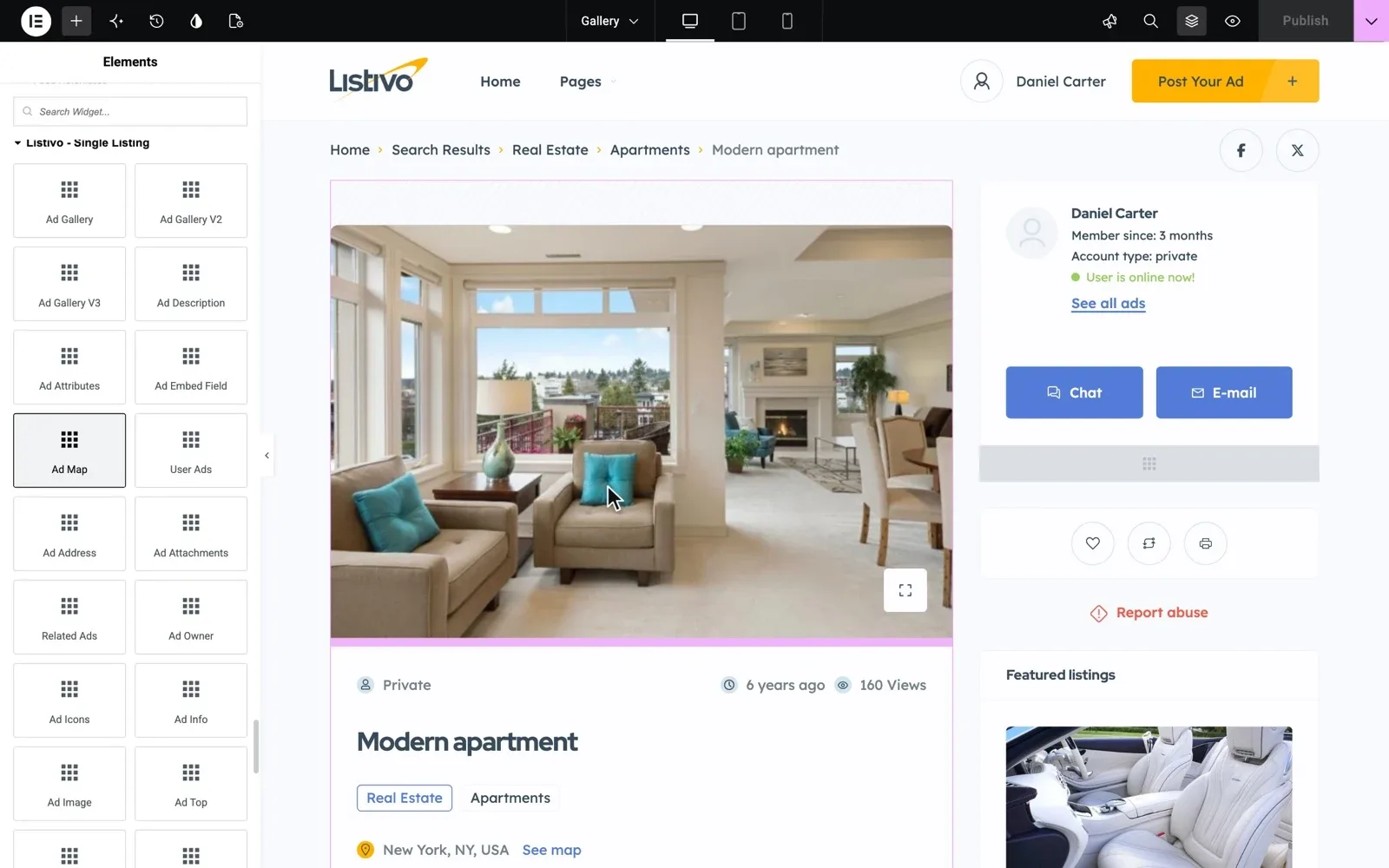
Rename /ad/ and /ads/ before launch, for example to words in your language. Ad addresses always follow the pattern /ad/ad-name/, so the ad title shapes the rest.
Breadcrumbs follow one order of fields. For /real-estate/apartments/, make the category and the subcategory two fields, as our classified ads categories list explains. A page filtered by any other field, such as Bedrooms 2+, points Google back to its category page.
Set up your first category pages for free
Get a real Listivo website with the demo you pick and the full WordPress admin, ready in a minute.
Try Listivo free Free for 7 days. No card needed.Make every ad page match an exact search
Ad pages answer the most exact searches, such as one make, model and year. Many ads live only a few weeks, so the title must be right from day one.
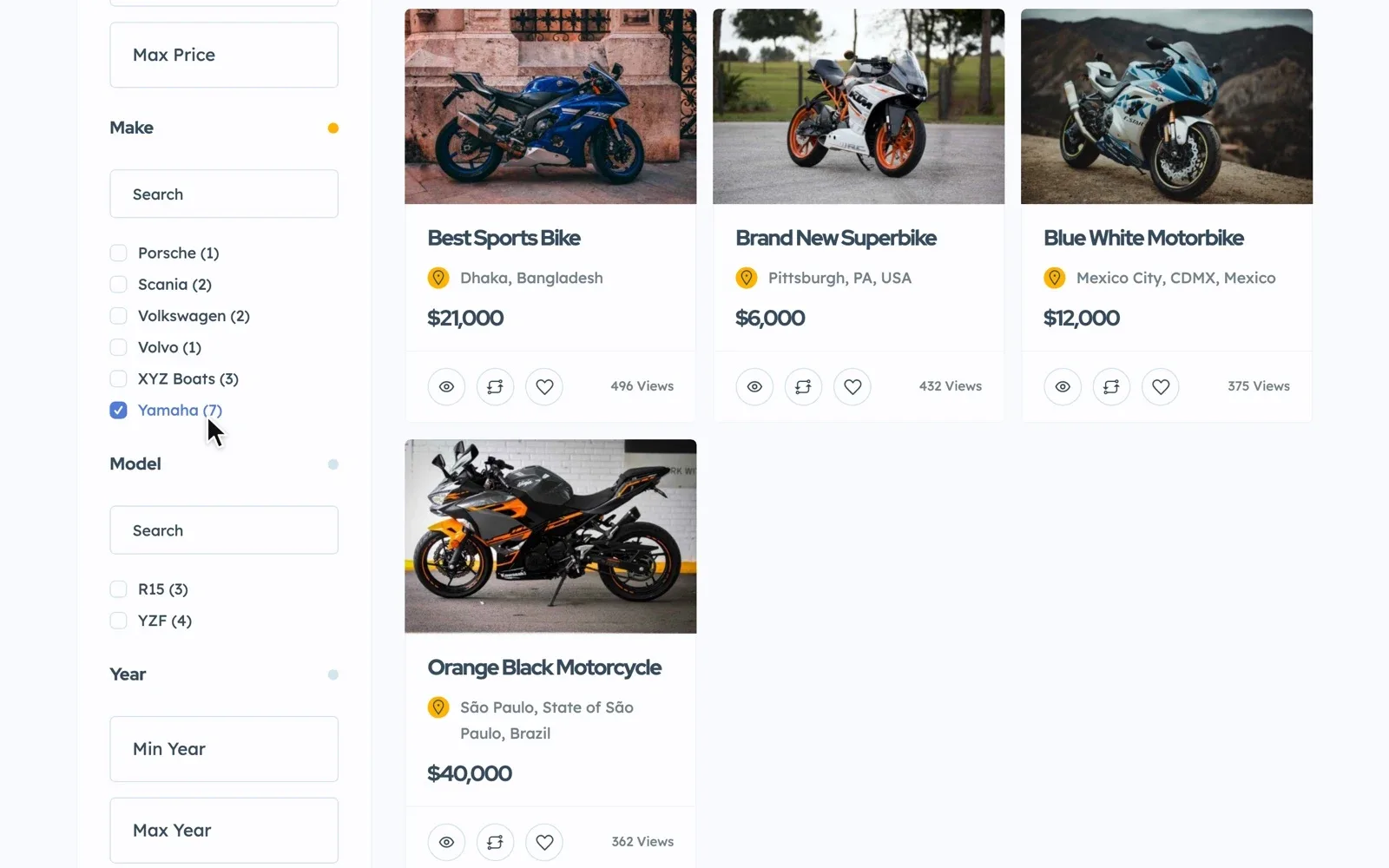
Listivo can build ad titles from fields, such as Make + Model + Year, and the web address follows. A user who posts a 2019 BMW X7 gets /ad/bmw-x7-2019/ without typing a title. The trade-off is that users cannot write their own titles.
Whatever builds the title, a good ad page carries the words buyers type. Ask for these in the form of each category.
- The exact name of the item, never "Great deal" or "Urgent"
- The details buyers filter by, such as size, year or area
- A few lines of text in the user's own words
- Several real photos of the item
- The town or district, so local searches find the ad
When an item is sold, set its Offer Type to Sold instead of deleting the ad. Its page can stay online, and a Related Ads block there sends visitors on to other ads.
Point your home page and blog at your categories
Your home page passes visitors, and Google, on to your categories. Name your town or region in its headings, and link the top categories with photo tiles or icons.
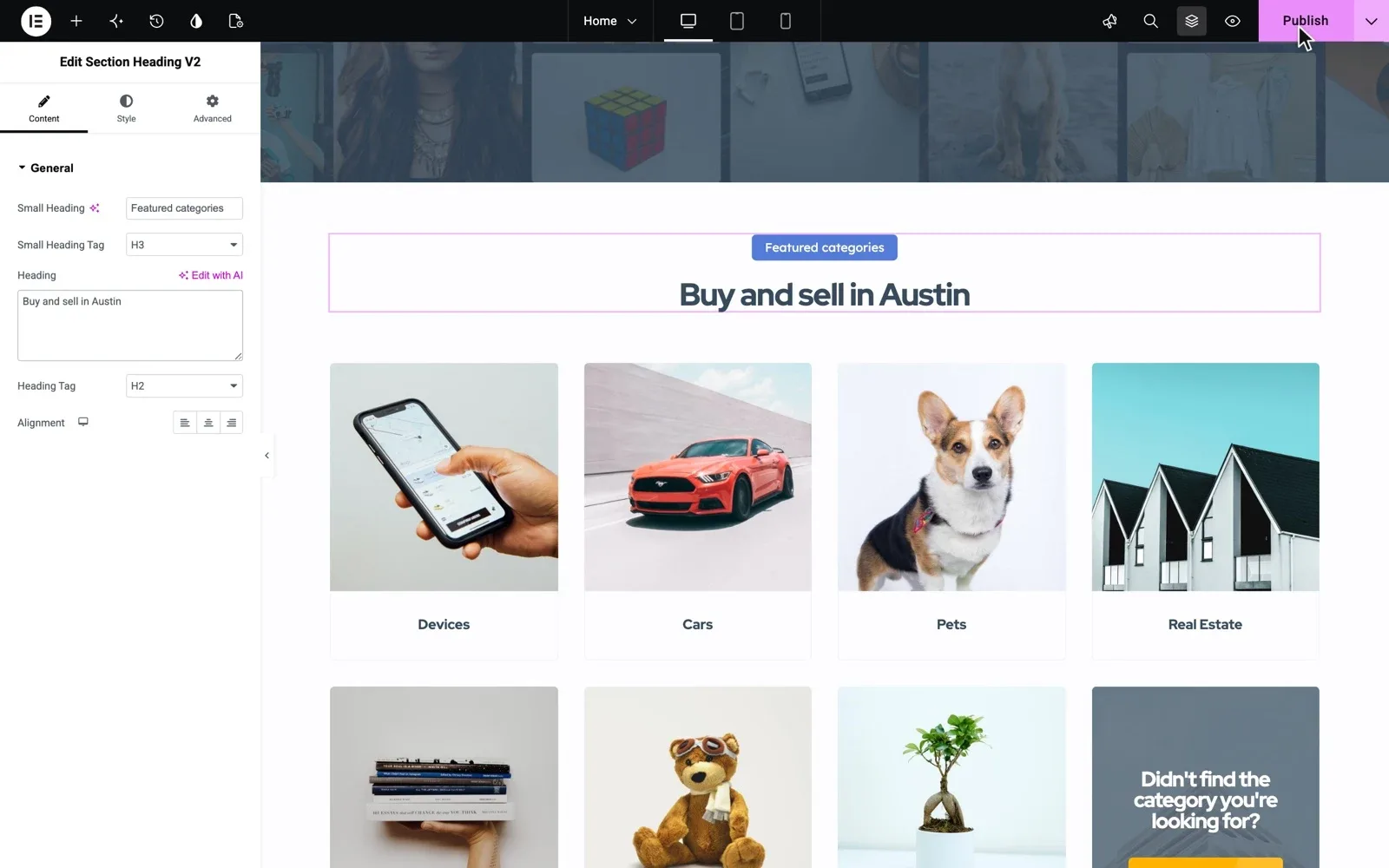
Listivo section headings have a Heading Tag setting, as the picture shows. Keep one H1 on each page, and use H2 and H3 for the sections below it.
Blog posts catch the questions people ask before a purchase. Link each post to its category, so readers and Google move on to the ads.
Five mistakes that keep classifieds pages off Google
- Opening hundreds of empty categories on the first day
- Pasting the same description on every category page
- Letting users post titles such as "For sale" with no item name
- Leaving "Discourage search engines from indexing this site" ticked after launch
- Running two SEO plugins at the same time
Speed counts too, since a slow page loses visitors. Listivo shows smaller copies of photos on cards and loads each image only when it comes into view, so pages full of photos stay light.
Rather spend your time on categories and ads?
Keep your time for category texts and ads. We run the site for you, and Premium Support helps you set up the fields and search pages from this guide.
Site Care
The team that made your MyHome, Listivo or Vehica site keeps it backed up, updated and fast, with Premium Support included.