Limiting Google Maps Autocomplete to Specific Countries on Your Website
Restrict Google Maps autocomplete to the countries you actually operate in, so address suggestions stop covering the whole world — and, on a single-country site, drop the country name from the address that gets saved.
2 minute read
If your website operates in only a few countries, you can configure Google Maps autocomplete to limit suggestions to a maximum of five countries. By default, autocomplete suggests locations from all countries.
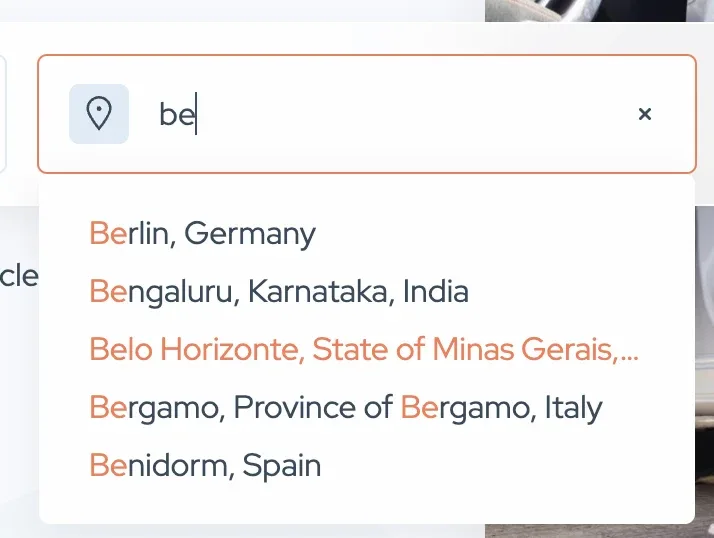
Limiting autocomplete to selected countries
-
1
Edit the Location field
Go to Listivo Panel > Custom Fields and edit the Location Field.

-
2
Select your countries
In Country Restrictions (Max 5), search for and select the country you want to focus on, such as the United States of America.
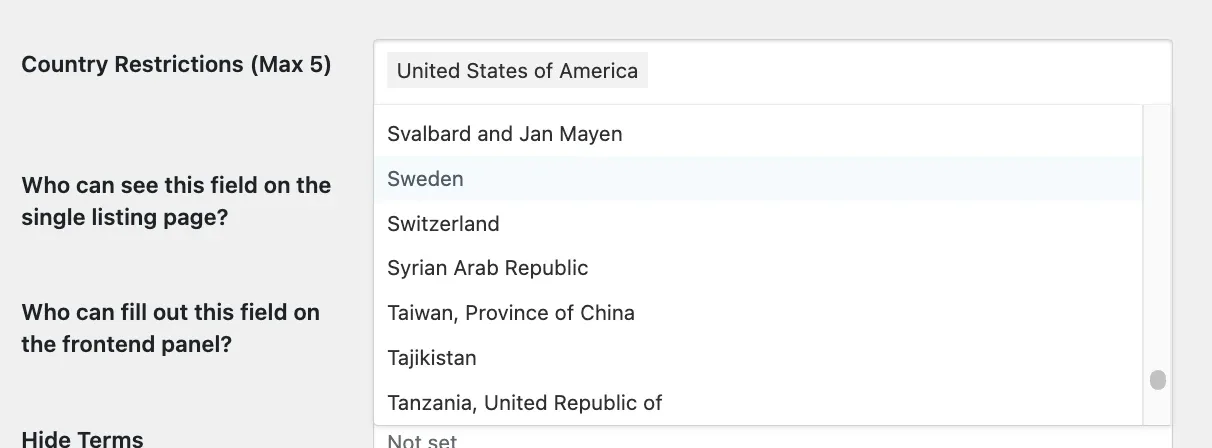
Now, autocomplete will only suggest results from the United States or any other countries you have selected.
Enhanced feature for single-country operations
For those operating within a single country, we have integrated a special feature that omits the country name from the text address. Once the location setting is configured to one country, the address will no longer show the country name (e.g., no 'USA' at the end) as long as it is added via the front-end panel. This option is not available in the backend.
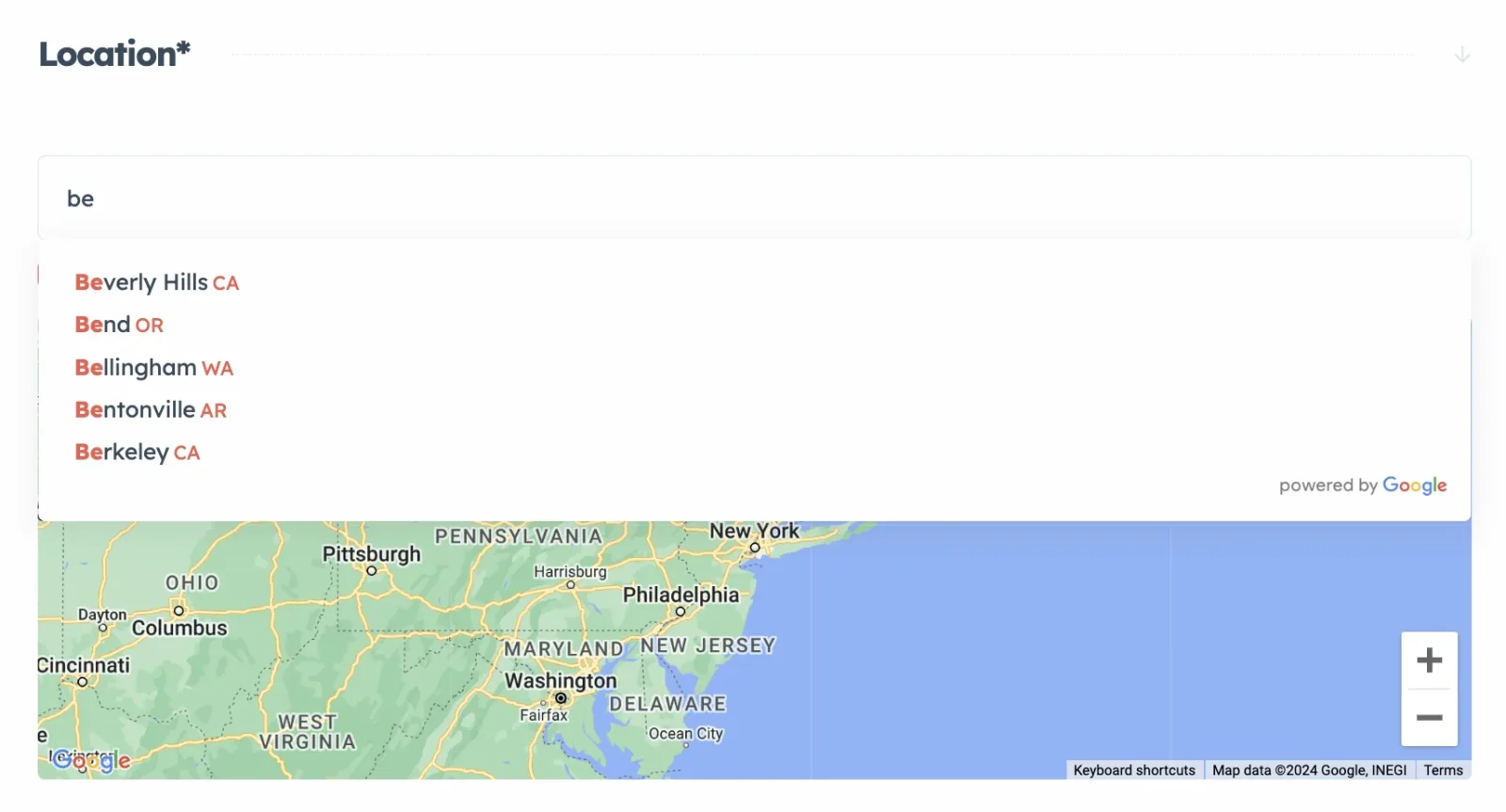
Test this feature by adding an advertisement via the front-end ad form. On cards and single listing pages, addresses will no longer display the country name at the end.

The format will change as follows:

Note on limitations
Ask the people who build Listivo
We answer by email from support@tangiblewp.com. With Premium Support, we also fix your site when something breaks.
We can also run your site for you, or build a new one.
Was this guide helpful?