How to create a classified ads website with WordPress
A classified ads website lets people post their own ads, and lets you earn from them. Here is what such a site needs and how to build one on WordPress.
In this guide
- A classified ads website needs search, a form for each category, ad pages, paid options and moderation
- Listivo is a WordPress theme with all of these built in, set up without code
- You start from one of 11 ready demos, for every kind of ad or just cars
- You earn from ad packages, featured days, bump ups or monthly plans
- You can try it on your own website for 7 days, with no card
A classified ads website is a place where people post their own ads. They sell a bike, rent out a room, or offer a job or a service. Visitors search by category and place, then contact the person who posted the ad.
You run the site and set the rules. You decide which categories exist, what each ad must say and what users pay for. OLX and Gumtree work this way, on a much bigger scale.
You can build all of this from zero with a developer, or start from a ready theme. A theme made for classified ads gives you search, user panels and payments on day one. You set up the rest in the WordPress admin.
What a classified ads website needs
Most classified ads websites need the same five things. Here is each one, and how Listivo handles it.
A search by keyword, category and price
Visitors type what they want and pick a word from the suggestions. Then they narrow the results by category and price, with no page reload.
A form for each category
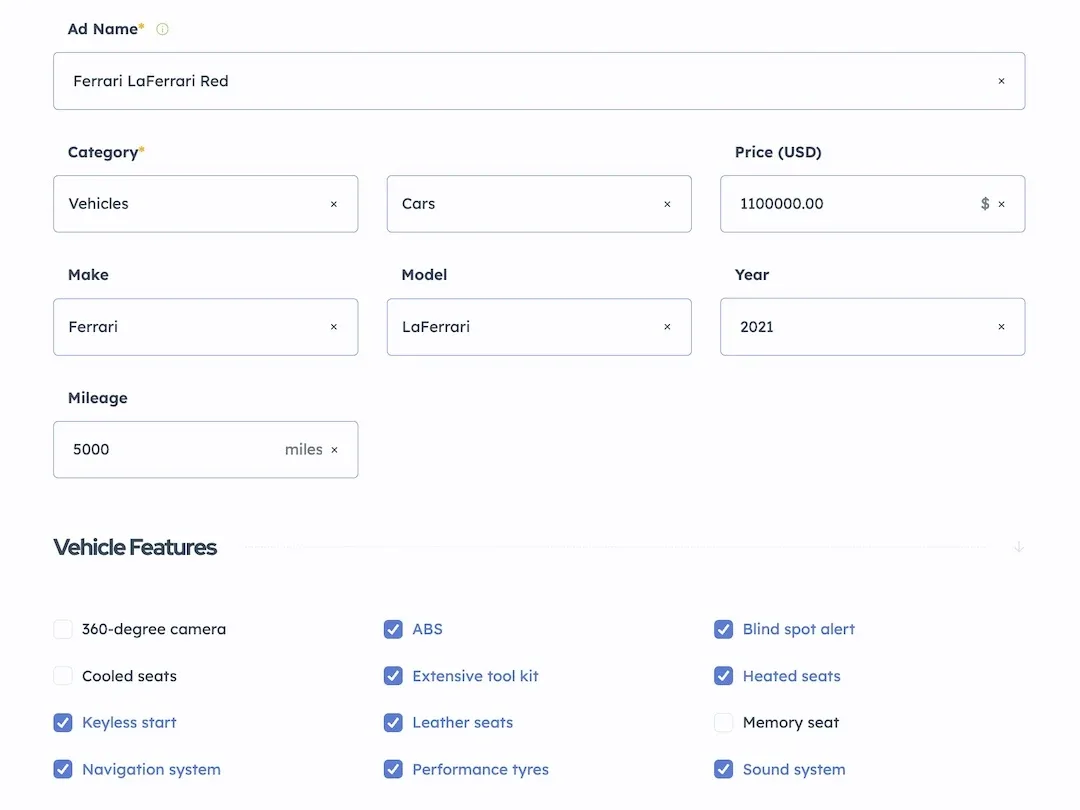
A car needs a make and a mileage, and a flat needs rooms and a size. In Listivo each category gets its own fields, and the form for a new ad shows only those. Every field you add can also become a filter in the search.
An ad page with photos and contact buttons
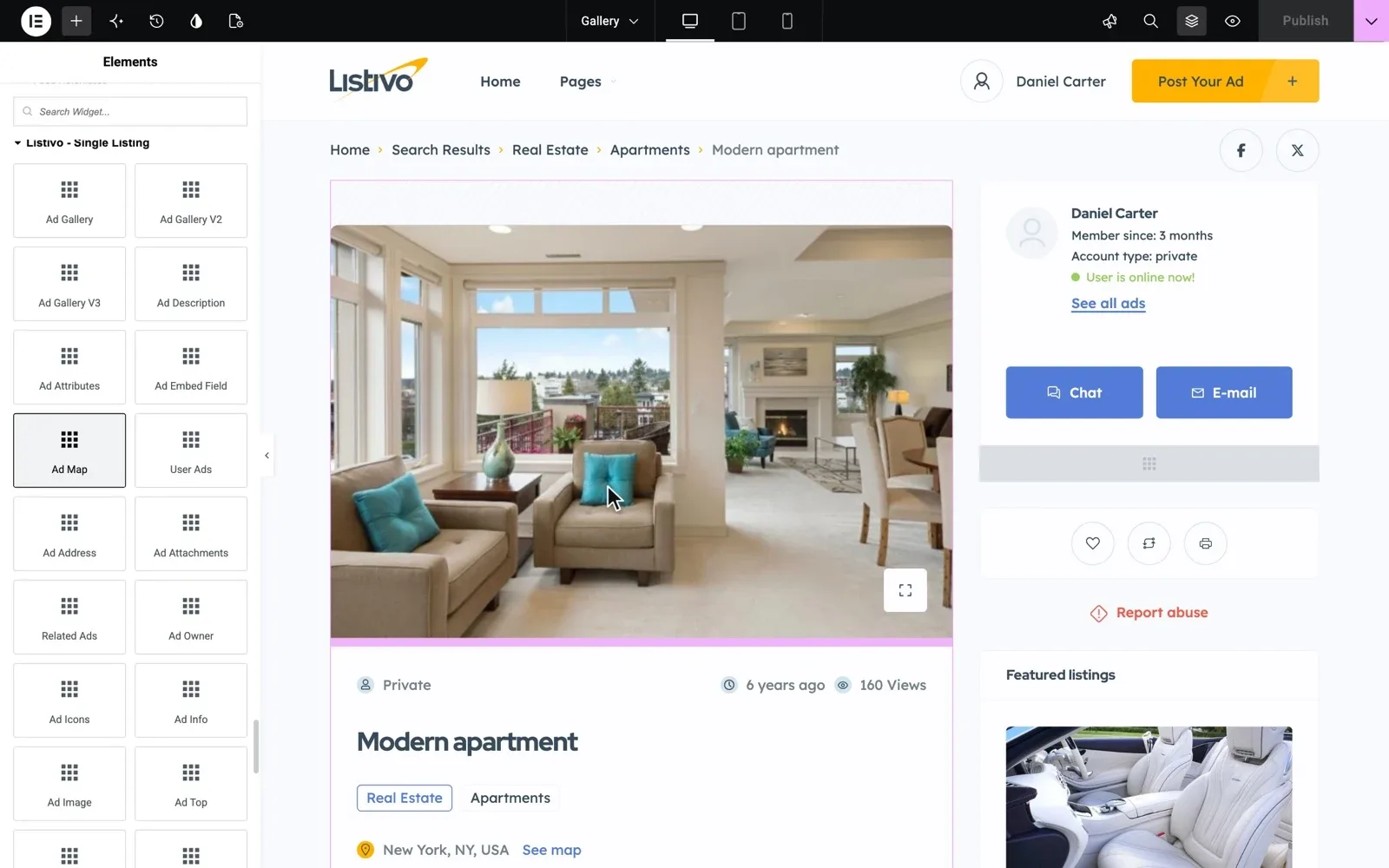
The ad page is where a visitor decides to get in touch. Listivo shows the photos next to a card of the user who posted the ad. Visitors can chat on your site, send an email, write on WhatsApp or Viber, or click to see the phone number.
Paid packages, bump ups and monthly plans
You can keep basic ads free and charge for more. In Listivo users pick a package with the ad length and featured days, then pay at checkout. You set the names and the prices, and you pick the WooCommerce payment plugin.
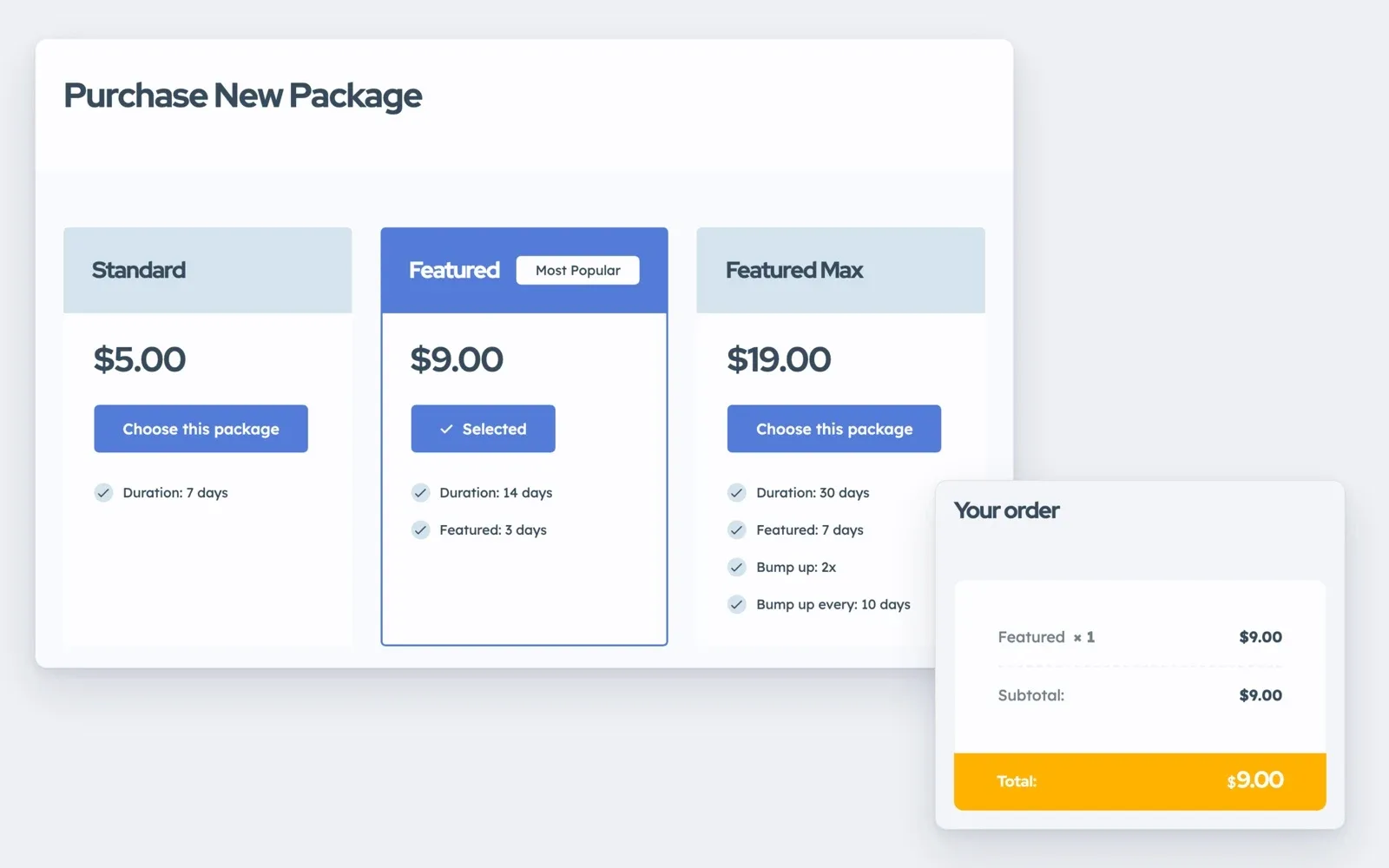
From their own panel, users can also buy bump ups that move a live ad back to the top. Shops that post a lot can pay a monthly plan that Stripe charges every month. Monetization system shows every option.
Moderation that keeps fake ads out
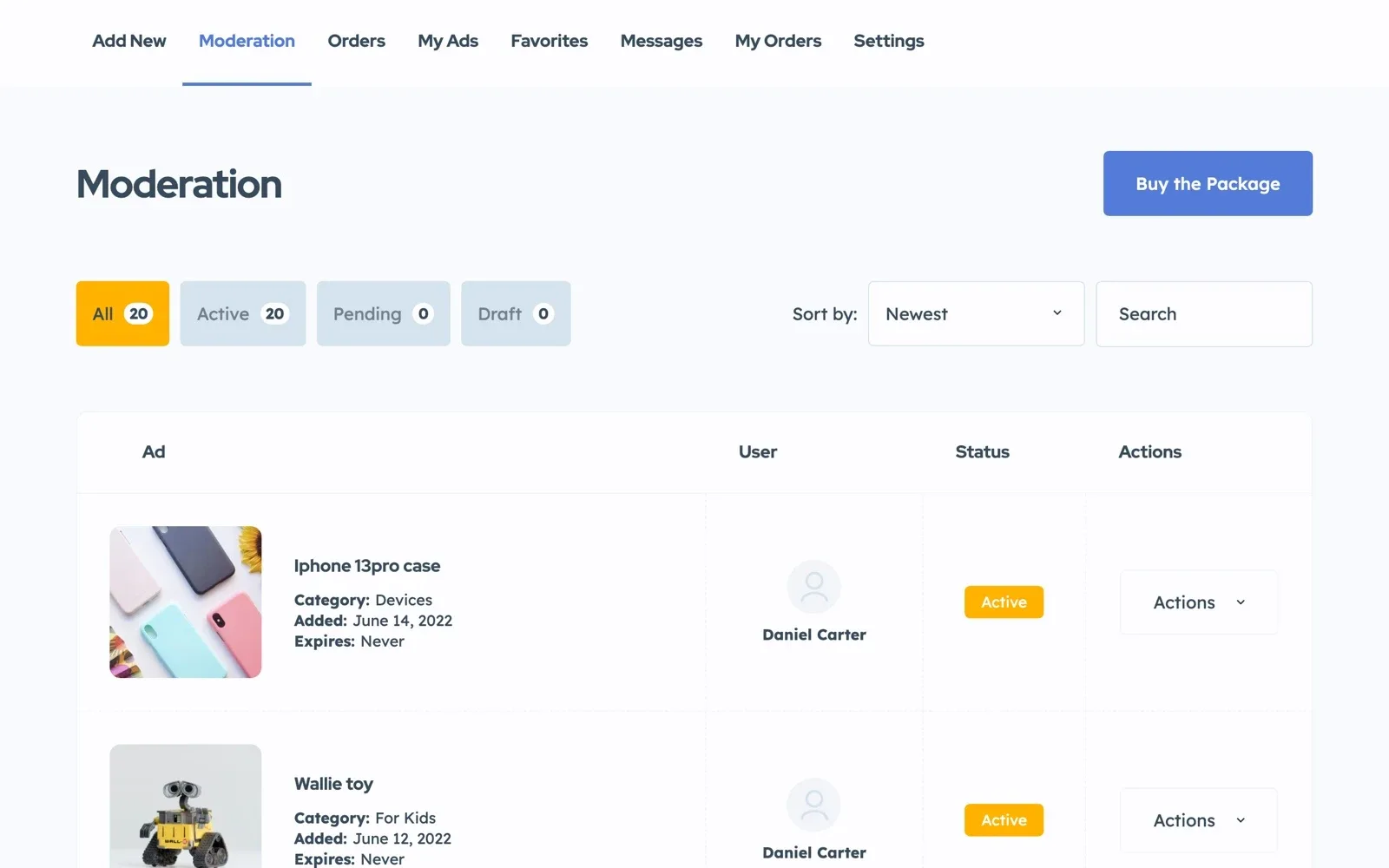
In Listivo new ads can wait in one queue, where you or your moderators approve, decline or edit them. Google reCAPTCHA stops bots at sign-up. SMS phone checks confirm real users and need a paid Twilio account.
Pick a demo for your kind of ads
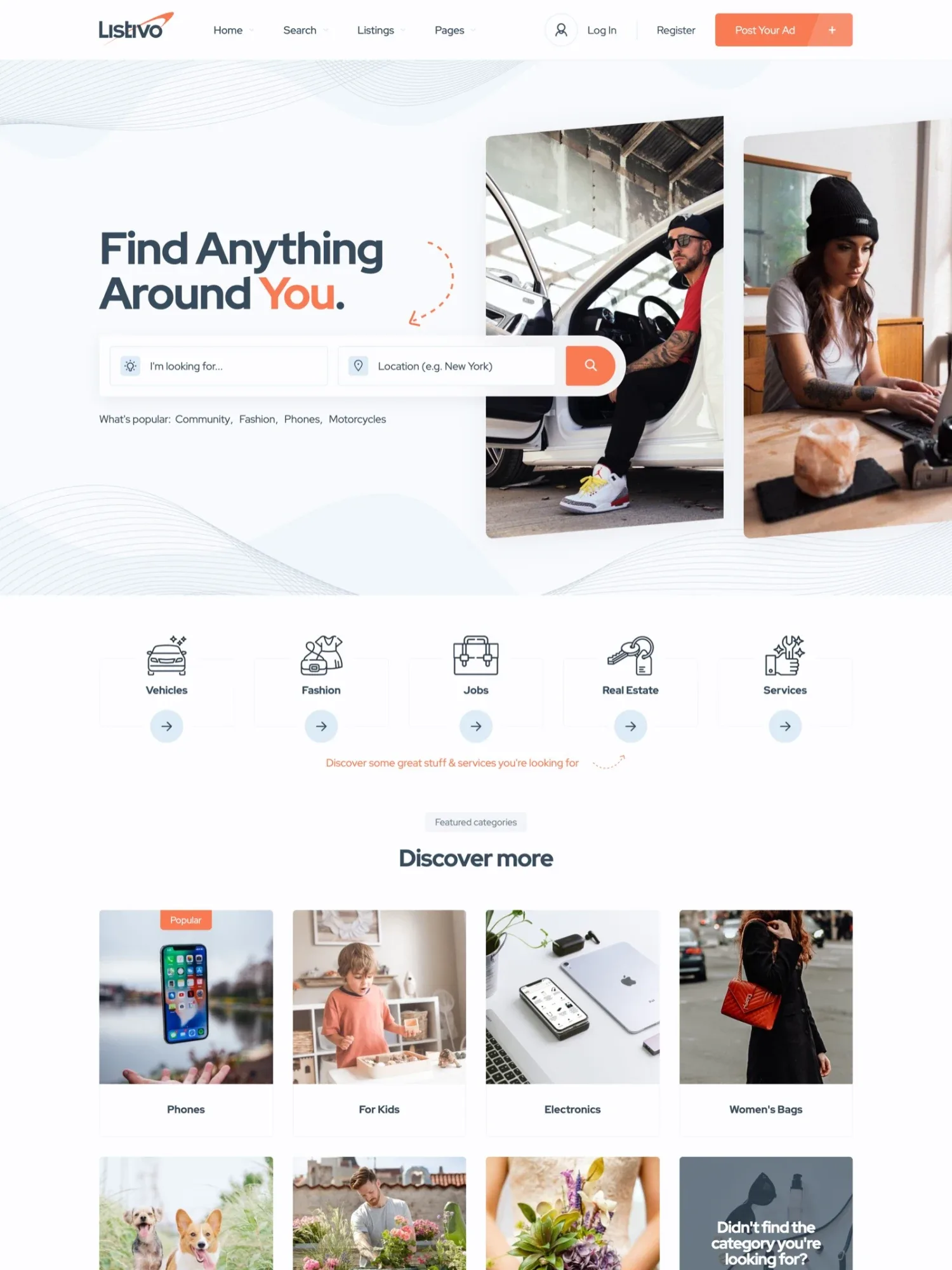
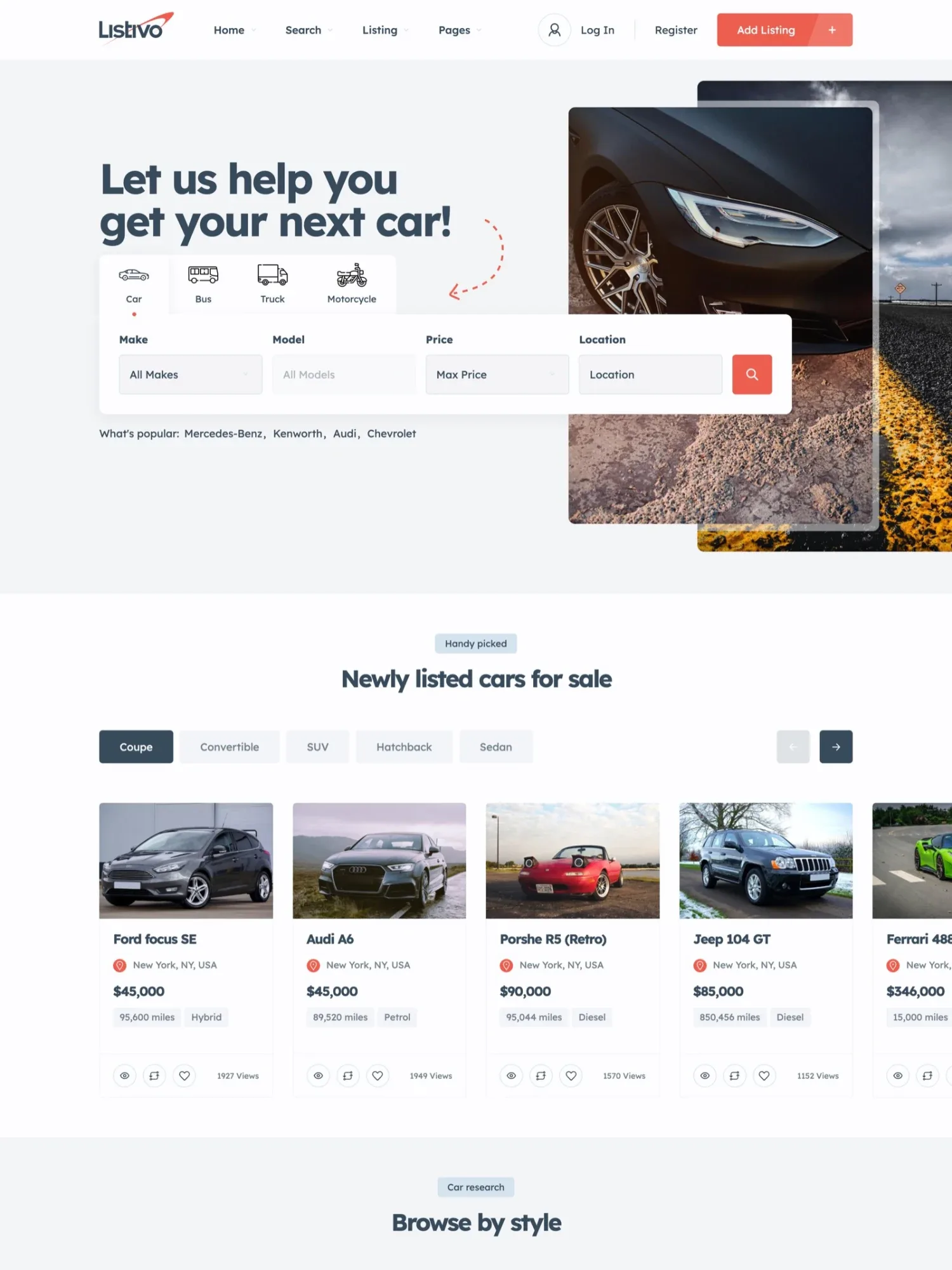
One theme runs a marketplace for everything or a site for one kind of ad, such as cars. Start from the demo closest to yours, because a demo import replaces what is on the site.
Two demos to start from
Import one in a click, then change any field, color or page.
How to create your classified ads website in five steps
- Start the free trial with the demo closest to your idea.
- Add your categories and give each one the fields it needs.
- Set your logo, colors and fonts, then change pages in Elementor.
- Choose what users pay for, from featured days to monthly plans.
- Turn on moderation, post a few test ads, then invite your first users.
Want each step in detail? For a site with many categories, read How to create a website like OLX. For a local site that shows ads near each visitor, read How to create a website like Gumtree.
It has all features you need to launch a listing website. Its use is very simple keyser69, Listivo customer
Try the five steps on your own website
Get your own Listivo website with the demo you pick and the full WordPress admin, ready in a minute.
Try Listivo free Free for 7 days. No card needed.More guides on classified ads websites
Each guide takes one part of the job further, from the first ads to the money they bring.
- How to get the first ads on a new classifieds website
- How to make money with a classified ads website
- Featured ads vs bump up: what to sell on your classifieds site
- Classified ads categories list you can copy
- How to stop spam and fake ads on a classifieds website
- SEO for a classifieds website: category pages that rank
- How to create a website like Craigslist
- How to create an Arabic classifieds website (right to left)
- Classifieds, marketplace or directory: which website do you need?
- How to choose a classified ads WordPress theme: a checklist