Changing Theme URLs (Slugs)
The URL parts that Listivo generates itself — listing, listings, pagination, the sorting options — are all editable in one place. This article shows you where.
1 minute read
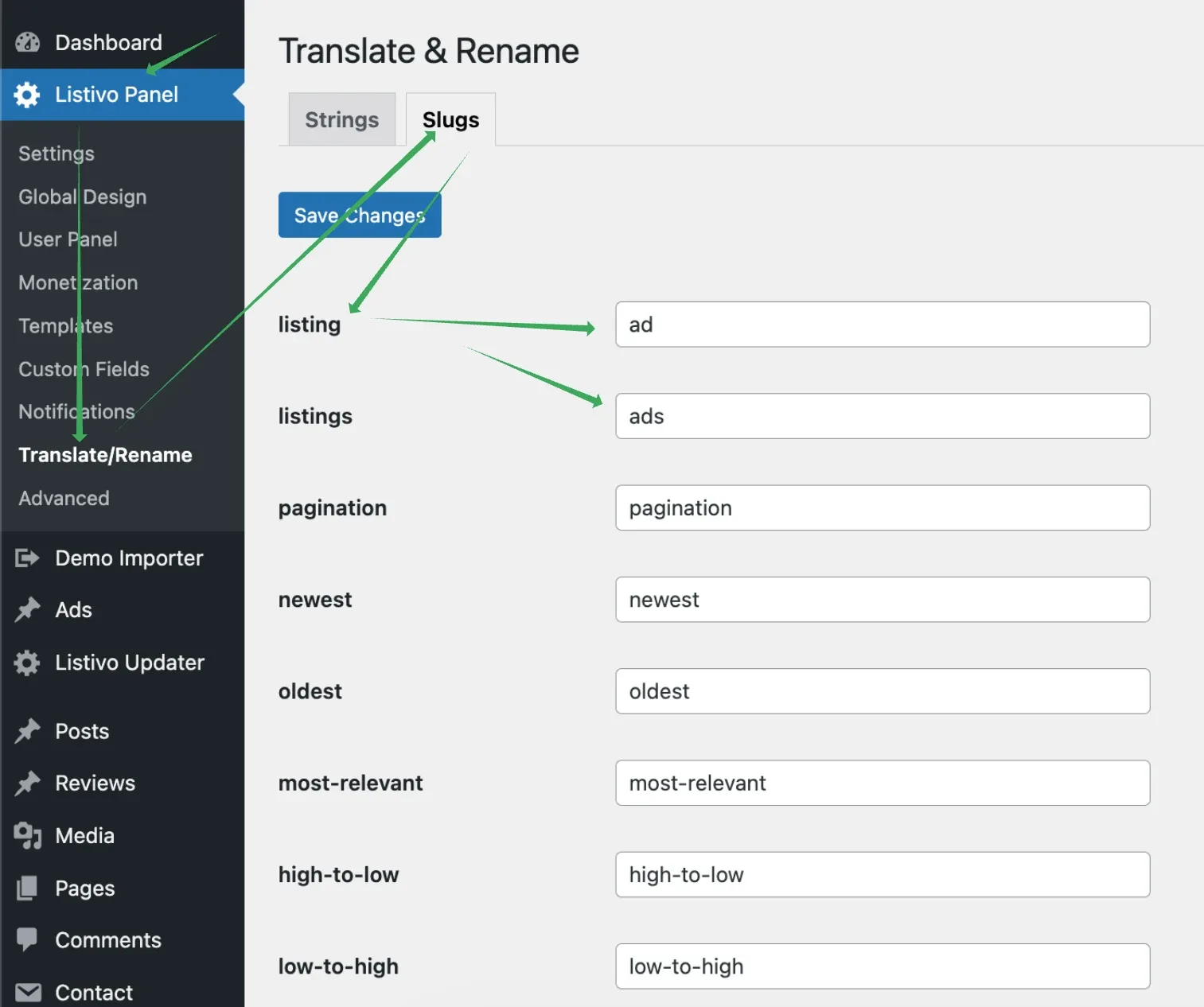
You can change URLs related to theme functions in the Listivo Panel by navigating to Translate/Rename and selecting Slugs. Type your new text and save the changes.
Ask the people who build Listivo
We answer by email from support@tangiblewp.com. With Premium Support, we also fix your site when something breaks.
We can also run your site for you, or build a new one.
Was this guide helpful?