Changing Search Form H1 (Classified Ads, Real Estate, etc.)
The heading above your search results — "Classified Ads" on the default demo — comes from a single field in the Listivo Panel. This article shows you where that field is.
1 minute read
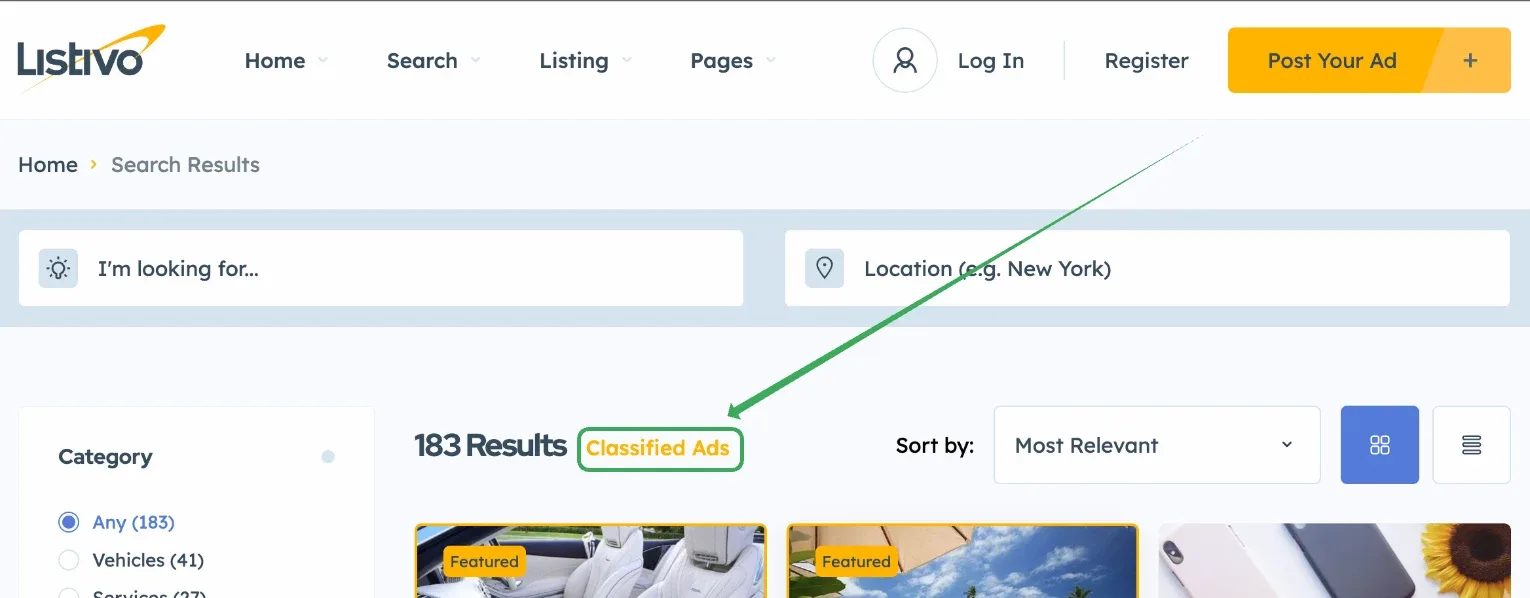
This is the default search form H1 on the page https://demo7.listivotheme.com/ads/:
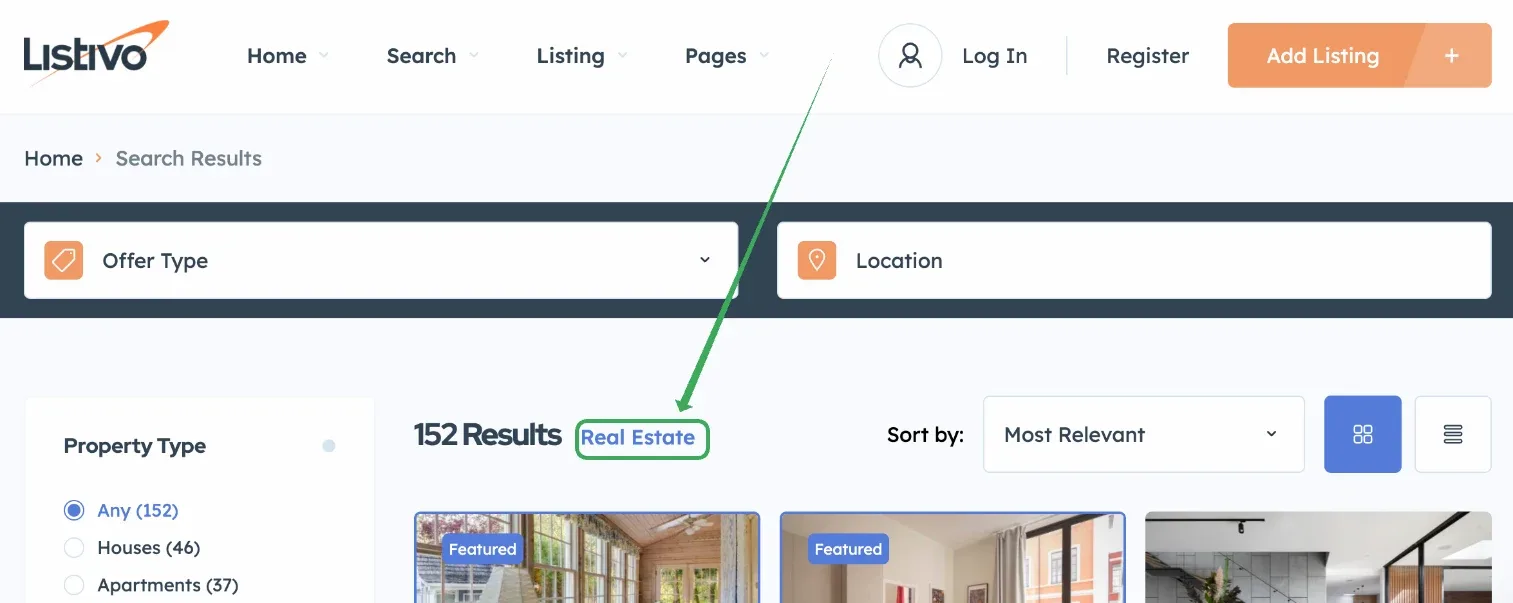
or on any other demo, like https://demo4.listivotheme.com/listings/:
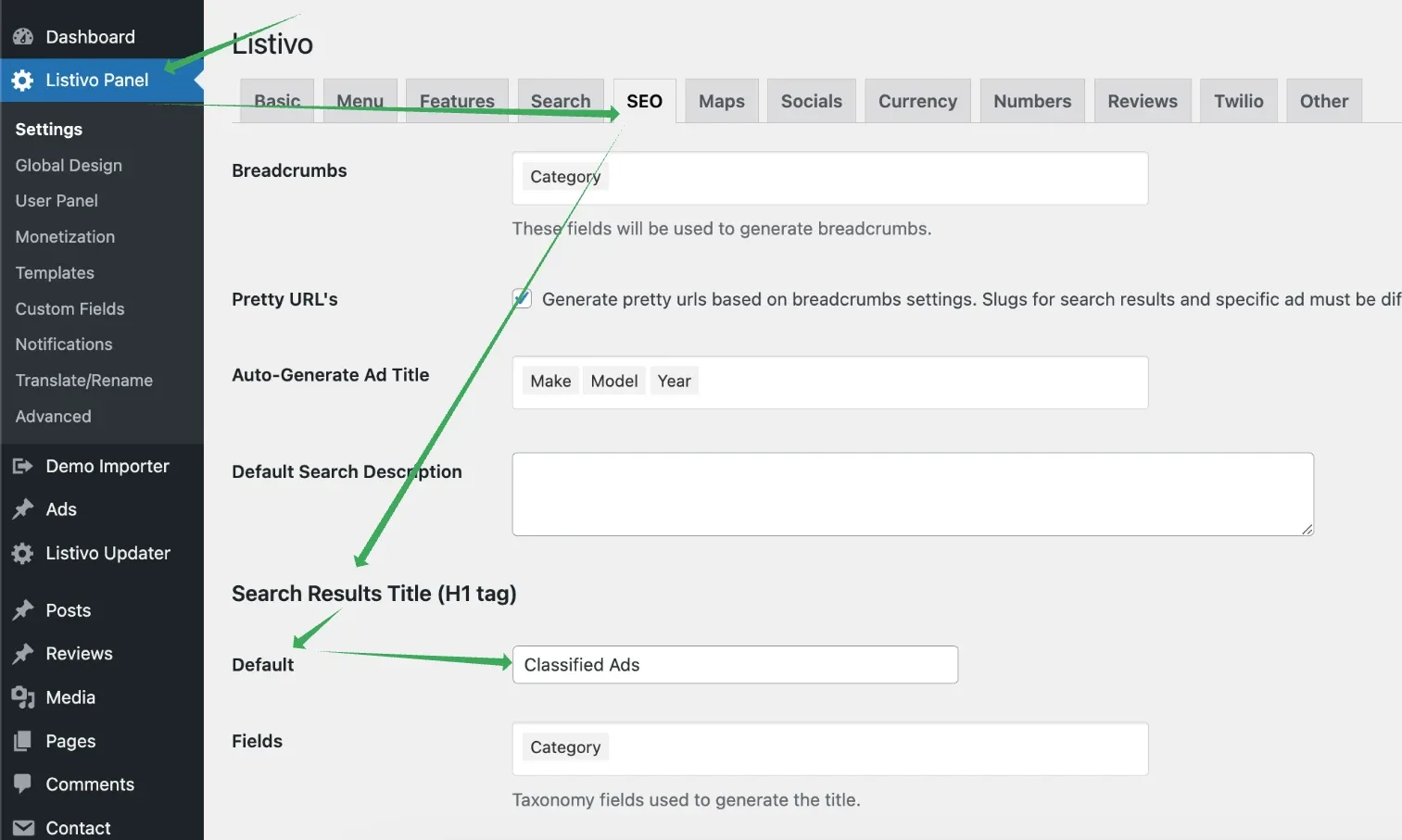
Go to Listivo Panel and navigate to SEO. Type the new Search Results Title (H1 tag) - Default.
For more details on why it is placed in this tab and how to get the most from it (e.g., dynamically change this H1 based on your categories), visit How to Optimize Search Results Page for SEO: H1 Tags, Descriptions, and Meta Details.
Ask the people who build Listivo
We answer by email from support@tangiblewp.com. With Premium Support, we also fix your site when something breaks.
We can also run your site for you, or build a new one.
Was this guide helpful?