How to Auto-Generate Ad Titles
Have Listivo build every ad title from fields you pick — Make, Model, Year and so on — so listings and their URLs follow one consistent structure instead of whatever the seller types.
1 minute read
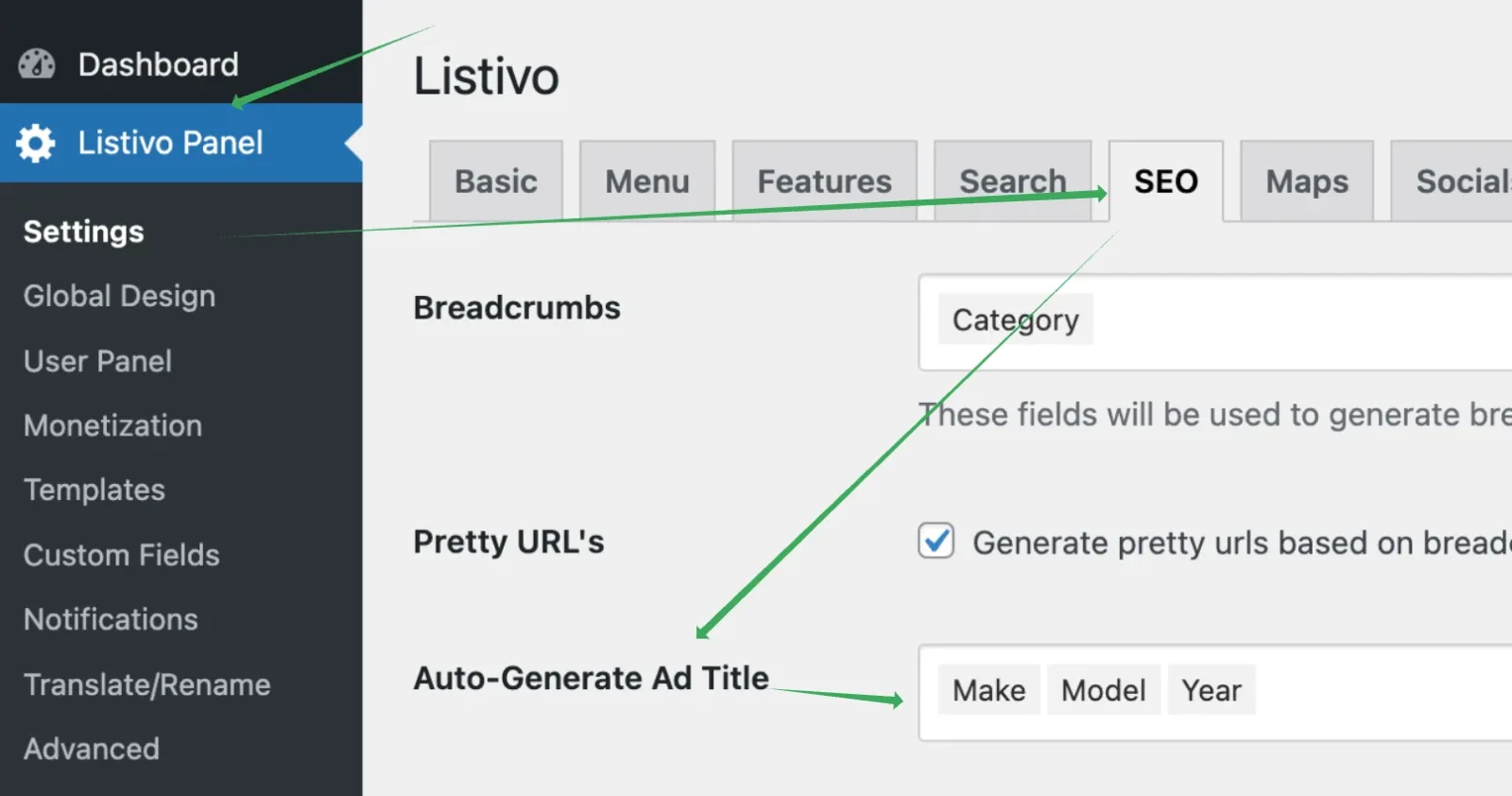
The Auto-Generate Ad Title feature lets you choose fields that will automatically create your ad titles. This helps you display data in a structured way. For example, you can set titles to be made from Make + Model + Year. The same title is also used for the ad slug, so if a client adds a BMW X7 2019, the generated slug is /ad/bmw-x7-2019/.
Choosing the fields
To choose the fields used for the automatically generated title, go to Listivo Panel > SEO > Auto-Generate Ad Titles.
What changes on the front end
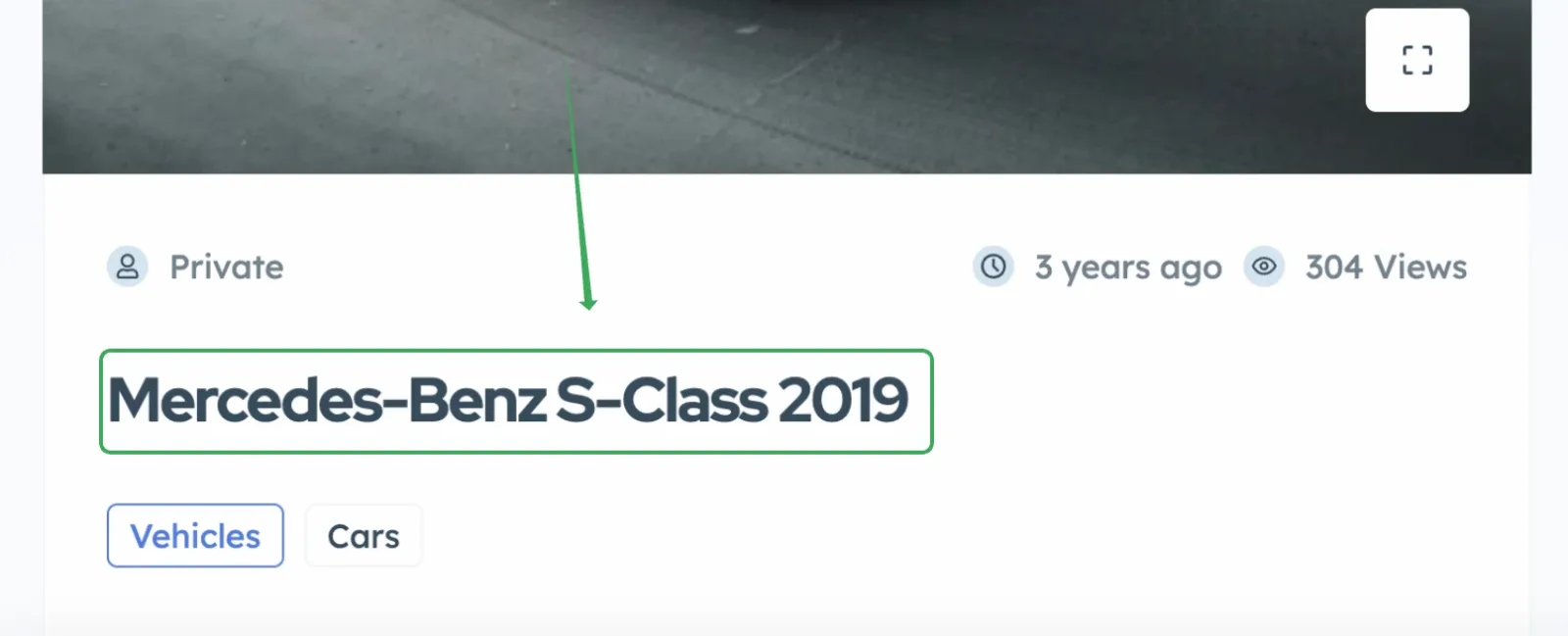
When enabled, each ad page and ad card will display titles like this:
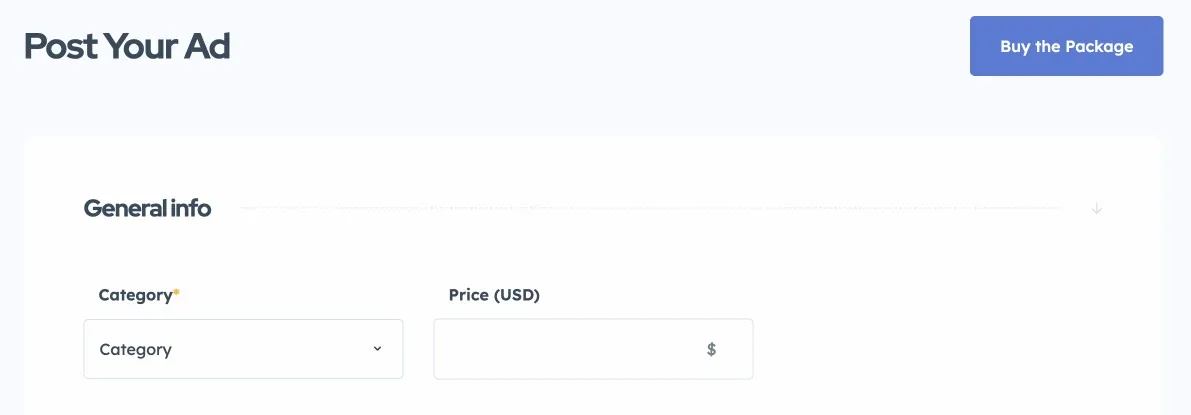
Your users will no longer be able to type ad names in their front-end panel. The Ad Name field disappears and only the other fields remain, as shown below.
Ask the people who build Listivo
We answer by email from support@tangiblewp.com. With Premium Support, we also fix your site when something breaks.
We can also run your site for you, or build a new one.
Was this guide helpful?