WordPress maintenance checklist for a listing website
Daily, weekly, monthly and yearly tasks for a site where users post ads, open accounts and send messages. Tick them off, and see which ones we can do for you.
In this guide
- Back up every night, because users add new ads between backups
- Update WordPress, then the theme, then the other plugins, with a backup first
- Approve new ads daily, and clear spam accounts and fake ads every week
- Test forms and emails every month, the way a new user would
- On Site Care, we do the backups and updates for you
A WordPress maintenance checklist for a listing website has one extra rule. Users add ads, accounts and messages every day, so every task must protect data that is only hours old.
Is your site not live yet? Start with the launch checklist for a listing website, then come back here.
Starting a listing site? Pick a theme with less to update
Fewer plugins mean fewer updates and fewer things that can break.
An agency that shows its own listings, with only 3 plugins needed
Classifieds and directories, with only 3 plugins needed
Car dealers and car marketplaces, with only 4 plugins needed
The WordPress maintenance checklist, from daily to yearly
Use it as your WordPress maintenance schedule, and tick each task as you go. Most linked guides are from the Listivo Help Center, and the backup and email steps fit any WordPress site.
Website maintenance checklist for a listing site
30 tasks
Every day
-
A listing site changes every hour. Set the schedule to daily, not weekly.
How to create Backup? -
Listivo and Vehica can hold each new ad until you approve it. On Listivo, you can add a reason when you decline.
Moderation: How it Works and How to Enable or Disable It -
Two minutes tell you the site is up and the search works. Many users arrive on a phone, so check it there first.
Every week
-
A backup kept only on the same server is lost with the server. Open your remote storage and find this week's files.
-
Look for odd names, copied photos and the same text in many ads.
How to stop spam and fake ads on a classifieds website -
Take a backup first. Bigger version updates can wait for your monthly slot.
Every month
-
It lists what each new version fixes and adds, so you know which pages to test after it.
Changelog -
Take a fresh backup first, and check the site after each step.
How to update a WordPress theme without losing your changes -
An update replaces the theme's files, so edits made there are lost.
Utilizing a child theme: modifying PHP, CSS, JS files while maintaining future update compatibility -
If you skip it, old and new files can mix.
Updating Listivo: what to expect and how to do it -
Delete the test ad and the test account when you are done.
-
On Listivo and Vehica, users pay for packages at checkout. A checkout that fails costs you money quietly.
-
WordPress mail often lands in spam. An SMTP plugin is the usual fix.
How to prevent emails go to SPAM folder? How to use SMTP? -
On Listivo, ad expiry and email alerts run on WP-Cron. Ask your server company for a real cron job, so they run on time.
WP-Cron system -
Heavy photos and too many plugins are common reasons a listing site slows down.
Why is my WordPress site slow? Fixes for listing websites -
Each plugin is one more thing to update, and one more thing that can break.
Every three months
-
A backup you have never restored is only a hope.
How to back up a listing website without losing new ads -
On Listivo, the Clear Files button does it in one click.
Listivo Panel Advanced Tools -
Phone photos are large and fill the server. Listivo lets you cap how many photos an ad has and how big each file can be.
Customizing File Limits and Sizes for Gallery and Attachments Modules -
Old test content shows up in search and confuses real users.
-
Empty categories make a site look abandoned. Merge them into a bigger one until users fill them.
Classified ads categories list you can copy -
It shows the pages Google cannot open, and the searches that bring users in.
SEO for a classifieds website: category pages that rank -
reCAPTCHA v3 stops bots without a puzzle for people.
Google Recaptcha in the Listivo Theme
Every year
-
An expired domain takes the whole site offline, and someone else can buy it.
-
Without it, browsers warn visitors that your site is not secure.
-
A license bought from us includes 12 months. You can add 12 more months at any time, as one payment.
When your support period ends -
Maps need a Google key with billing. SMS on Listivo needs a paid Twilio account.
-
PHP versions change. Ask your server company if a setting is too low.
Server requirements / php.ini / cPanel -
What you need depends on the rules of your country.
Cookie Notice for GDPR & CCPA -
Every admin login is one more way into your site. Give each helper their own account, never yours.
The WordPress maintenance tasks that need a closer look
Most tasks take minutes. These five decide whether a bad day costs you an hour or a week of ads.
Back up every night, and keep a copy off the server
On a listing site, a weekly backup is not enough. A user who posted on Tuesday loses the ad if you restore Monday's backup. Set it to run every night, and send each backup to storage such as Dropbox or Google Drive.
Our guide on how to back up a listing website without losing new ads shows a full plan, with a test restore.
Update in a fixed order, then test
Monthly website maintenance is mostly updates. Take a fresh backup, then update WordPress first, the theme next and the other plugins last, one at a time. If something breaks, you know which step did it.
After the last update, clear the cache and test these pages with a test account.
- Search, where the results show and the filters still narrow them
- An ad page, where the photos, the map and the contact buttons work
- The posting form, where a test ad saves with its photos
- Sign-up and login, where the confirmation email arrives
- The contact form, where the message reaches your inbox
If a page breaks, stop and update nothing else. Then follow our plan for the first hour after an update breaks your site.
Start a listing site we can look after for you
Your own MyHome, Listivo or Vehica website, ready in a minute. Keep it on Site Care, and we take a backup before every update and check the site after.
Try a theme free Free for 7 days. No card needed.Clear spam accounts and fake ads every week
Spam grows quietly. Bots open accounts, and a few fake ads can make honest users leave. A short weekly round keeps it small.
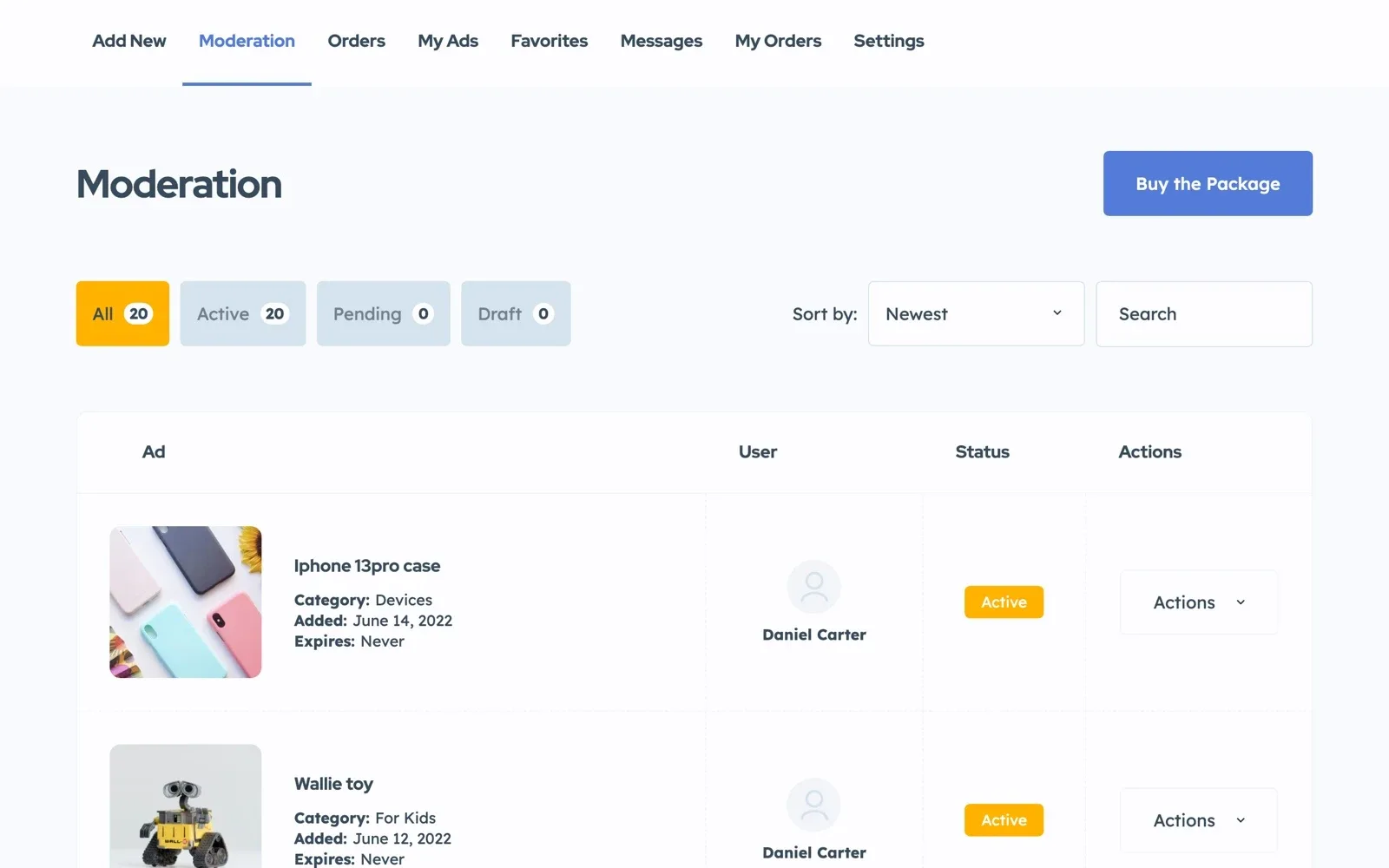
Our guide on how to stop spam and fake ads on a classifieds website shows the signs to look for and the settings that help.
Test the forms and emails as a new user would
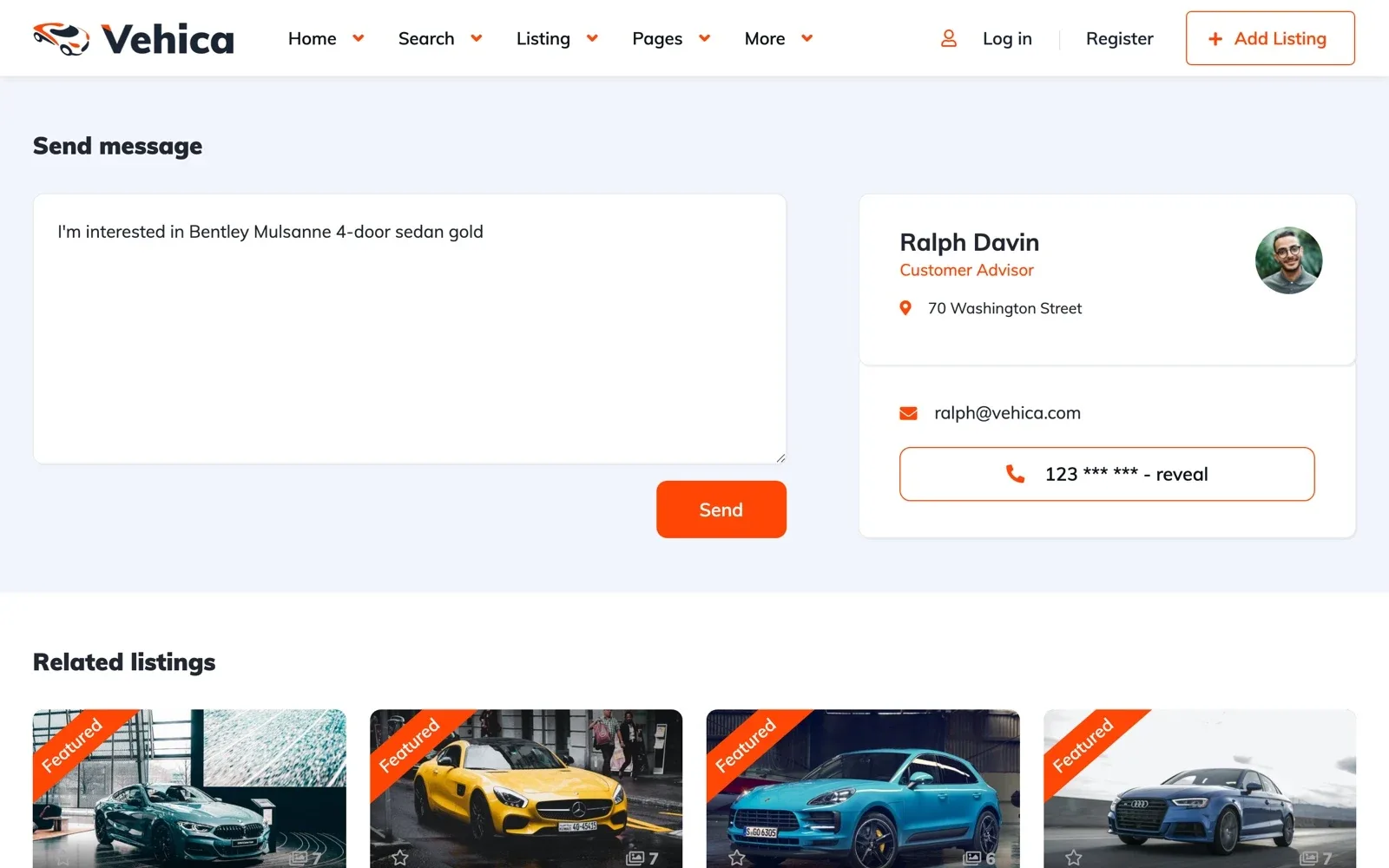
Sign-up confirmations, message alerts and contact forms all arrive by email. When they land in spam, users think your site is broken.
By default, WordPress sends mail straight from the server, and spam filters often stop it. An SMTP plugin sends it through a real mail account instead.
Renew what expires, once a year
Some things stop on a date, with no warning on the site. Put each renewal date in your calendar, a month ahead.
When support ends, your site and its updates keep working. Bought on ThemeForest? Read what to do when your ThemeForest support has expired, and compare buying on ThemeForest or from the theme's authors for your next site.
Which maintenance tasks you can hand over
On your own server, every task on the list is yours. Site Care, our monthly plan for MyHome, Listivo and Vehica sites, does the backups and updates for you.
| Task | On Site Care | On your own server |
|---|---|---|
| Daily backups | We do them | You set up a backup plugin |
| Theme and WordPress updates | We do them, with a backup first and a check after | You, with a backup first |
| Updates of plugins you add yourself | You | You |
| Approving ads and removing spam | You | You |
| A fast site that stays online | We do it | You and your server company |
| Help when something breaks | Premium Support, included | Premium Support, while it is active |
| Your domain name | You | You |
If a developer writes custom code for your site, keep your own server, because Site Care does not allow editing theme files.
Rather have us run the routine?
Already run MyHome, Listivo or Vehica? We move your site to Site Care for you, and it stays online while we work.
Site Care
The team that made your MyHome, Listivo or Vehica site keeps it backed up, updated and fast, with Premium Support included.