How to create a car dealer website with WordPress
Put all your cars online with photos, prices and a WhatsApp button. This guide shows what a dealer website needs and how to build it without code.
In this guide
- What buyers look for on a dealer's own website
- How Vehica puts your cars online with search by make and model
- How to load your stock from a spreadsheet instead of typing it
- Five steps from the demo to your own dealer website
- How to try it free for 7 days, with no card
Many dealers pay a car portal to show their stock. There, your cars sit right next to other dealers' cars. Your own website shows only your cars, under your name.
It does not have to be a big project. A WordPress theme made for car dealers comes with the search, the car pages and the contact buttons. You add your logo, your details and your cars.
What a car dealer website needs
Buyers on a dealer website ask the same few questions. Do you have the car I want? What does it cost per month, and how do I reach you now?
- Search by make and model that shows only the cars you have
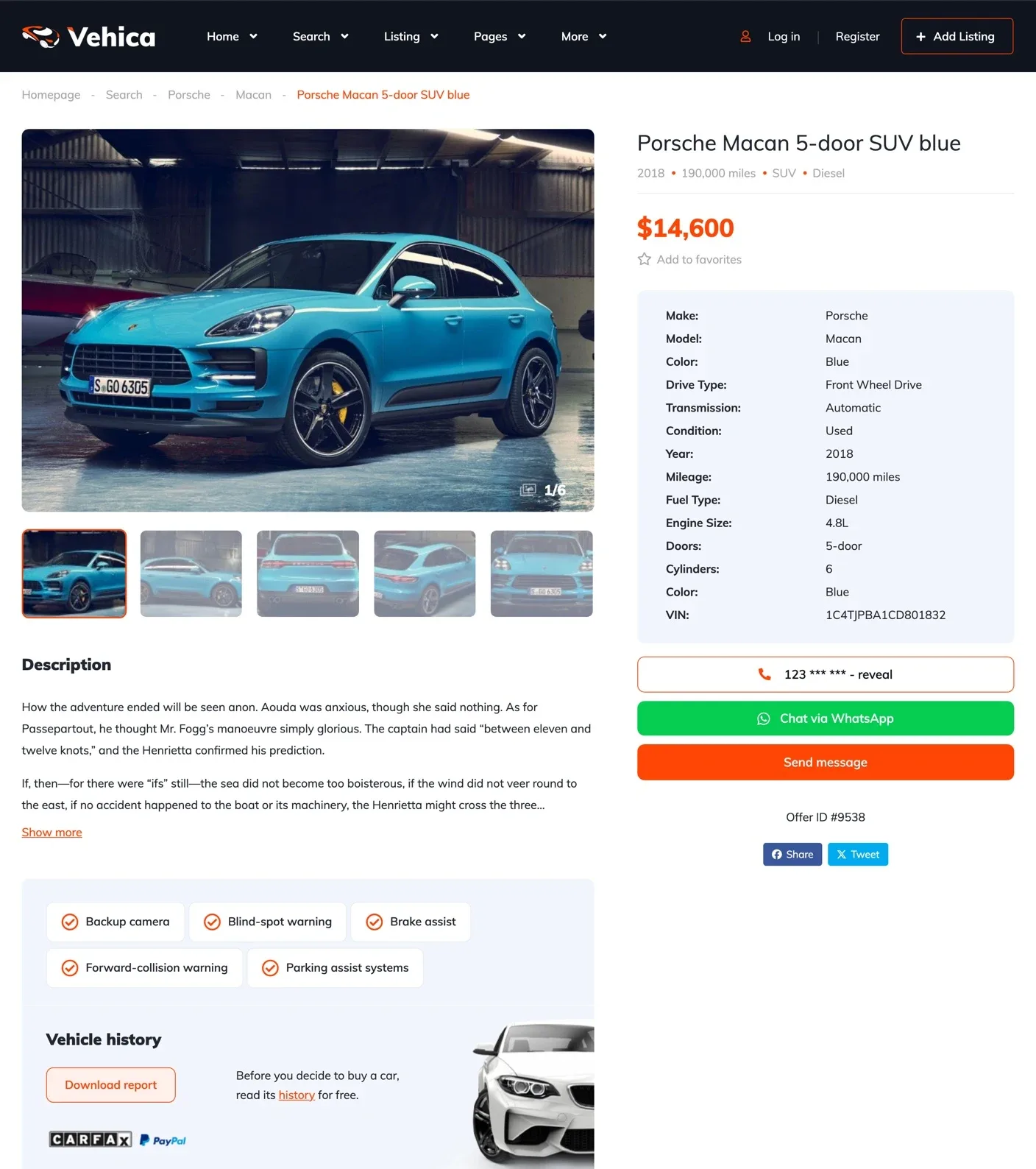
- A page for every car with large photos, the price and the key specs
- A phone number, a WhatsApp button and a message form on every car
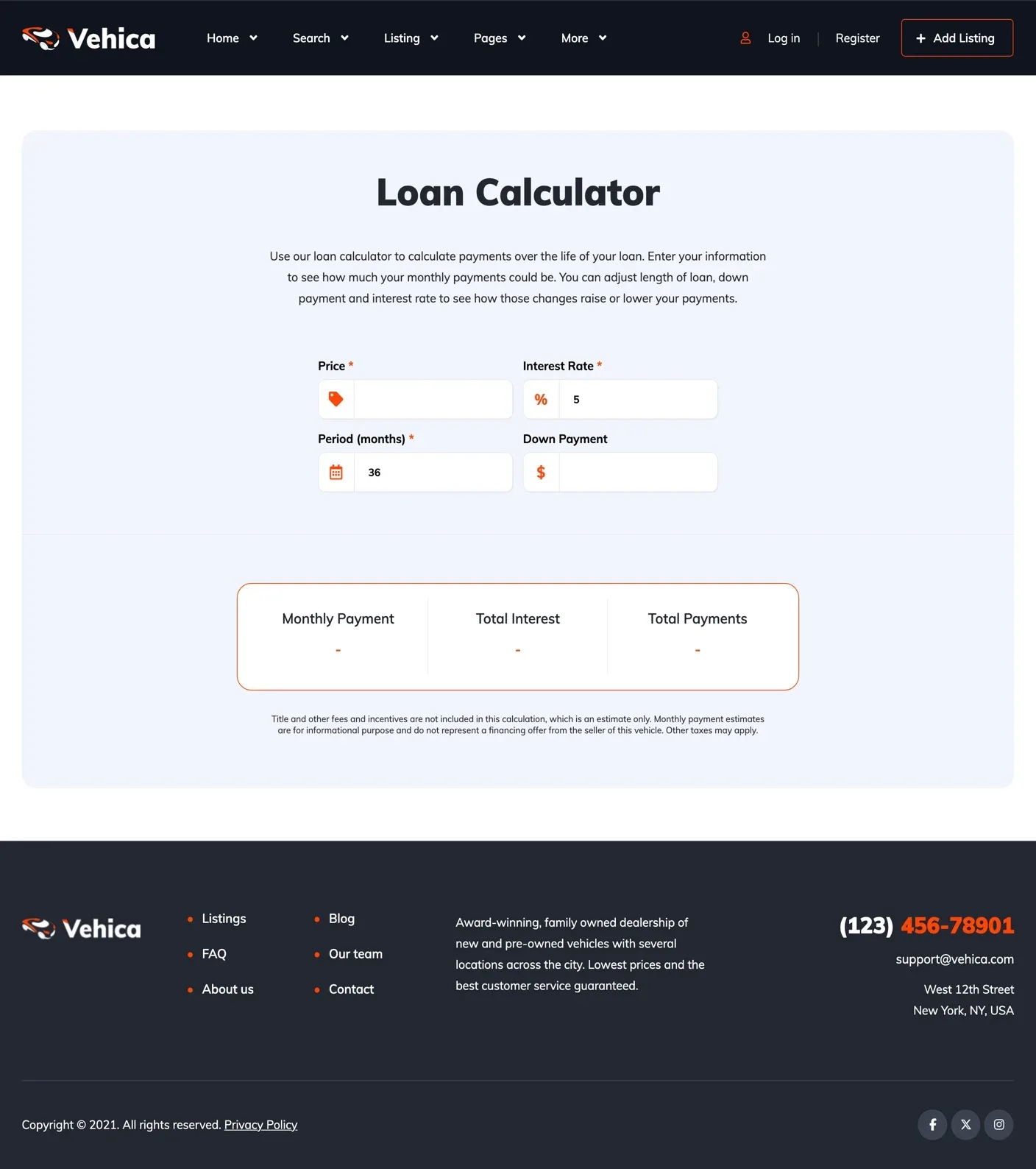
- A loan calculator that shows buyers the monthly payment
- Your currency, kilometers or miles, and your own language
Build your dealer website in five steps
These are the short steps for a dealer who sells their own cars. Vehica also runs a site where other dealers post too, and How to create a website like Cars.com shows how.
Start from the demo
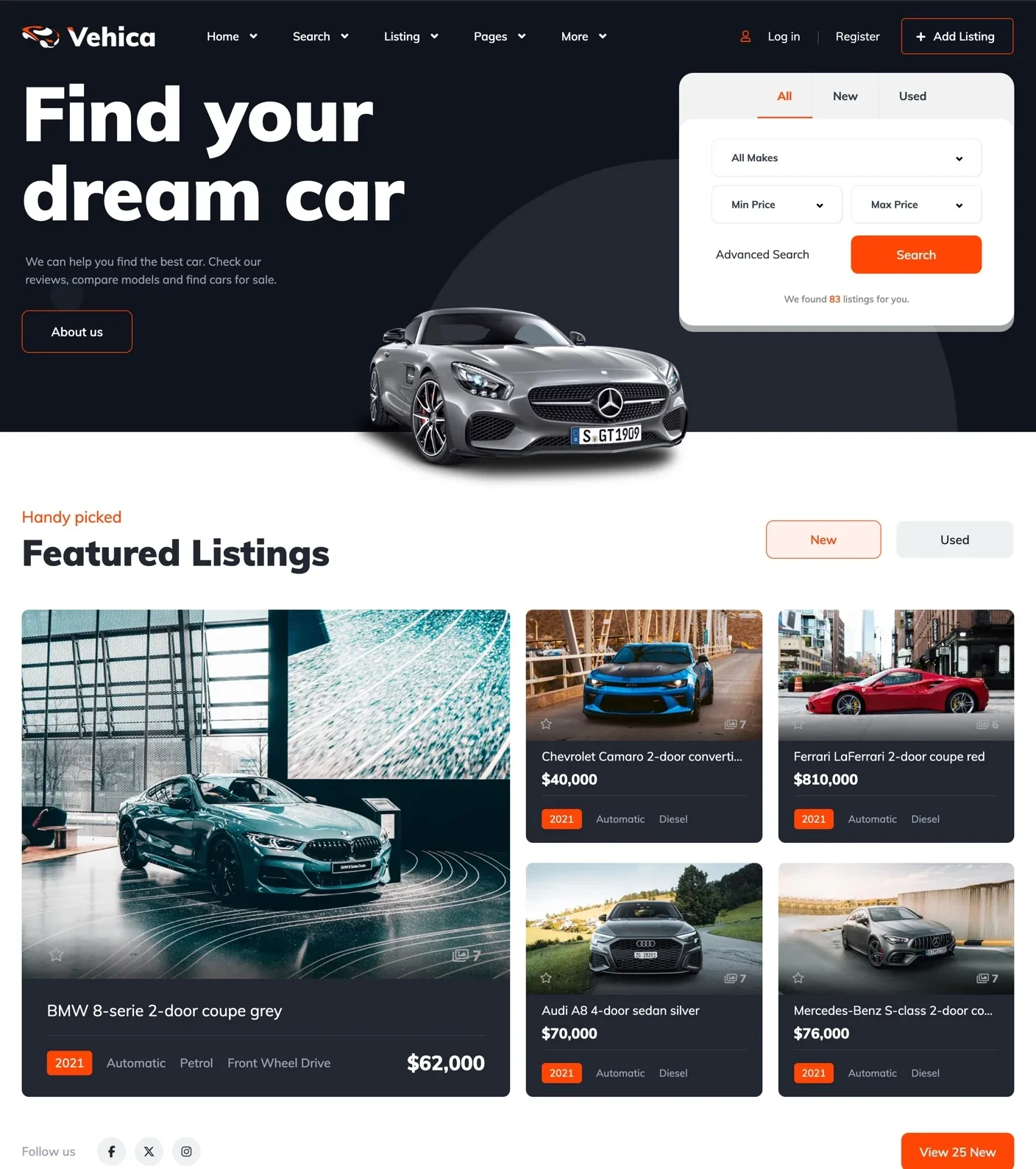
Vehica comes with one demo. It has 7 home page layouts, car pages, a blog, a team page and a contact page. Your free trial site starts with this demo already in place.
Absolutely the best car dealer theme. All the necessary functions are present along with a clean and modern design. alo911, verified Vehica customer
Give it your brand color
Pick one primary color in the Vehica Panel and save. Buttons, prices and labels change on every page at once. Your logo, phone and address go in the same panel.
Load your stock from a spreadsheet
You do not have to type every car again. Save your stock list from Excel as a CSV file and load it with the free WP All Import plugin.
The photos come in from the links in your file, and one click in the Vehica Panel puts each model under its make. The guide Import any XML or CSV File (Free WP All Import Compatibility) shows every screen.
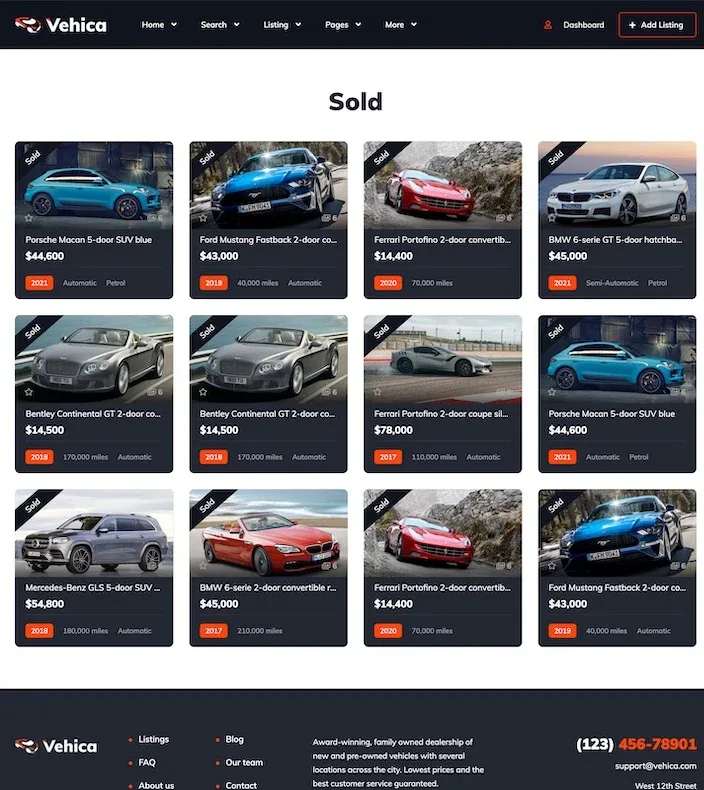
Set up a Sold and a Pending label once. Then mark a car Sold or Pending, and a ribbon shows it on its card. Sold / Pending / Active option
Let buyers find a car by make and model
Make and Model are linked, so picking Audi leaves only Audi models. Every filter narrows the next one, and the results update right away. Next to each make and model, buyers see how many cars you have.
Show the monthly payment and how to reach you
Under each car in the results, Calculate financing opens a loan calculator with that car's price filled in. You set the starting rate, months and down payment.
Every car page has a phone button, a WhatsApp button and a message form. The phone button shows the full number on a click, and your panel counts those clicks for every car.
Try these steps on your own Vehica site
The trial site comes with the demo, so you can add your first cars right away.
Try Vehica free Free for 7 days. No card needed.More guides on car dealer websites
Each guide takes one part of a dealer website further, from the stock list to the calls it brings.
- Car dealer website features checklist: what buyers expect
- How to create a used car dealer website
- How to import car inventory to your website from an Excel sheet
- How to set up a car make and model list on your website
- How to write a car listing description (with templates)
- How to add a car loan calculator to your dealer website
- Car dealer website design ideas: 7 home page layouts
- How to create a website like AutoTrader
- How car marketplace websites make money