How to create a website like Cars.com
A car marketplace like Cars.com lets dealers post their cars, and buyers search them by make and model. Here is how to build one with Vehica, in seven steps.
In this guide
- A car marketplace needs a make and model search, seller accounts and paid packages
- Vehica, our WordPress theme for car marketplaces, has all three built in
- Seven steps take you from the demo to your own marketplace, free for 7 days
A website like Cars.com is a car marketplace. Many dealers post their cars in one place, and buyers search them by make, model, price and location. The owner earns from the people who post.
To copy that model, you need a search that knows makes and models, and a page for every car. You also need accounts for dealers and private sellers, and a way to charge them.
Writing all this from scratch is a long software project. A WordPress theme made for car marketplaces gives you these parts ready. If you only sell your own cars, read How to create a car dealer website with WordPress instead.
1. Start from the Vehica demo
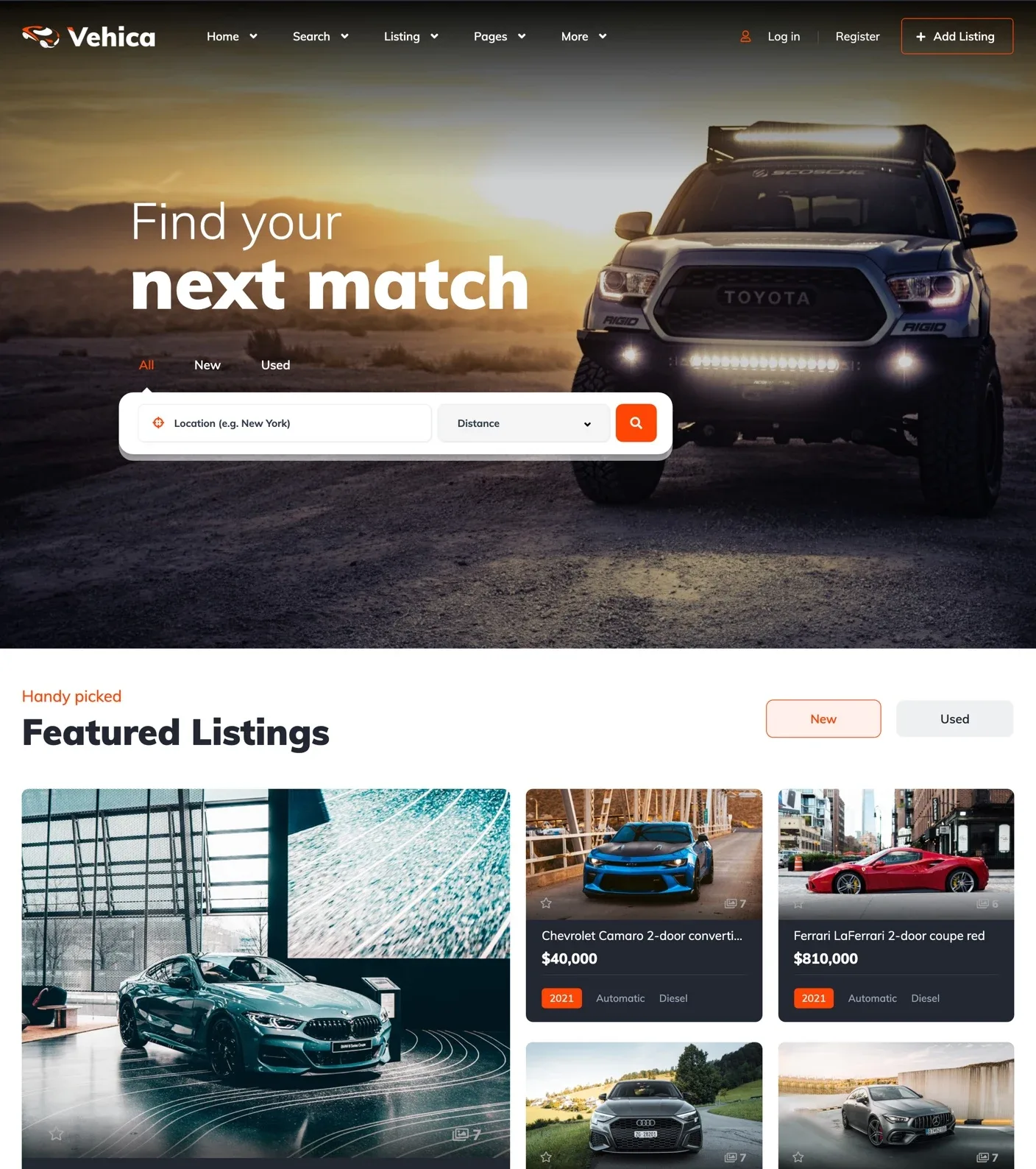
Do not start from a blank page. The Vehica demo has 7 home page layouts, search pages, a map, car pages, seller profiles and the seller panel.
Your free trial site starts with the demo already in place. On your own server, the importer loads it in one click and replaces what is on the site.
2. Make the design yours
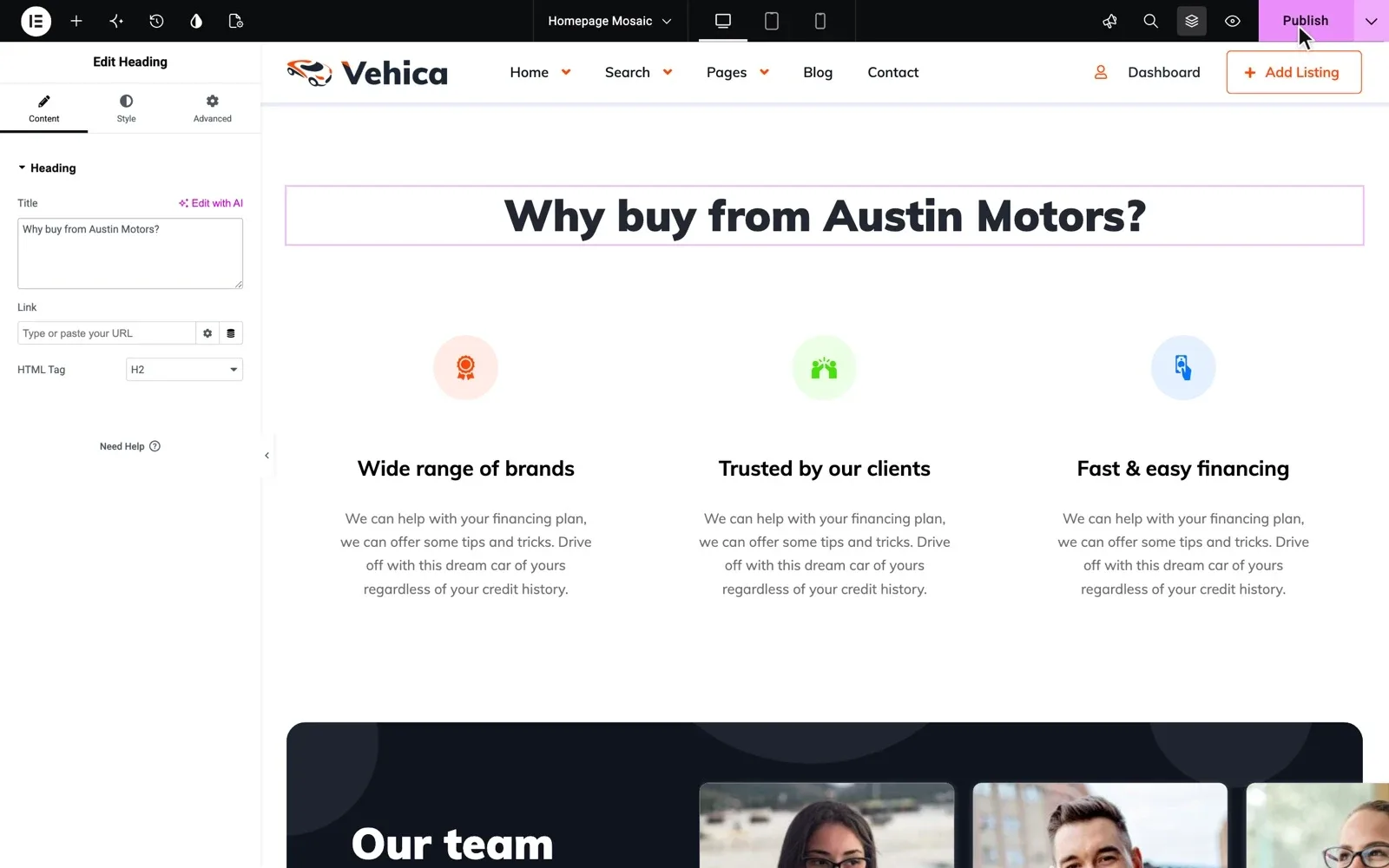
Open any page in Elementor and move blocks by drag and drop. Vehica adds its own blocks, such as search forms, a map and featured cars.
Your brand color goes into the Vehica Panel once. Buttons, prices and labels then follow it on every page.
3. Add makes and models, and let buyers search them
Make and Model are linked fields, so a buyer or a seller who picks BMW sees only BMW models. Paste a make and all its models into Bulk Add Terms in the Vehica Panel, and they arrive already linked.
The search page has filters for make, model, location, price, mileage, fuel and more. Each filter narrows the next one, and the results change without reloading the page.
Next to every make and model, buyers see how many cars match. Fields you add yourself, such as range for electric cars, can become filters too.
Do the next steps on your own Vehica site
Your trial site comes with the demo, so you can try the next steps on it right away.
Try Vehica free Free for 7 days. No card needed.4. Show the cars on a map
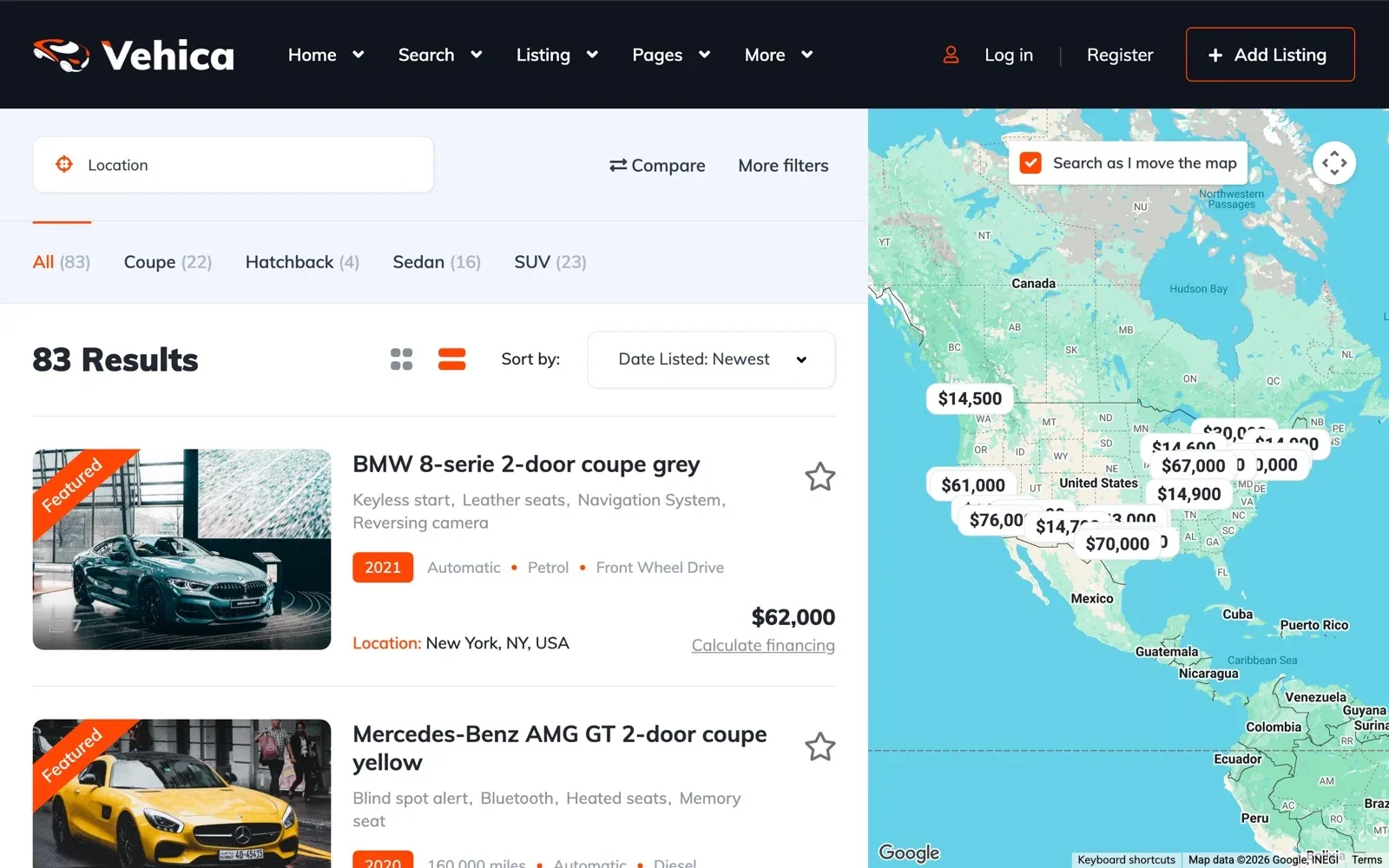
Map search shows each car as a price pin on the map. With Search as I move the map turned on, the list follows the area a buyer looks at.
The map runs on Google Maps with your own Google key. Google asks for a billing account and may charge a very busy site. How to setup map search in Vehica
5. Let dealers and private sellers post their cars
Visitors register as a private seller or a business seller. Each one gets a panel to add cars, edit them and see their views and phone clicks.
On the form, a seller picks the make first, and the model list follows. You approve every car before it goes live, or let cars go live at once.
I currently have 799 cars on my site and it's working perfectly. simelaweb, verified Vehica customer
6. Sell listing packages
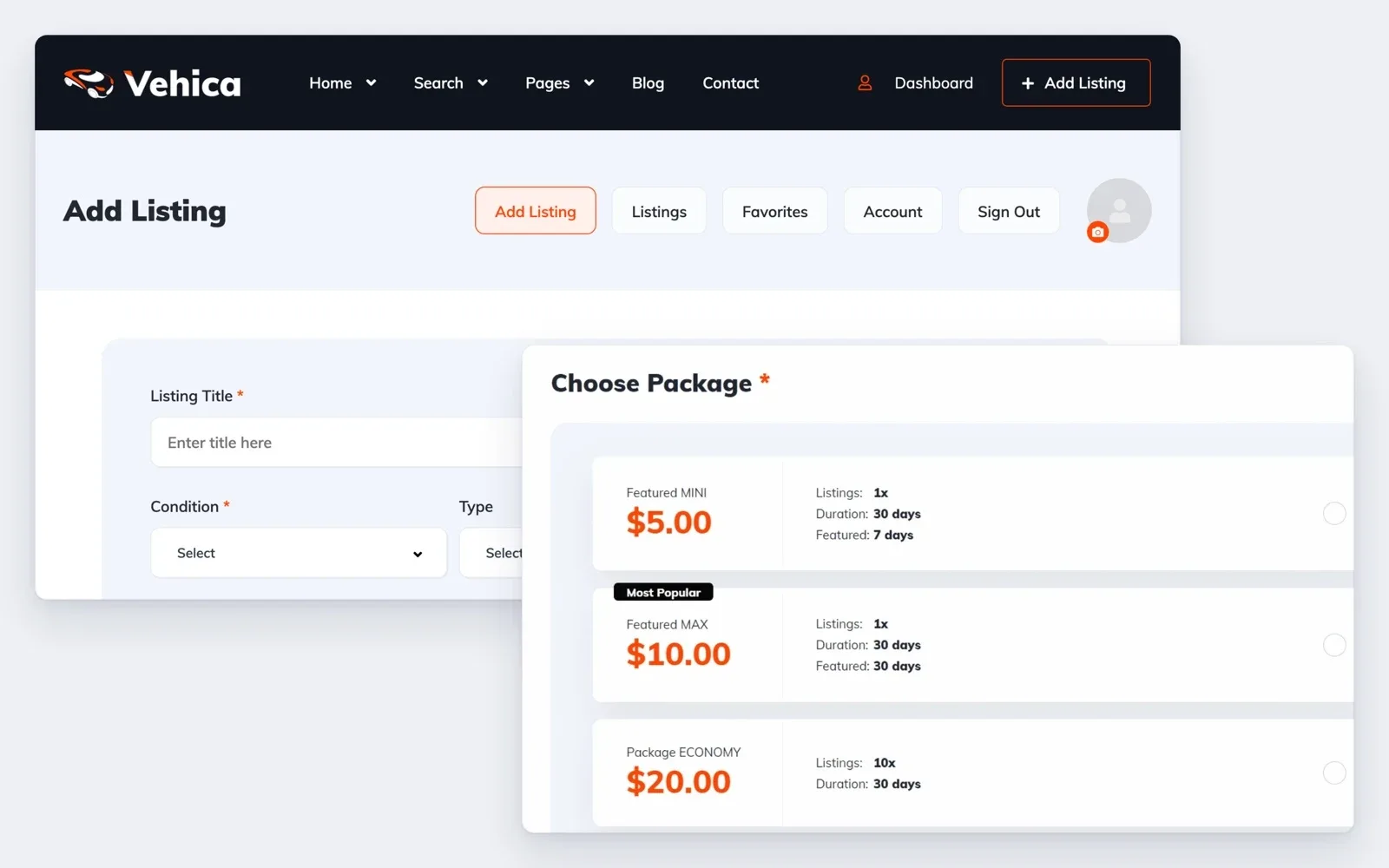
Sellers choose a package when they post a car. You set its price, the number of cars, the days online and how many days a car is featured.
Payments go through Stripe or PayPal, built into Vehica. Or switch to WooCommerce and add its payment plugins, such as bank transfer.
You can also give every new seller a free package, or let everyone post for free while you grow. Monetization Systems – PayPal, Stripe and WooCommerce Payments Gateways
7. Keep buyers and sellers talking on your site
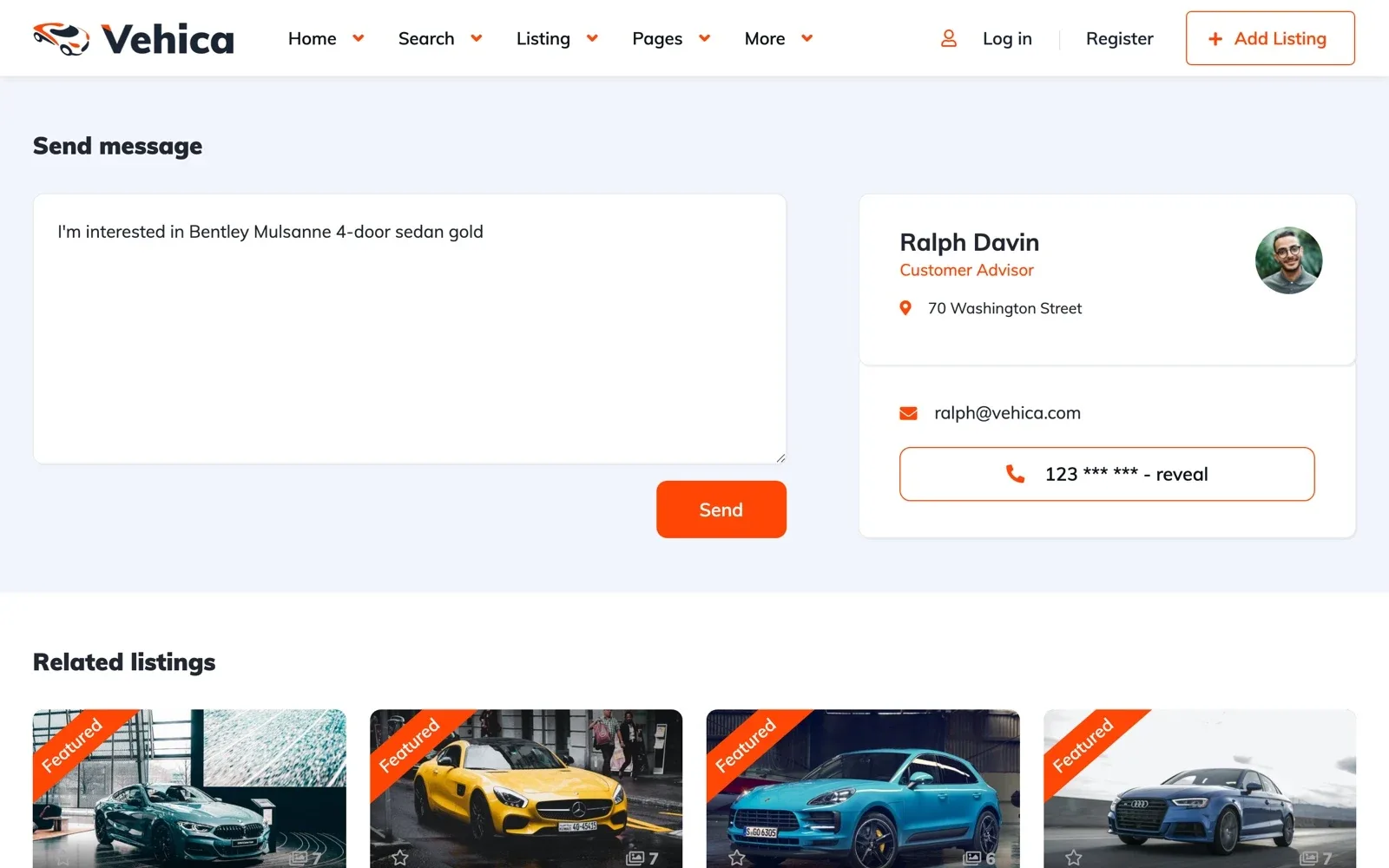
A buyer writes to the seller from the car page. Their talk stays in one thread in both panels, and email alerts bring them back.
Each car page can also show a WhatsApp button and the seller's phone number, which shows in full on a click. Private Message System – how it works