How to turn off “Add Listing” button
Remove the “+ Submit Vehicle” call-to-action button from the Vehica header, so visitors no longer see an add-listing button in the menu.
1 minute read
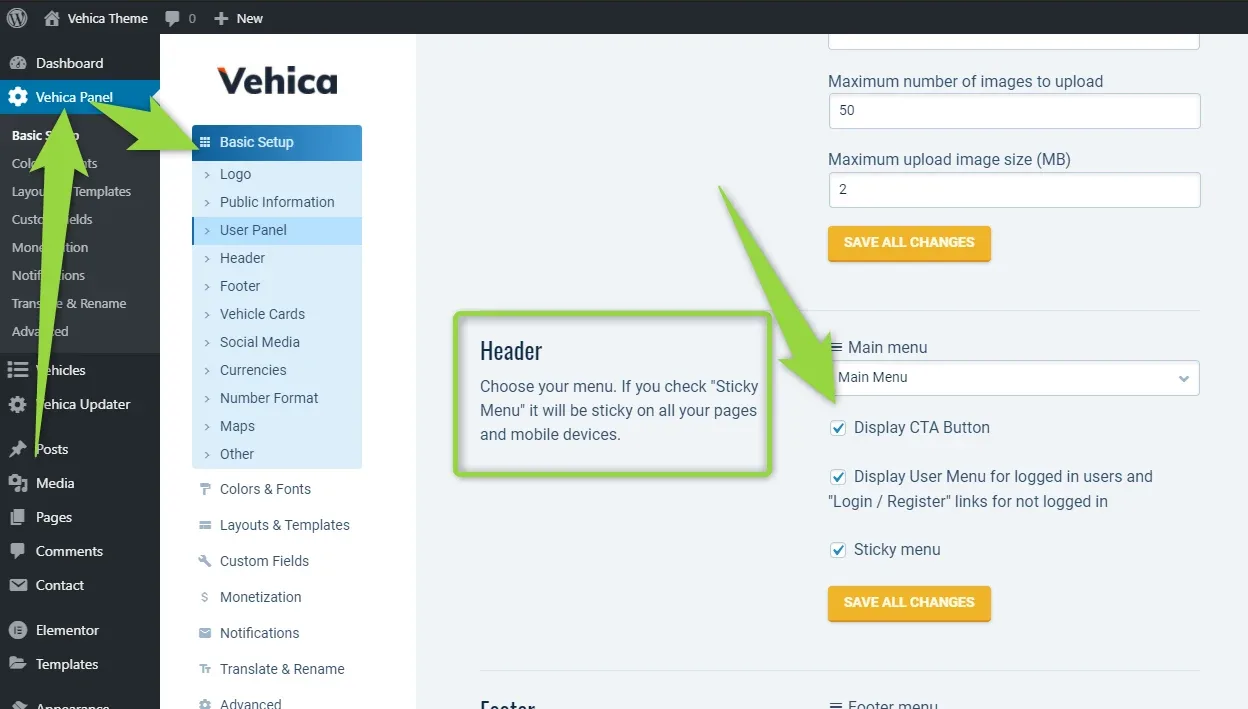
This article shows how to turn off the call-to-action button in the header:
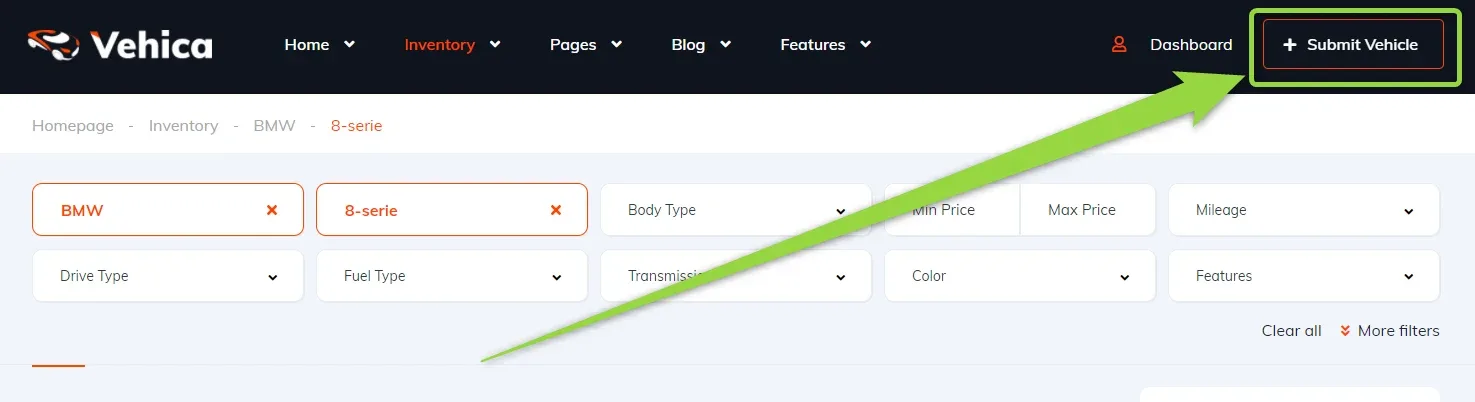
You can turn the “Submit Vehicle” button on and off via Vehica Panel > Basic Setup > Header, with the “Display CTA Button” option.
Ask the people who build Vehica
We answer by email from support@tangiblewp.com. With Premium Support, we also fix your site when something breaks.
We can also run your site for you, or build a new one.
Was this guide helpful?