How to create a website like Gumtree
A website like Gumtree shows people the ads near them, from things for sale to jobs, services and rooms. Here is how to build one on WordPress, without code.
In this guide
- A local ads site needs search by place, easy posting and quick contact
- Listivo puts jobs, services and rooms next to things for sale
- Visitors search within a distance of their town, also on a map
- Users reach each other by chat, phone or WhatsApp
- You can start with free ads and sell bumps to the top later
A website like Gumtree works like a noticeboard for your town or country. People look for things near them, such as a sofa, a cleaner, a part-time job or a room to rent.
So the site needs search by place, with a distance around the visitor. Its categories cover more than items for sale, and each one asks for the right details. Posting has to be quick, and contact has to be easy.
A ready WordPress theme gives you all of this at once, so your time goes to your users, not to code. For a country-wide marketplace with paid promotion, read How to create a website like OLX.
1. Start from a demo made for local ads
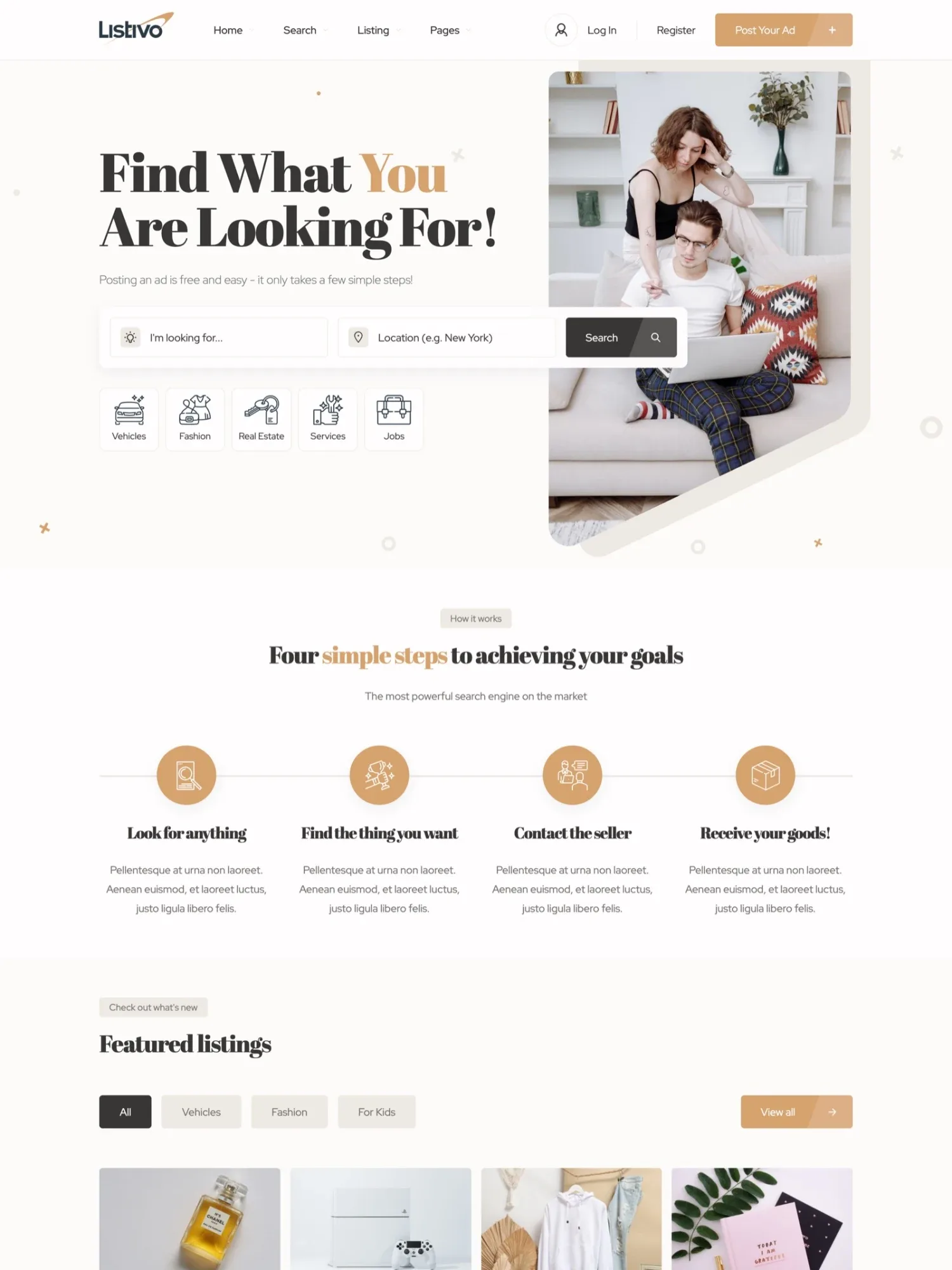
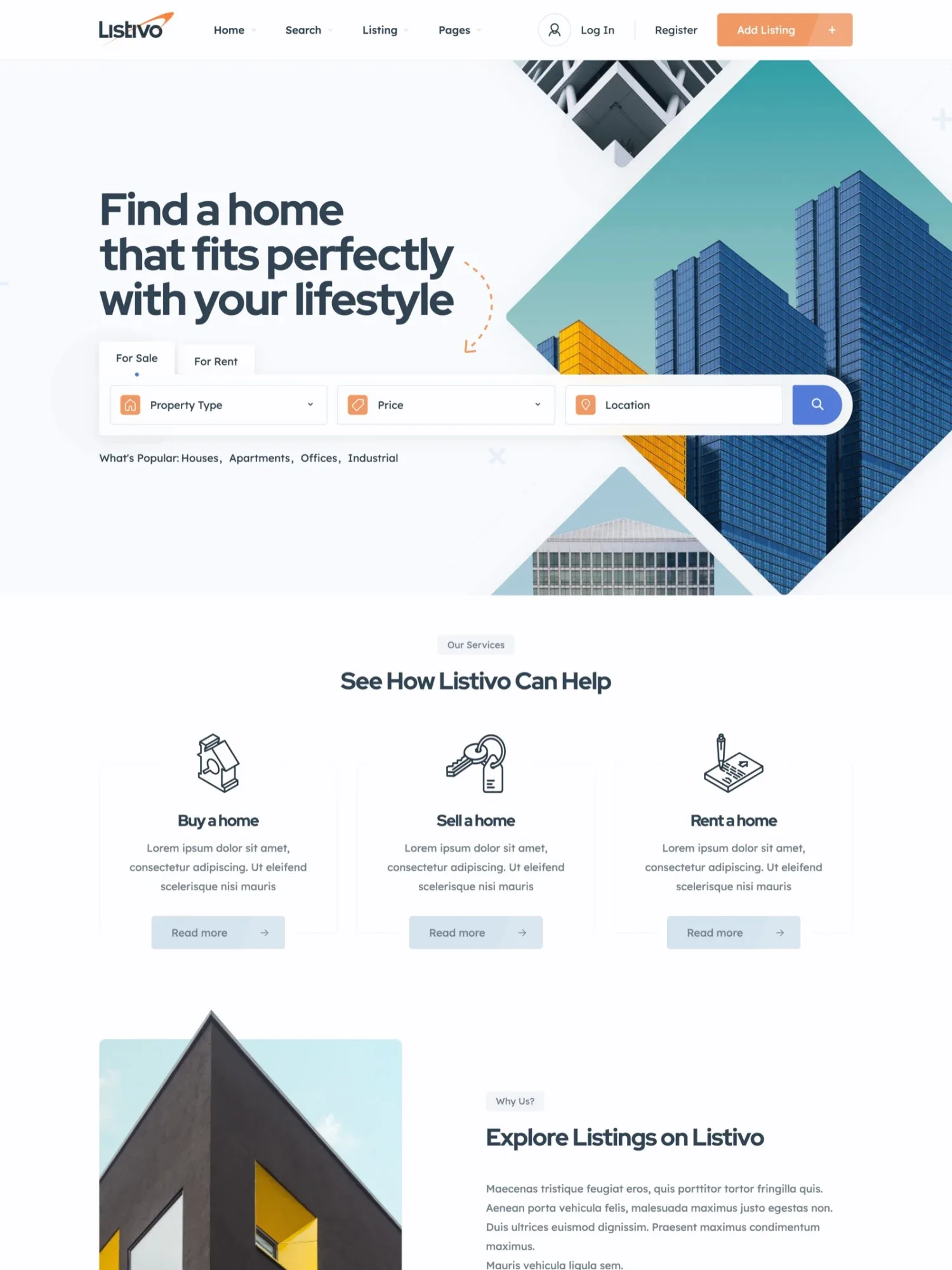
Two of Listivo's 11 ready demos suit local ads well, one for things and jobs, one for homes. Pick the one that fits what people near you will post most. A demo import replaces what is on the site, so do it first.
Two demos for local ads
Click through them and open the one you like best.
2. Add jobs, services and rooms next to things for sale
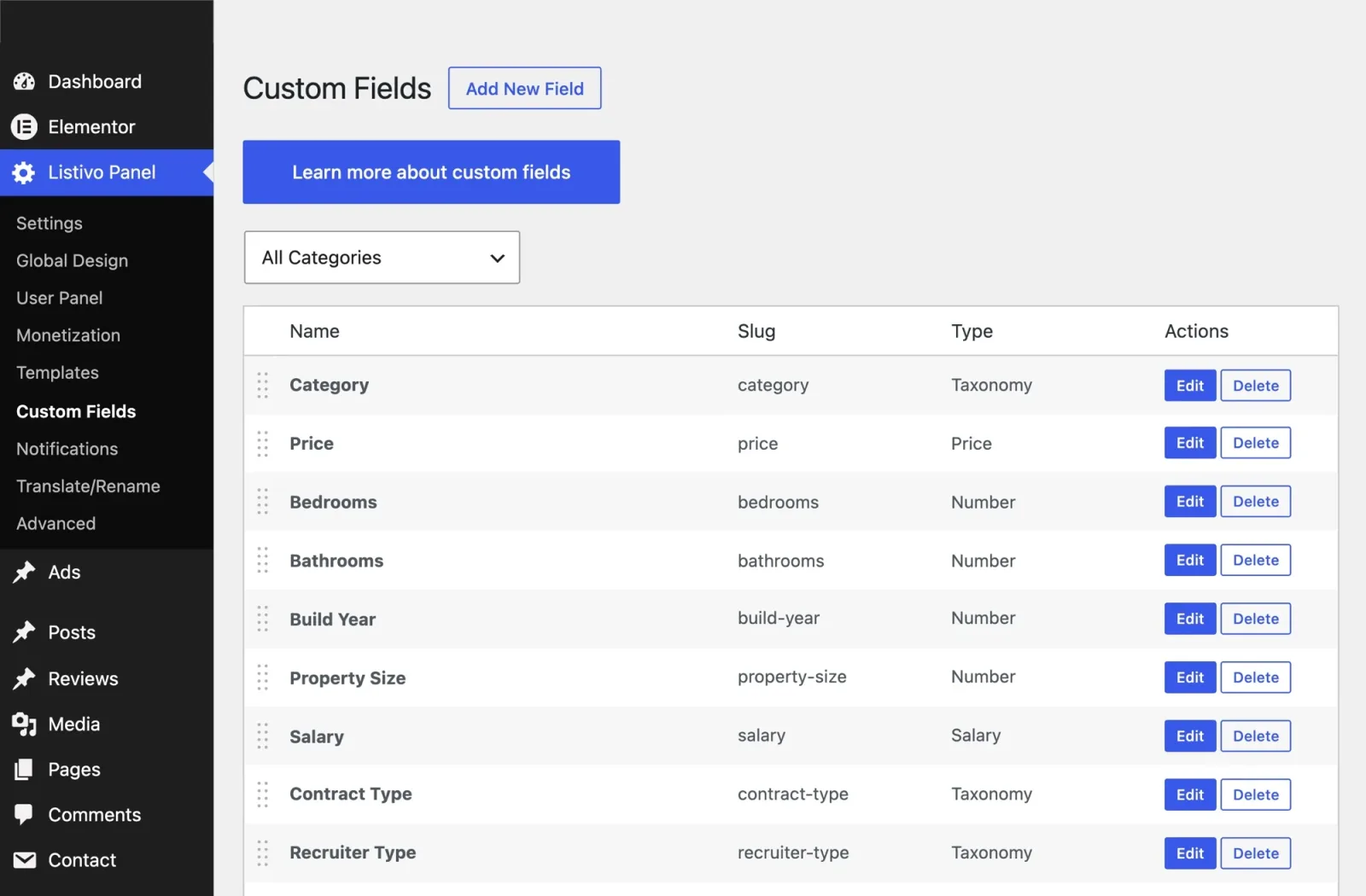
Add categories for jobs, services and rooms for rent next to items. Each category gets its own fields, such as salary and contract type for a job, or bedrooms for a flat.
The form for posting an ad shows only the fields of the chosen category. The same fields become search filters, so visitors can filter jobs by salary or flats by bedrooms.
The Classic demo already lists jobs, such as a barista or a cleaner with a monthly salary. See them on the jobs page of the demo.
3. Let visitors search near them
Every ad has a place, so the results can stand on a map with the price on each pin. As visitors move the map, the results follow.
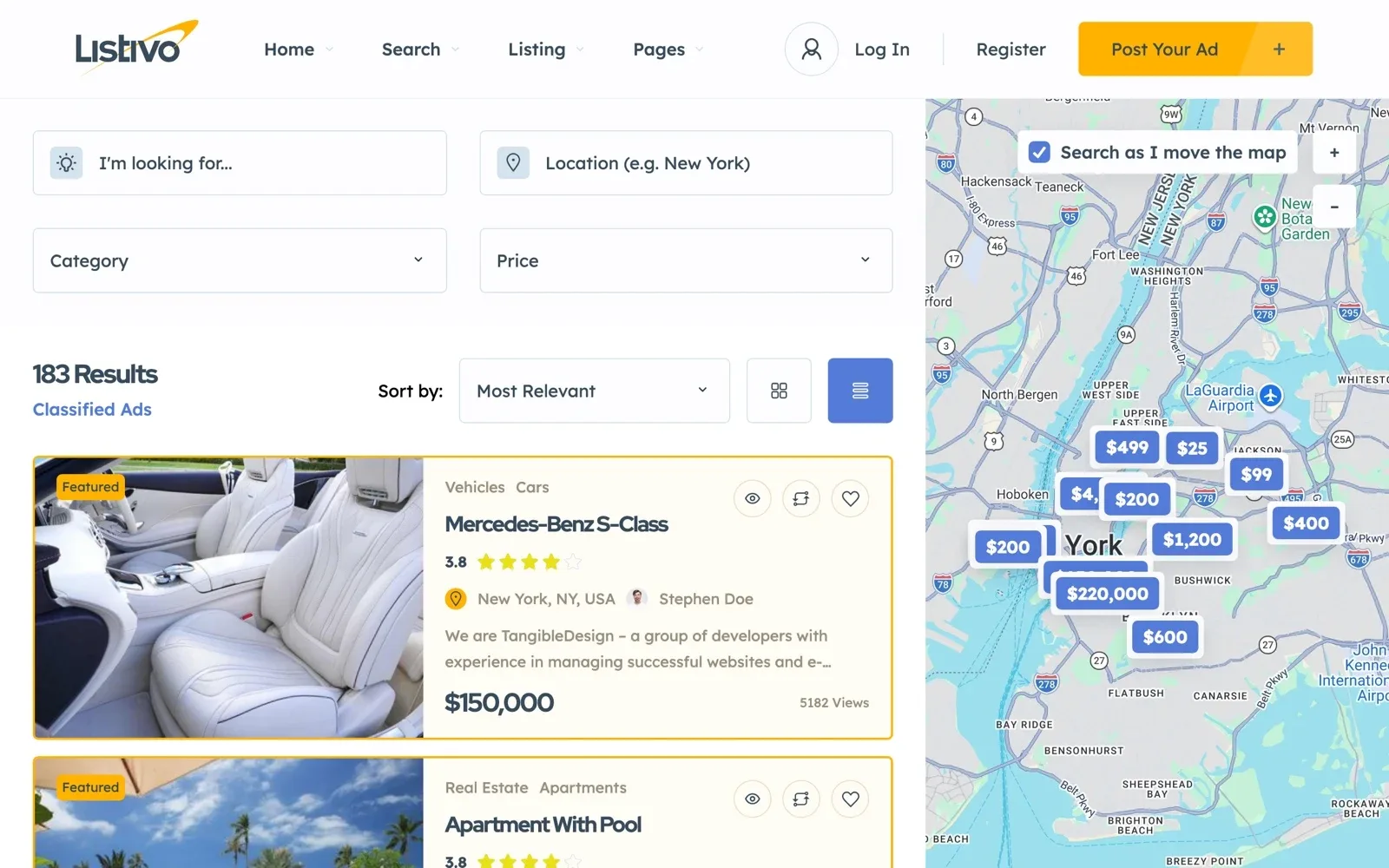
Visitors can also type their town and pick a distance around it, in miles or km. The site can ask the browser for their location and fill it in.
You can limit place search to your country. Place search uses a Google Maps key, which has a free monthly credit and may cost money on a busy site. The map itself can run on the free OpenStreetMap.
Build your local ads site on a free trial
Get a real website with Listivo, a demo and the full WordPress admin, ready in a minute.
Try Listivo free Free for 7 days. No card needed.4. Keep posting and contact simple
A user can write the ad first and sign up at the end. Sign-up also works with a Facebook or Google account.
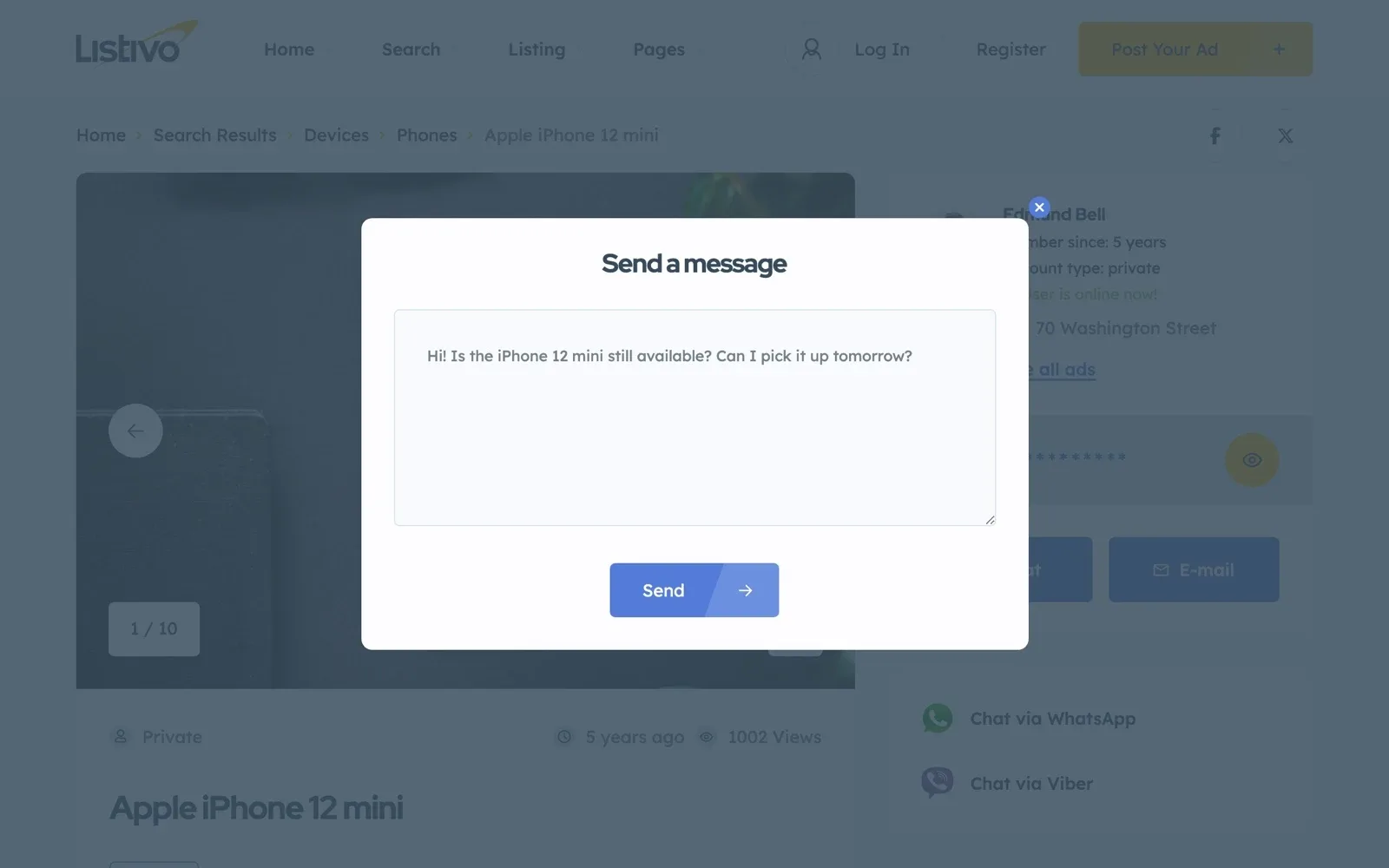
Visitors reach the user by chat on your site, by phone or on WhatsApp. The phone number stays hidden until a visitor clicks to see it. Email alerts bring users back to reply.
5. Give every user a page of their own
Users manage their ads in a panel of their own, where they edit, promote or bump each one. They can also save the ads they like to a favorites list.
Each user gets a public page with all their ads, and you can turn on reviews for profiles. Visitors then see who they are dealing with.
6. Start with free ads, then sell a place at the top
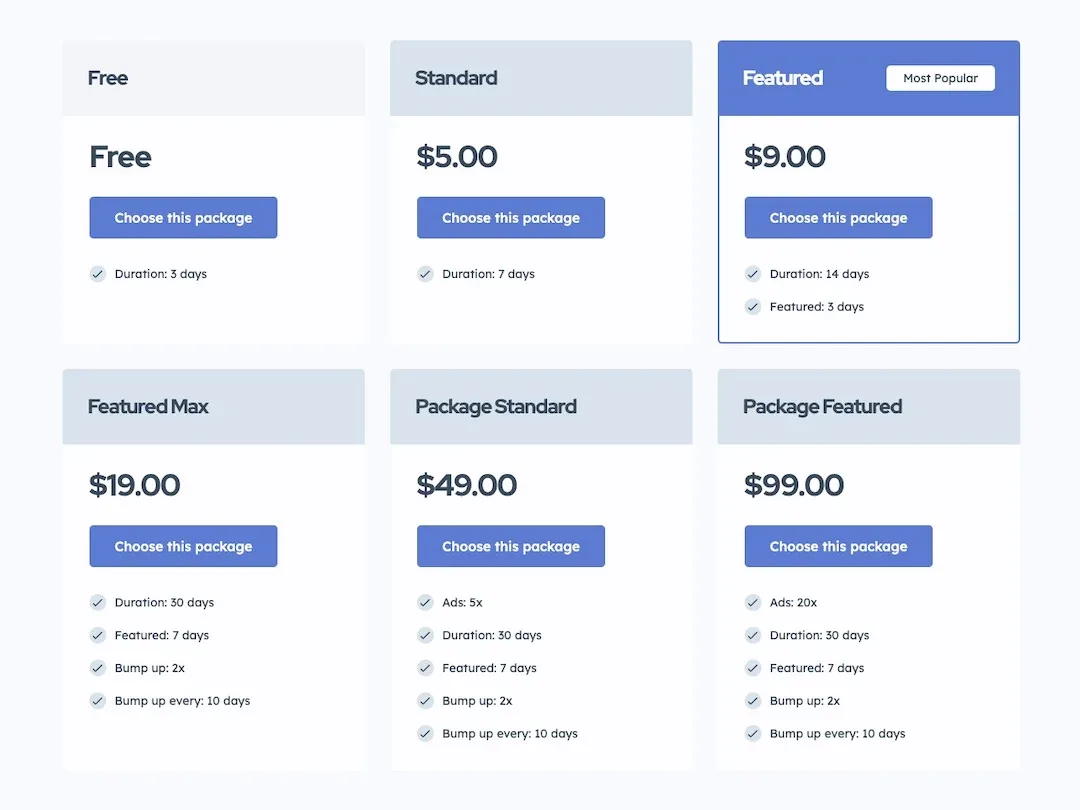
Free ads help a new site get its first ads. You can make posting free for everyone, or give each new user a few free ads at sign-up.
Later, sell Bump Up, which moves an ad back to the top of the results. Users buy one bump or a pack of them and pay through WooCommerce.