Map Integration Overview: Learn About Options
See every place Listivo can show a map — search results, ad pages, the add-ad form and standalone widgets — what the Google Maps API key costs, and which limits to plan around.
3 minute read
Listivo owners can enhance their websites by integrating a map search feature with Google Maps. This feature allows the addition of maps to listings, helping visitors locate ads near their desired locations. Maps can be included on both the search and ad pages, and users can easily add locations with a map preview.
Requirements
To use Google Maps with Listivo, you need a Google Maps API Key. Most websites can use this feature within the free usage limit provided by Google, which offers $200 in API credits monthly. These credits are reset each month, typically covering the needs of even popular websites without cost. The credit usage varies depending on how frequently your site queries Google Maps for features like autocomplete or map displays.
For sites with high traffic, Listivo offers settings to minimize queries by using Google Maps only for the Autocomplete feature and switching the map display to Open Street Map (OSM). This method limits the use of Google Maps to address suggestions, while OSM handles the map displays, reducing the total number of queries. Visit this article to read more about Open Street Map integration:
Practical Examples of Map Functionality
1. Location Custom Field (Google Maps API Key required) — it suggests results as the visitor types.
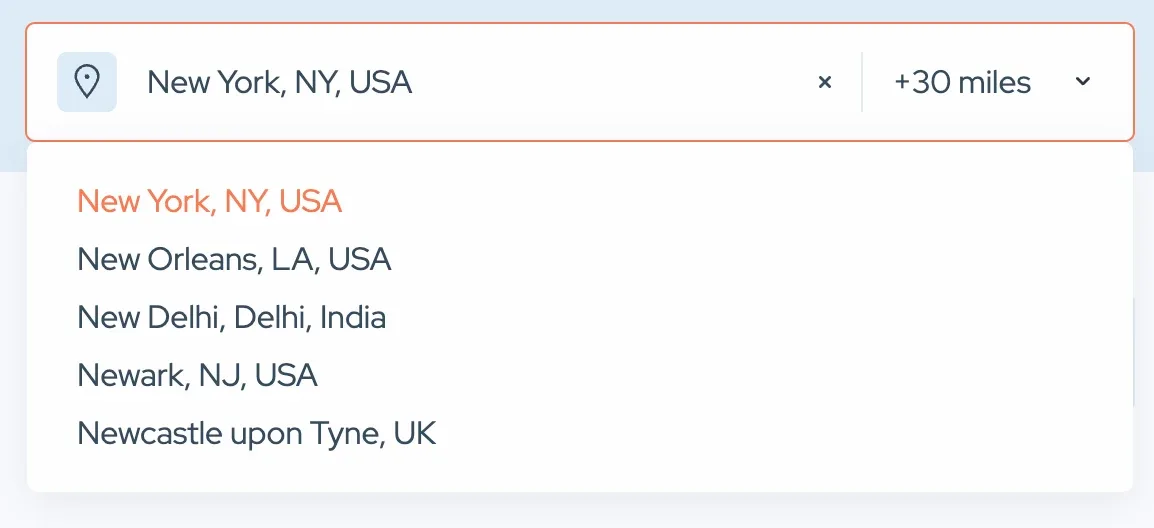
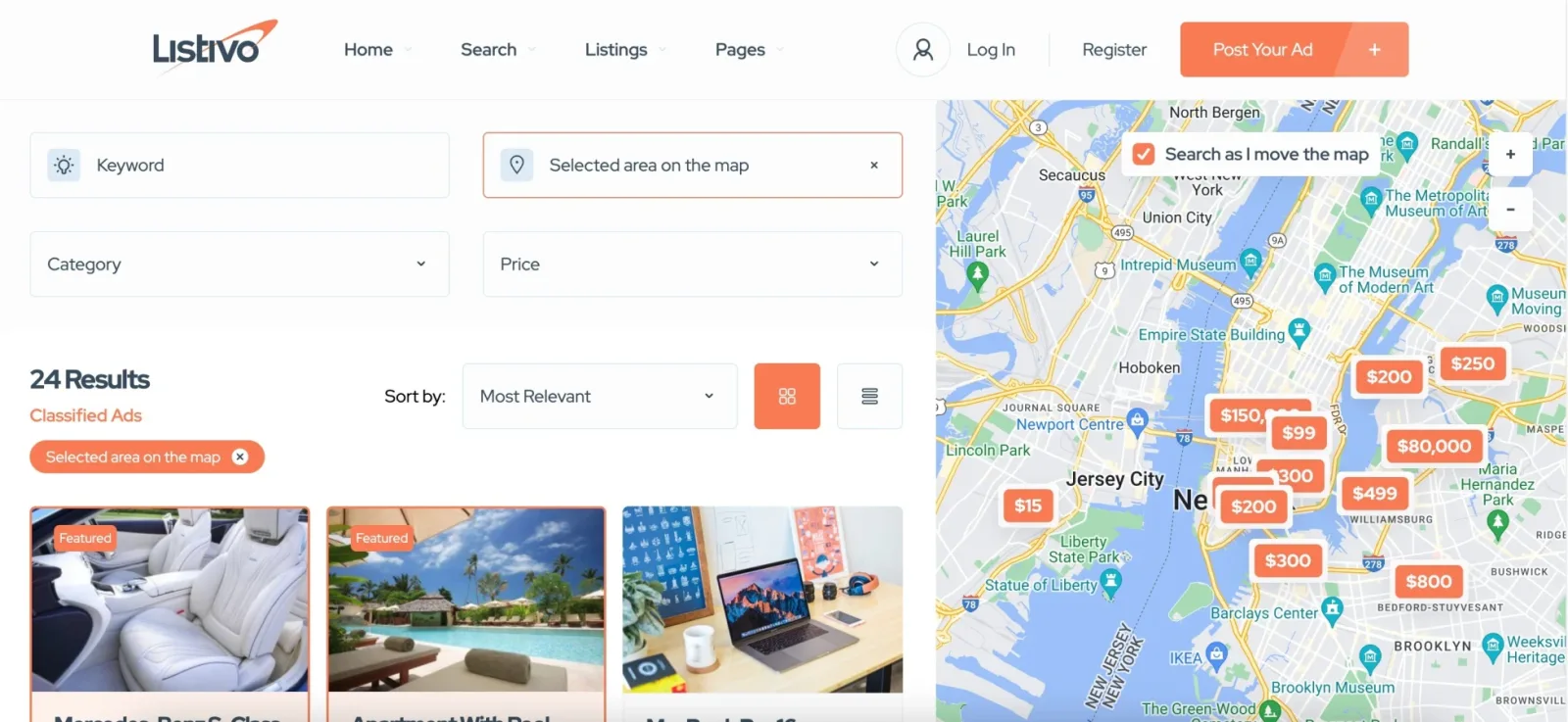
2. Search Page Integration: maps on the search page provide immediate geographical context for search results. We recommend two articles on how to edit it:
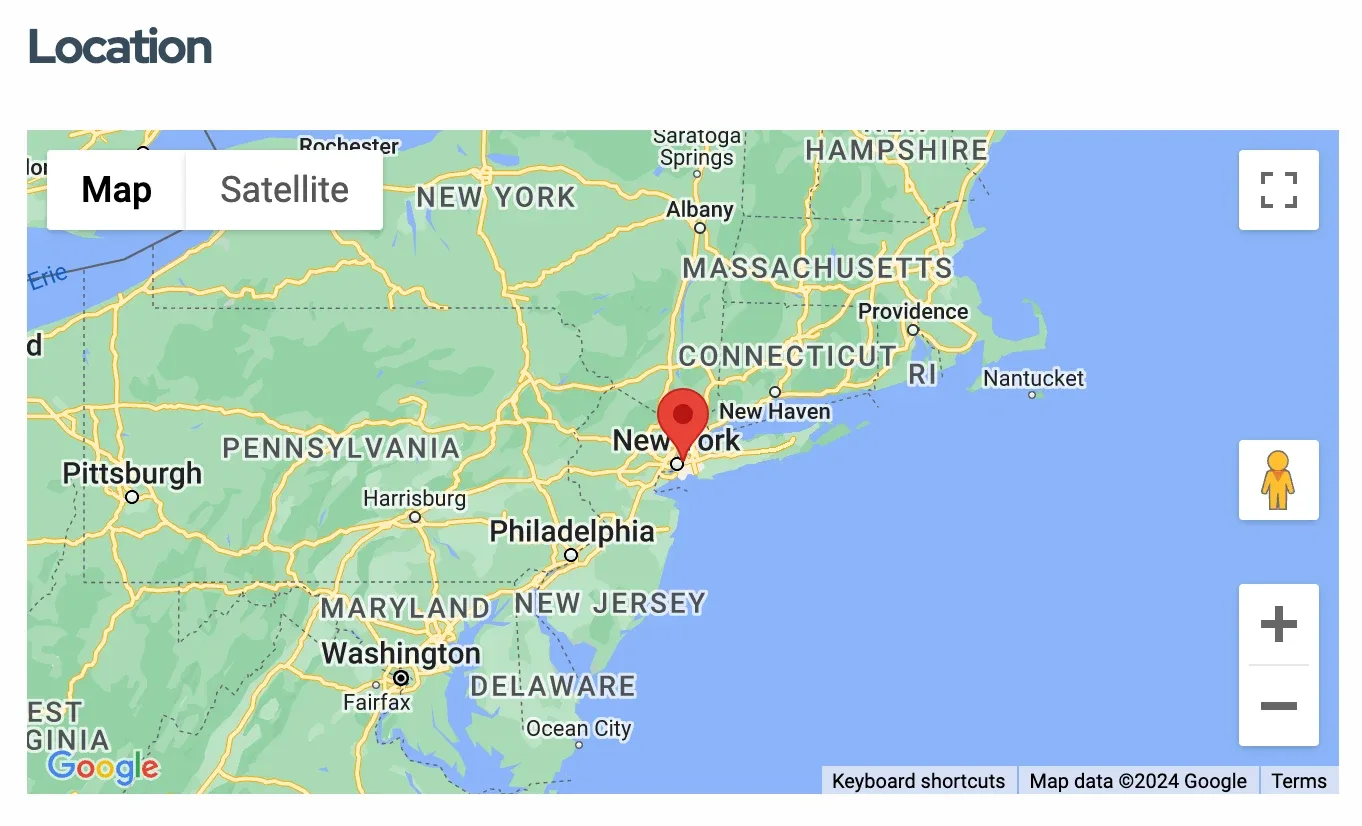
3. Ad Page Display: each ad page includes a map showing the listing's location, enhancing understanding of the ad's geographical setting. It shows the address with a button that scrolls to the map (or, alternatively, can open the map in a new window).
a) Ad Address Widget

b) Ad Location Widget
4. Location Addition with Preview: when users add a listing, they can use a map preview to pinpoint the exact location, ensuring accuracy and ease of entry.
a) Front-end Panel
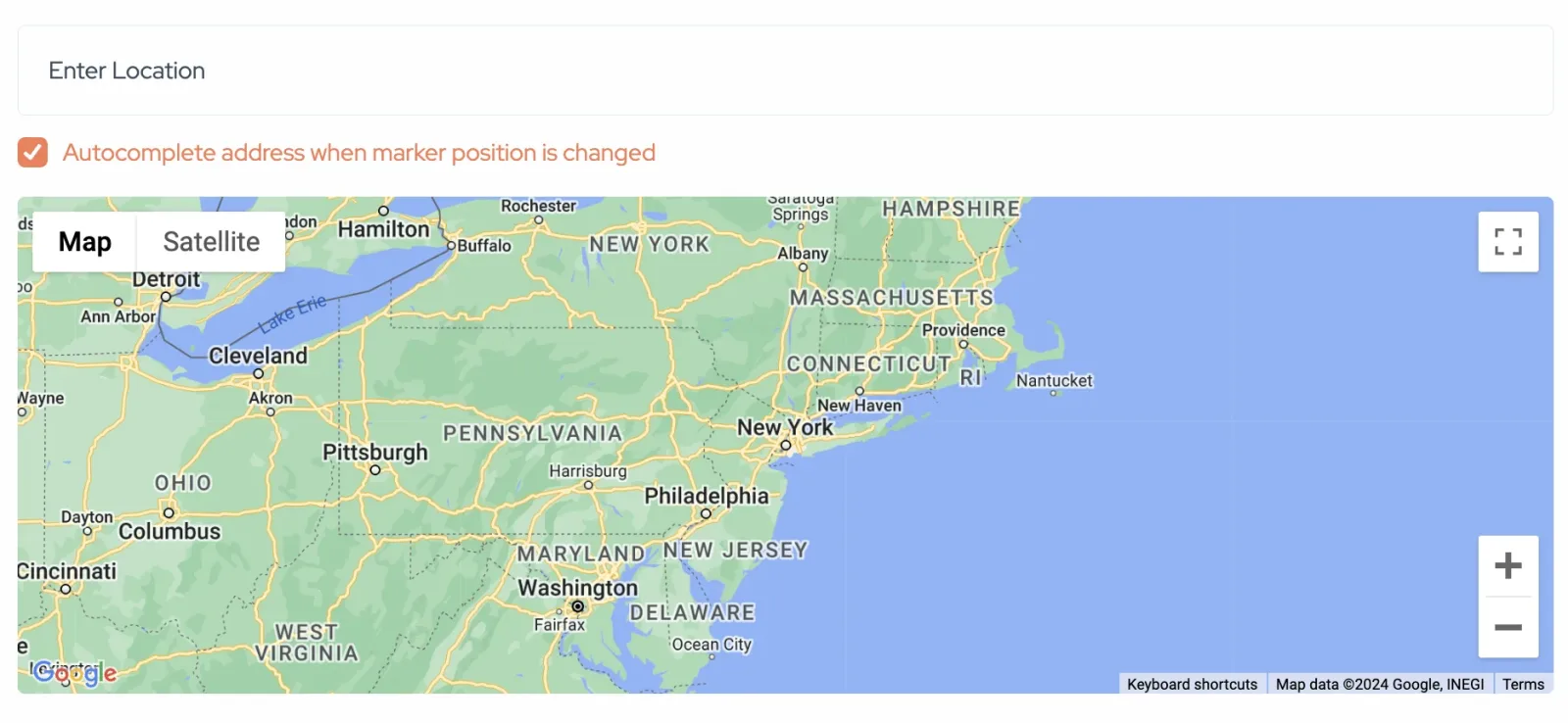
b) Backend
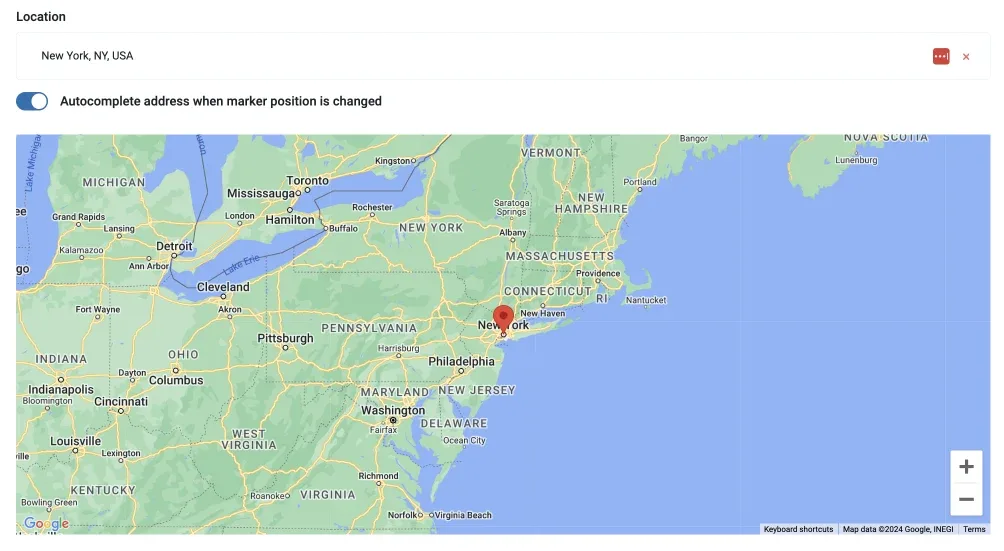
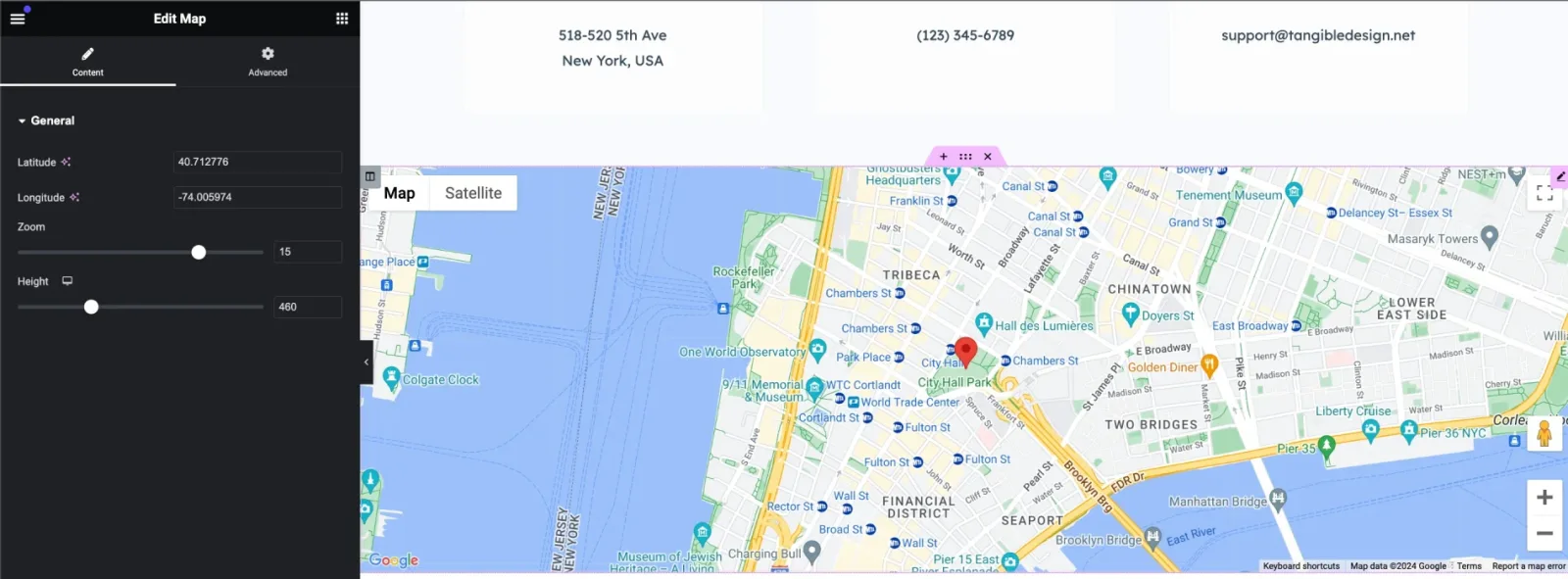
5. The last widget, "map," is related to a standalone map with a single pin, as used, for example, on the demo contact page. You can configure the pin's location and the map's size.
Frequently asked questions
1. Can I search by distance? For example, how close is a restaurant from a selected place?
Currently, it is not possible to sort by location, such as how close the ad is to a specific location.
2. Can I display the Location Field without a Google Maps API Key?
No, it is impossible. Please note that although obtaining the API key is free, it requires extra time to configure, and all free solutions are of much lower quality. Usually, creating this key for the first time can be challenging, but it is achievable by following How to Enable Google Maps and Obtain a Google Maps API Key.
3. Can a user add their location to their profile via Google Maps?
No, it's important to clarify that users cannot input addresses directly through Google Maps on their profiles or ads.
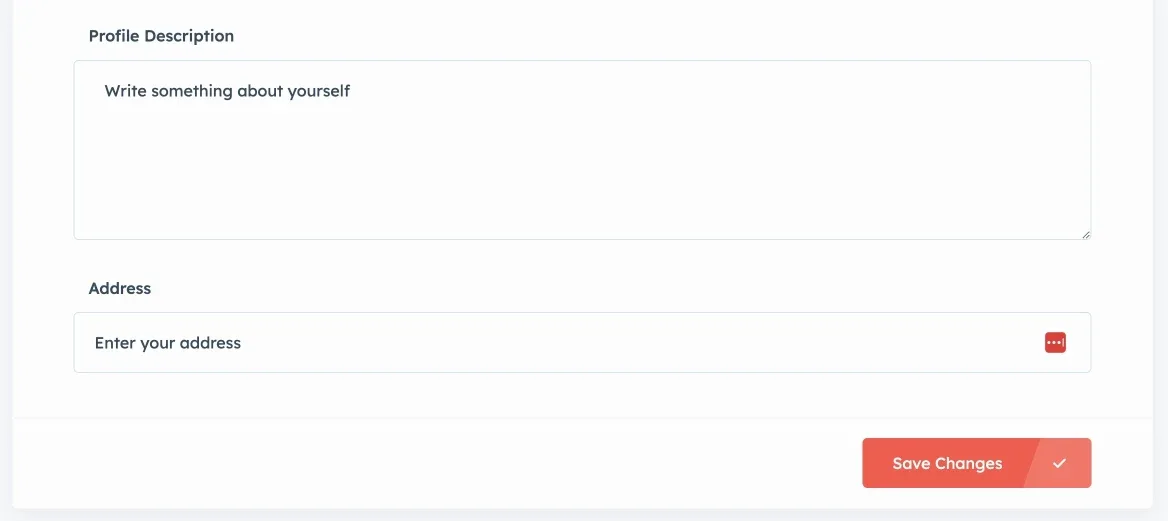
Address input is text-based and can be displayed on pages like a single ad or a user profile. However, these addresses are not linked to Google Maps or Open Street Map locations as of now. This limitation is set to ensure privacy and consistency across the platform.
Ask the people who build Listivo
We answer by email from support@tangiblewp.com. With Premium Support, we also fix your site when something breaks.
We can also run your site for you, or build a new one.
Was this guide helpful?