Integrating OpenStreetMap - A Hybrid Approach
Switch Listivo's map display to OpenStreetMap to cut the number of Google Maps requests your site makes, while keeping Google for address autocomplete.
2 minute read
Integrating OpenStreetMap (OSM) with Listivo provides an alternative to relying solely on Google Maps for mapping functionalities on your website. It is important to understand this integration before you start using it. Selecting OpenStreetMap as your map provider changes how maps, such as those in search results or single ad displays, are loaded on your website. It's important to note that while OpenStreetMap excels in map display, it does not support address autocomplete functionality inherently, so it still requires a Google Maps API key for this feature:
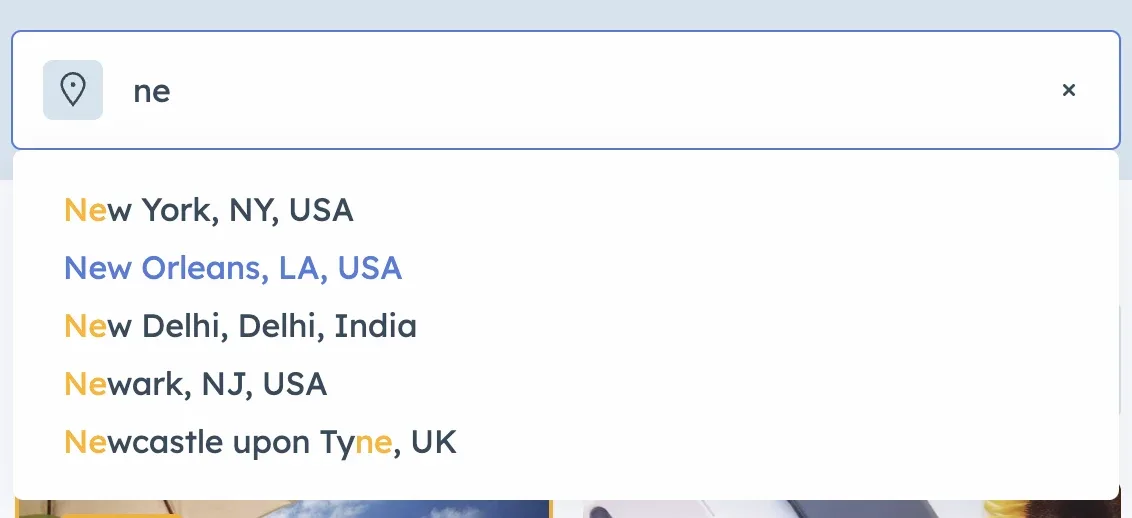
Below is a guide on how to effectively utilize this integration, especially when considering the nuances of address searching and the financial implications of using Google Maps.
Switch the map provider
-
1
Open the map settings
Navigate to the Listivo Panel and go to Settings > Maps.
-
2
Select your Map Provider
Here you can pick your preferred provider, including the option to switch to OpenStreetMap (OSM).

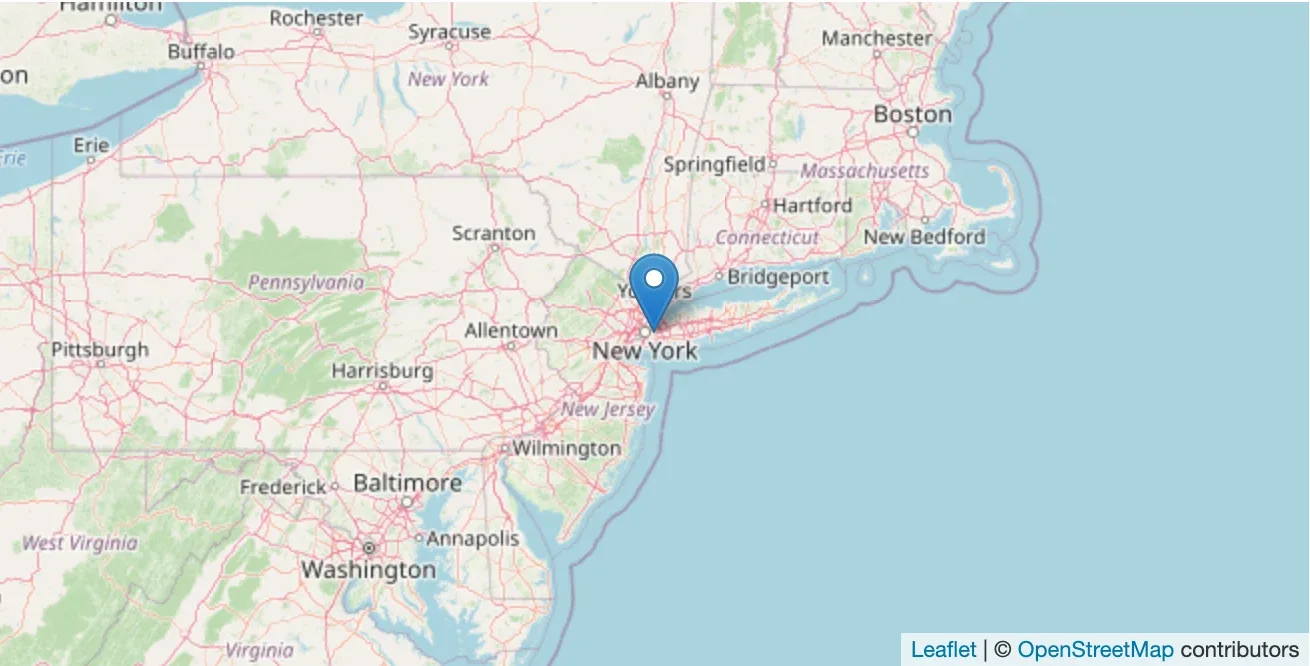
Now all Listivo maps will load using OpenStreetMap, as shown below:
Combining OpenStreetMap with Google Maps API
To incorporate location-based search capabilities and address autocompletion, you'll still require a Google Maps API Key. Google Maps offers a recurring $200 USD credit every month, which is sufficient for most standard website use cases. This credit applies to each Maps-related Cloud Billing account and resets at the beginning of each month.
Key points
- OpenStreetMap: Ideal for displaying maps but lacks address autocomplete functionality.
- Google Maps API: Necessary for address autocomplete features. Google provides a $200 monthly credit, making it free for standard use cases.
- Hybrid Approach: Our theme supports a combination of Google Maps Address Autocomplete and OpenStreetMap for displaying maps. This approach reduces the number of requests to Google Maps, which can be beneficial for high-traffic websites.
Ask the people who build Listivo
We answer by email from support@tangiblewp.com. With Premium Support, we also fix your site when something breaks.
We can also run your site for you, or build a new one.
Was this guide helpful?