Customizing Location Input for the Ad Add Form in Listivo
Decide how precise Google's suggestions are in Listivo's Location field — full street addresses, businesses, cities or whole regions — using the field's Input Type control.
2 minute read
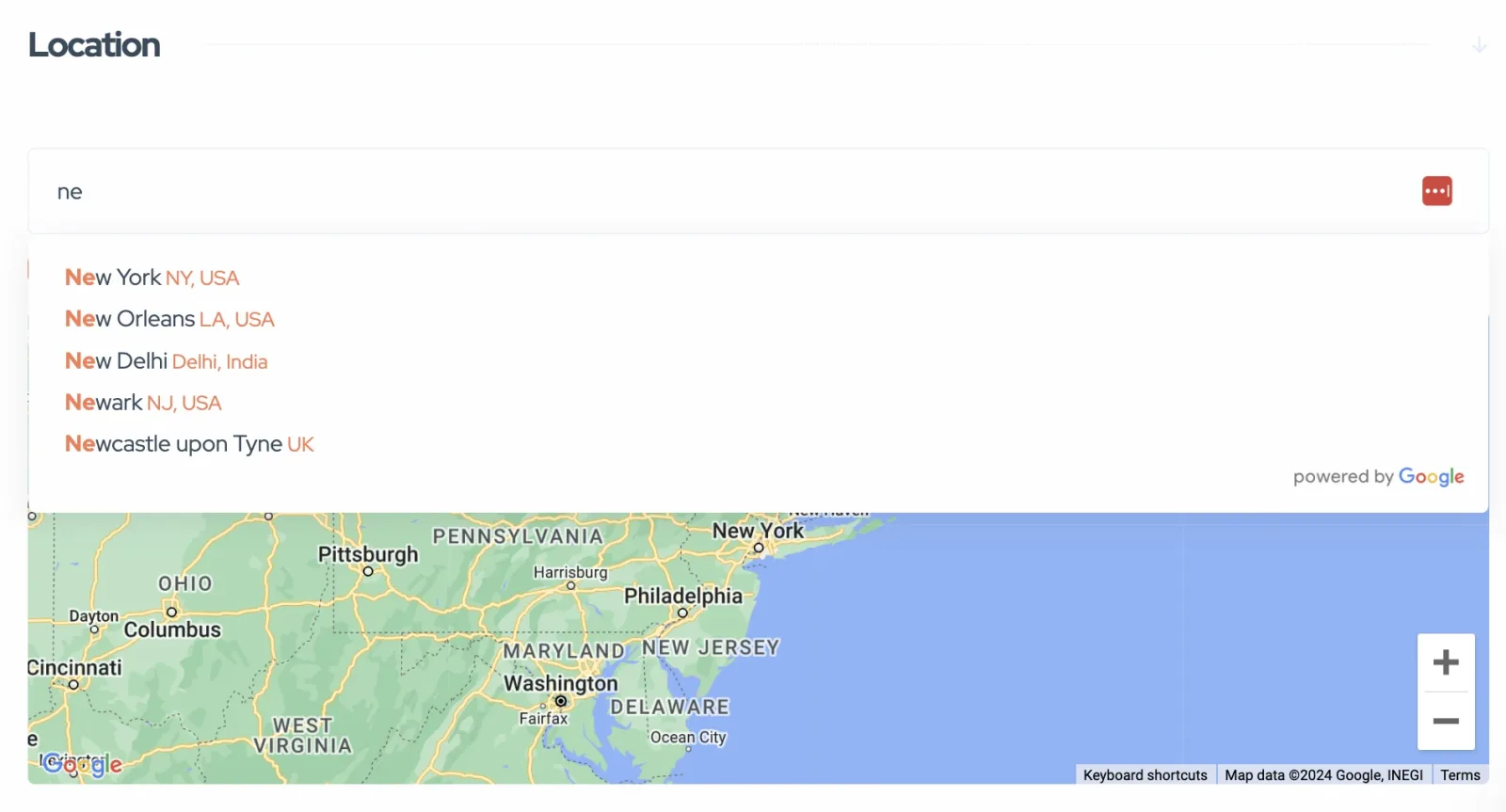
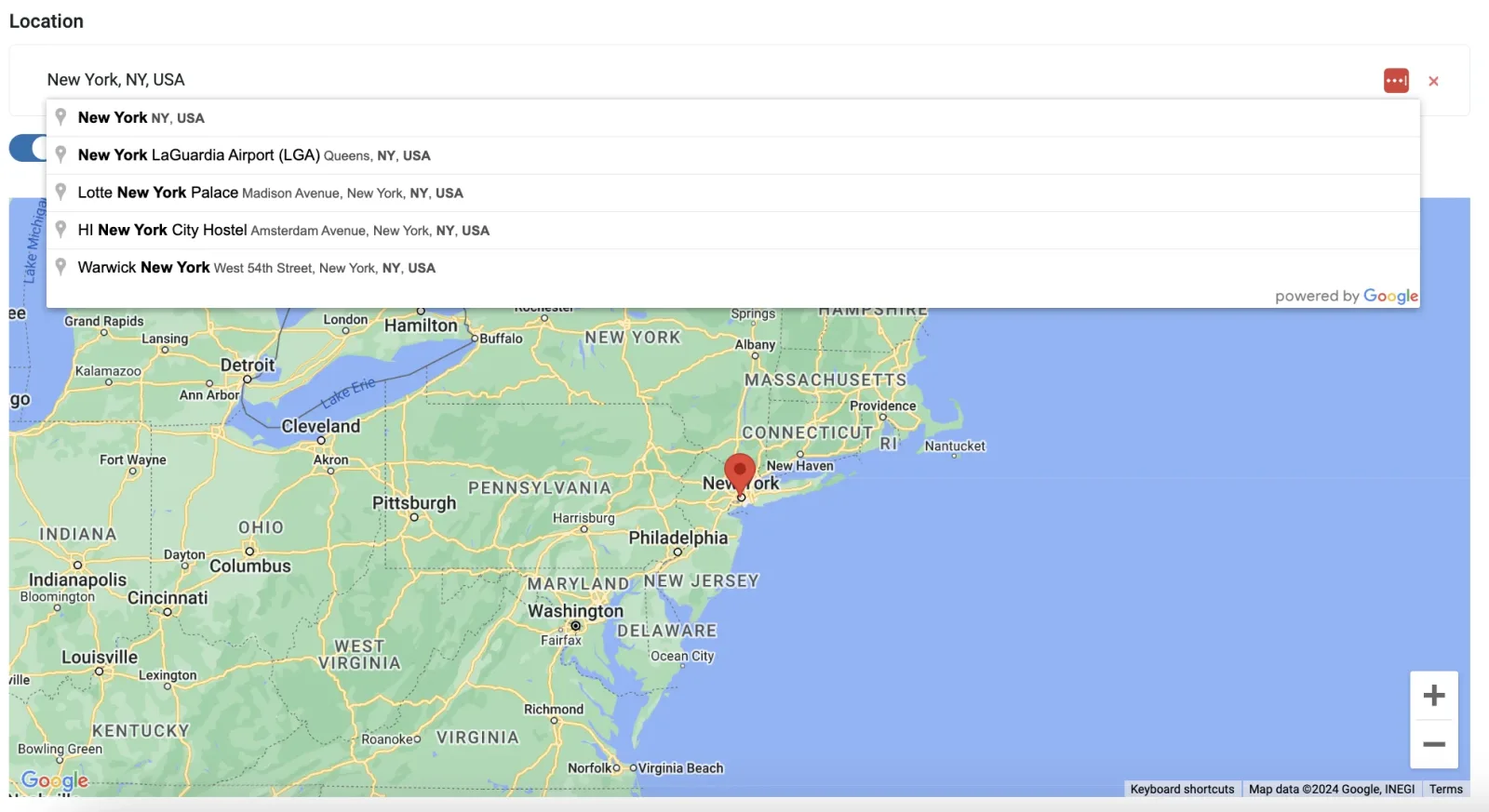
In Listivo, the suggestions provided by Google in the Location field dropdown can be tailored to suit your specific needs via the 'Input Type' control. This customization allows you to control the precision of location data that users can input when placing ads. Follow these steps to configure the Location field:
Where the Location field appears
a) Front-end Panel
b) Back-end Panel
Steps to customize
-
1
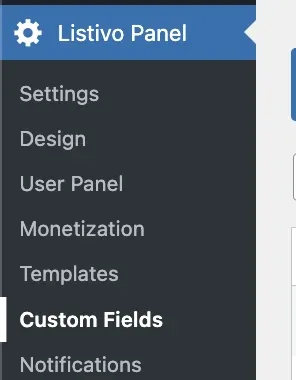
Open Custom Fields
Navigate to the Listivo Panel and select Custom Fields.
-
2
Edit the Location field

-
3
Find the "Input Type" control
Take care not to confuse it with "Search Type". Its dropdown lists the options Google provides.

Options for Location Input
- Geocode: Allows users to input both general and specific location details. Ideal for precise location pinpointing on maps.
- Establishment: Optimizes location inputs for specific businesses or institutions. When enabled, this option limits autocomplete suggestions to established business names and notable places. This feature is particularly useful for ads that need to be associated with a precise business location, such as promotions specific to a retail store, professional services in a certain office building, or events held at particular venues.
- Cities: Restricts input to city names. Suitable for ads intended for broader city-level audiences.
- Regions: Enables input for larger areas like counties, states, or provinces. Good for ads that target regional audiences.
- Address: Allows for the most detailed input, including street names and numbers. Perfect for highly specific locations such as real estate listings.
Experiment with these settings to discover the best option that matches your users' needs and enhances the effectiveness of ad placements. Tailoring these options helps ensure that the location data entered is relevant and useful for the ads.
Ask the people who build Listivo
We answer by email from support@tangiblewp.com. With Premium Support, we also fix your site when something breaks.
We can also run your site for you, or build a new one.
Was this guide helpful?