How to create a website like Zillow
A website like Zillow lets agents and owners post homes for sale and rent, and you earn from it. Here is how to build one on WordPress in seven steps.
In this guide
- A website like Zillow needs fields for homes, a map search, accounts for agents and owners, and payments
- Listivo, our theme for portals, has all four built in, with a demo made for real estate
- You earn from monthly plans for agents and paid packages for owners
A website like Zillow is a property portal. Agents and owners post homes for sale and rent, and buyers search them on a map. You run the portal and decide what people pay to post.
Such a portal needs four parts. Each home needs fields for its details, and buyers need a map search. Agents and owners need accounts of their own, and you need a way to take payments.
A ready theme gives you all four on day one, so you set them up instead of building them. If only your own agency will post homes, choose MyHome, our theme for agencies. How to create a real estate website with WordPress shows how.
1. Import the demo closest to your idea
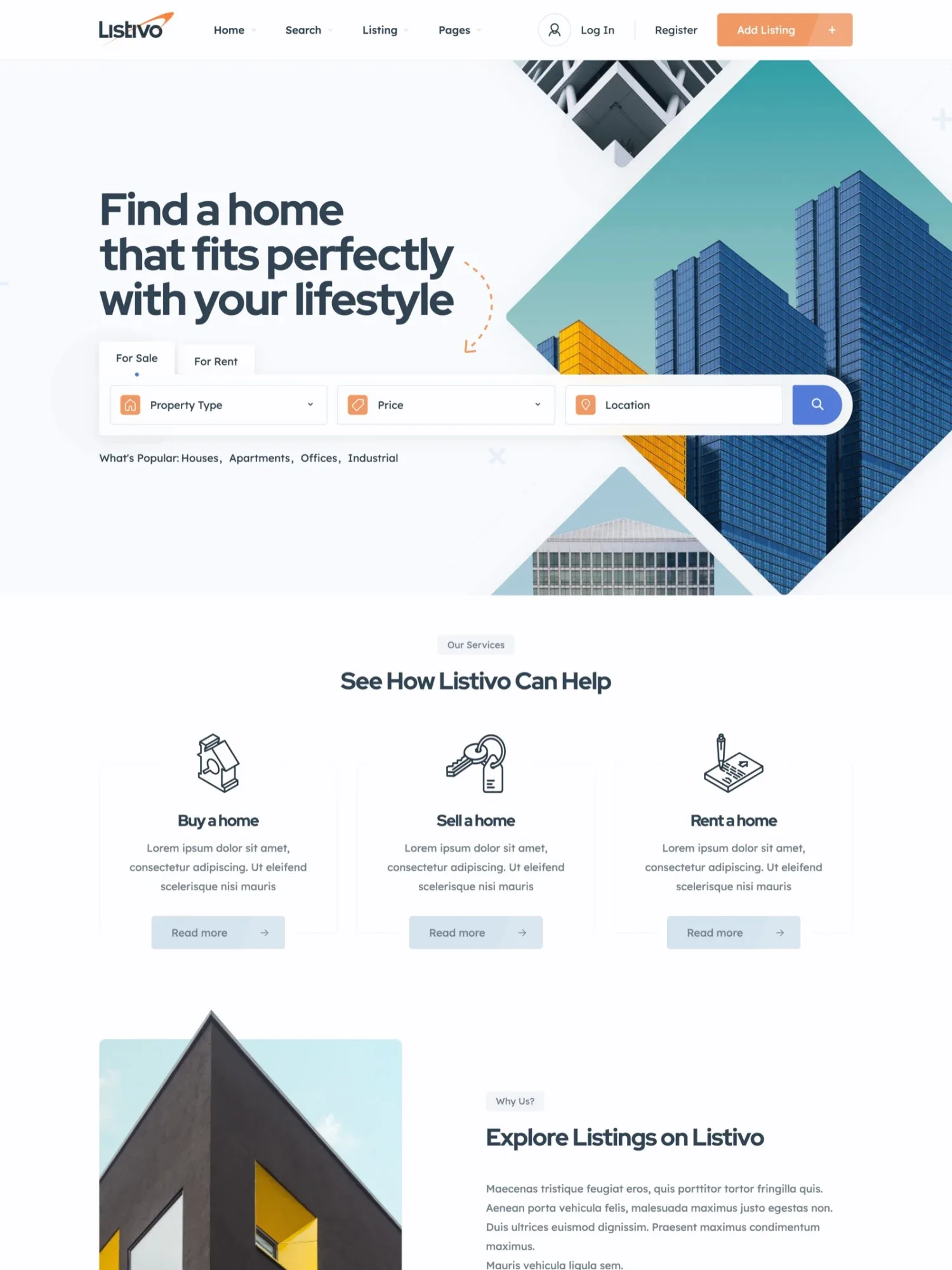
Listivo comes with 11 ready demos, and the Real Estate demo is the one made for a property portal. When you start the free trial, you pick a demo, and your website is created with it.
On your own server, you import a demo in one click. The import replaces what is on the website, so do it first.
Start from the Real Estate demo
A complete property portal, imported in one click.
2. Make the design yours
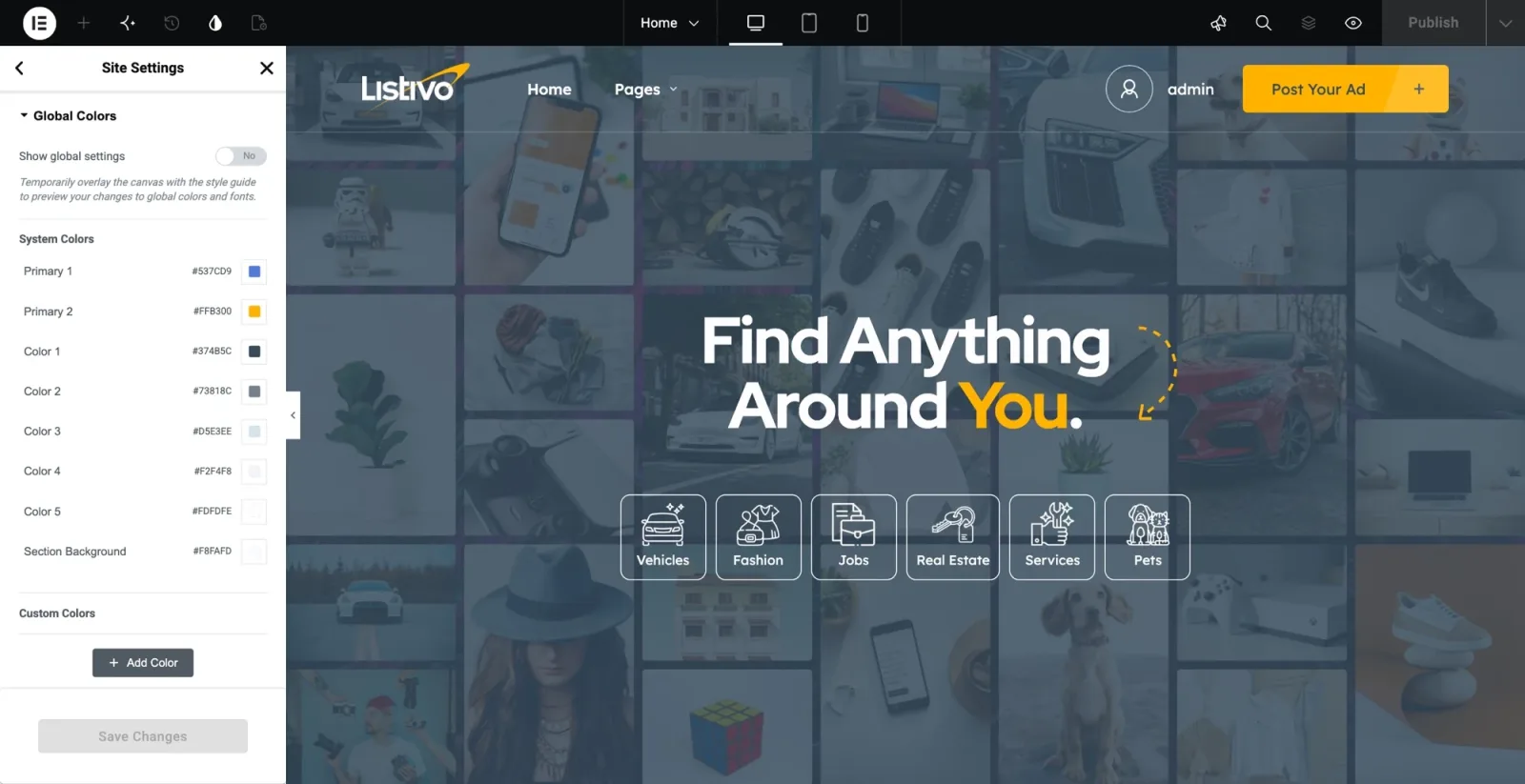
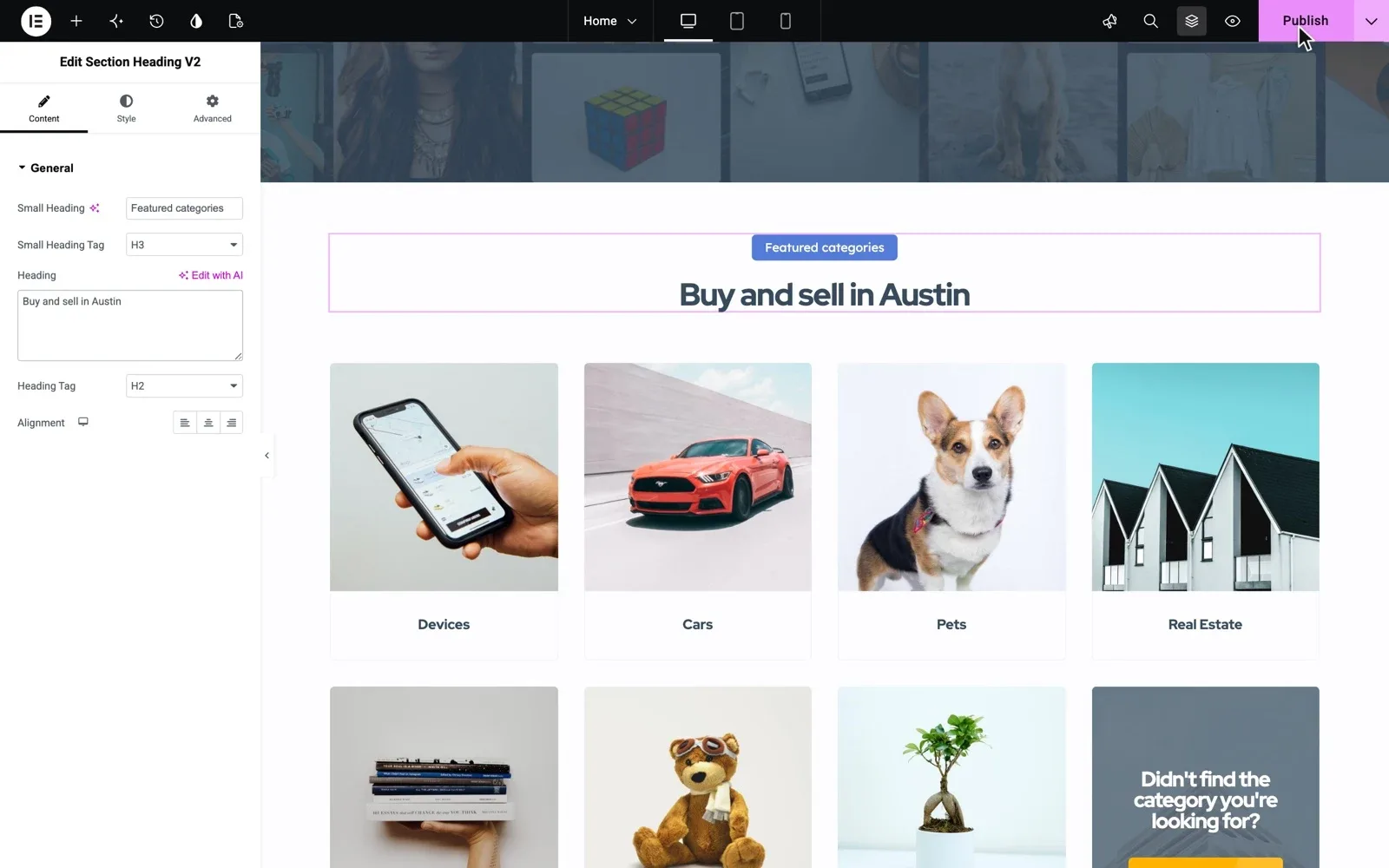
Set your colors and fonts once in Site Settings, and buttons, cards and every page follow. Then change any page in Elementor by drag and drop, without code.
3. Set the fields of a home
Each category gets its own form. A home asks for bedrooms, bathrooms, build year and property size, while a car asks for make and model.
Add text after the price, such as /month for a rent. Add a video or a virtual tour to any home with an embed field. Then choose which fields show as filters in the search.
4. Put the search on a map
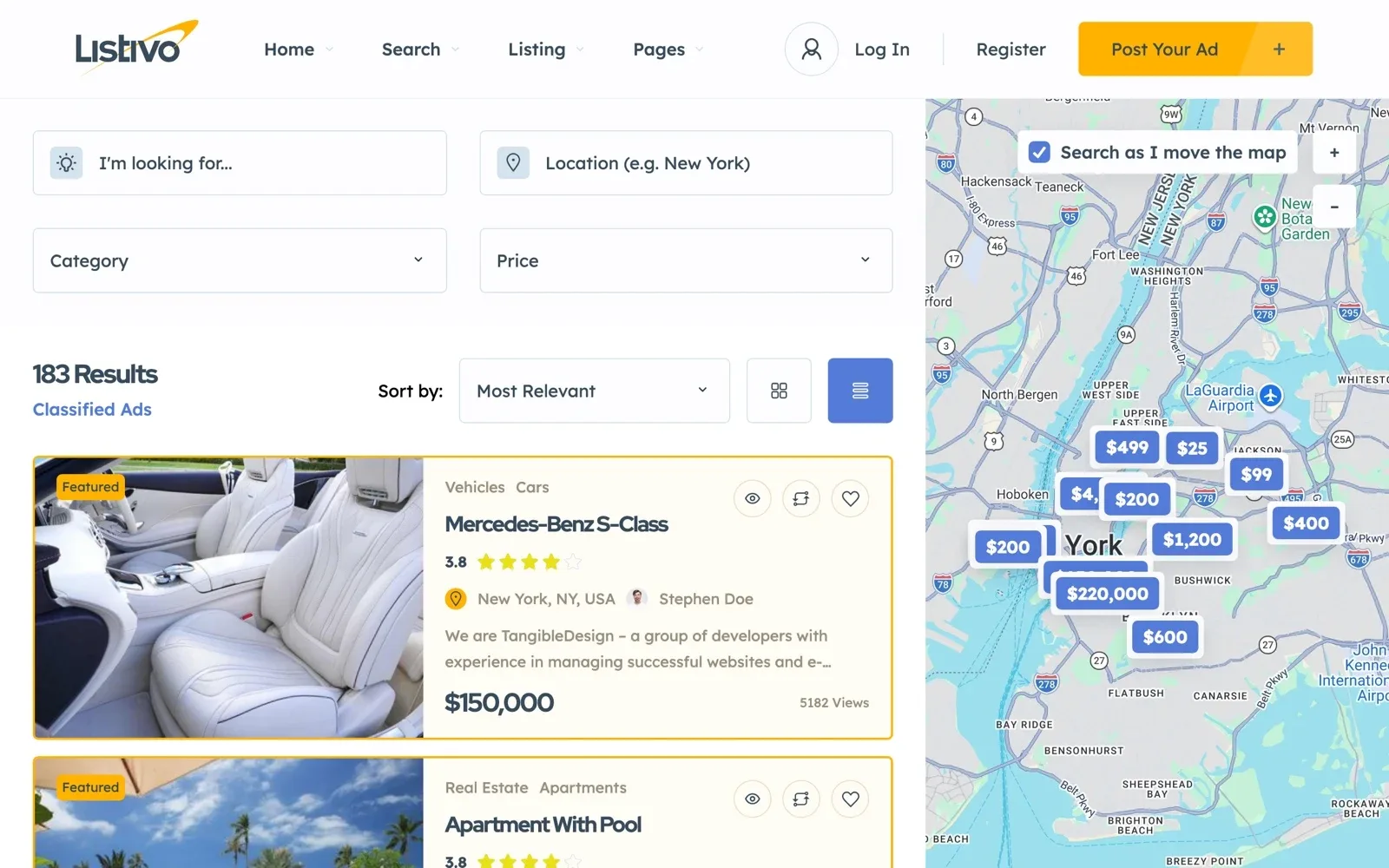
Show the results next to a map, with the price on each pin. The results follow as buyers move the map, and they can search within a distance of any place.
The map runs on Google Maps or the free OpenStreetMap. Google Maps needs a Google key and may cost money on very busy websites.
Follow these steps on your own portal
Start from the Real Estate demo, with the full WordPress admin.
Try Listivo free Free for 7 days. No card needed.5. Build the page of a home
Each home gets a photo gallery, its details and a map of where it stands. Buyers reach the agent or owner by chat, phone or WhatsApp.
Add the Loan Calculator, and buyers see the monthly payment for the price of that home. You lay out the whole page in Elementor, block by block.
6. Open accounts for agents and owners
Turn on business accounts, and users pick business or private when they register. Agents take business accounts, and owners take private ones.
Every user gets a panel to post, edit and promote their homes, and a public page that lists them all. An owner can fill in the form first and register at the end. You can approve every home before it goes live.
7. Decide what agents and owners pay for
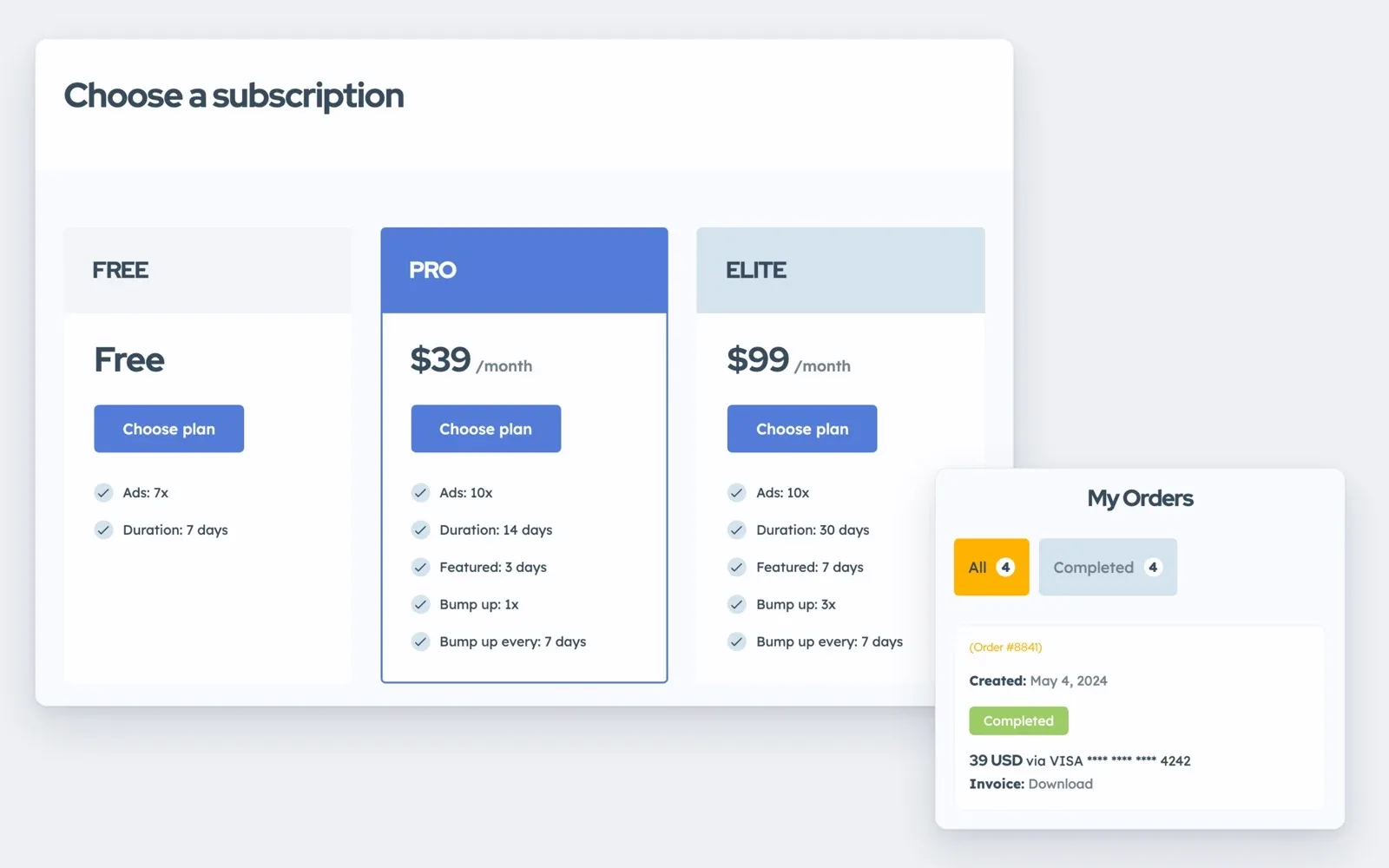
Sell agents a monthly plan through Stripe, with a set number of homes and featured days. Add a free plan so new users can start without paying. You can limit each plan to business or private accounts.
Sell owners a package for a single home, paid at checkout with the payment methods you add to WooCommerce. A featured home shows above the other homes in the search for the days you set. A bump moves a home back to the top of the list, like a refresh.