How to Display the 'Subscription Button' on Mobile
Listivo hides the user panel's Subscription Button on small screens. One CSS snippet brings it back, so visitors on phones can subscribe too.
1 minute read
Once you enable the Monetization and Subscriptions modules:
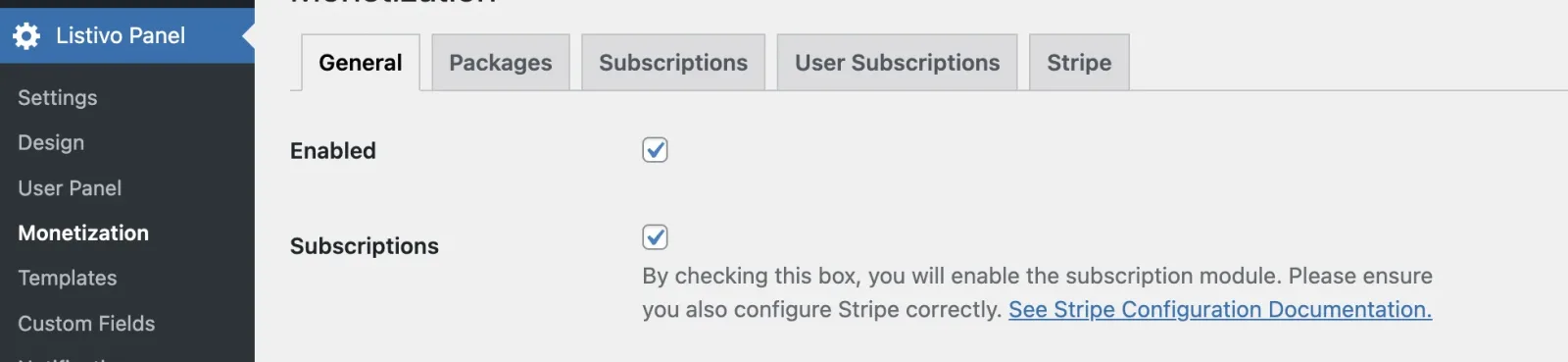
you'll see a "Subscription Button" in the User Panel on a desktop.

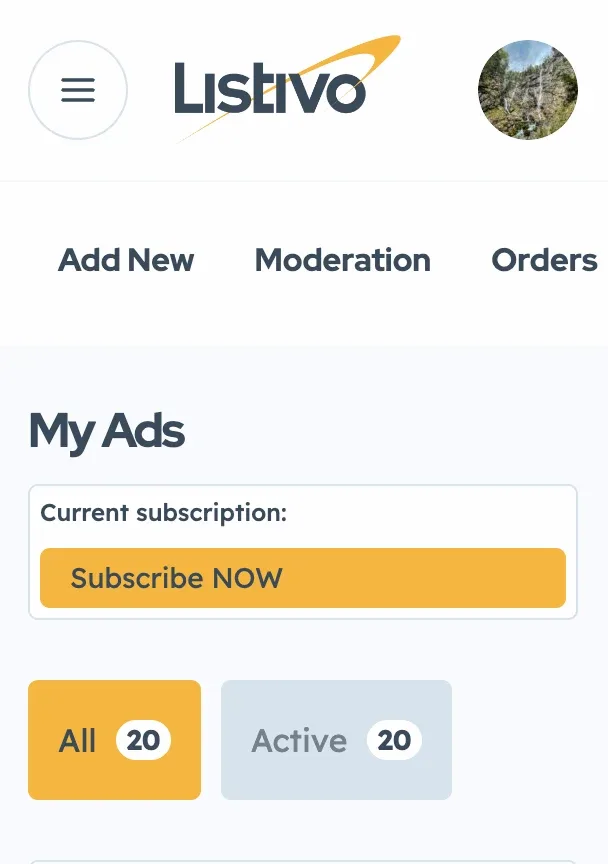
On mobile, this button is hidden by default. To show it there, add the CSS below. If you are not sure how to do that, see Adding CSS code for future update compatibility:
@media (max-width: 767px) {
.listivo-packages-bar,
.listivo-panel-section__top, .listivo-subscription-button {
display: block!important;
}

.listivo-packages-bar {
margin-top:15px!important;
}

.listivo-subscription-button__label {padding-bottom:10px!important;}
a.listivo-packages-bar__current.listivo-button-primary-2-selector {
  display: none!important;
}
a.listivo-packages-bar__buy {
  display: none!important;
}
.listivo-subscription-button {
  padding: 5px!important;
}
.listivo-subscription-button__label {
font-size:12px!important;
}
}
This will enable the Subscription Button on mobile devices.
Ask the people who build Listivo
We answer by email from support@tangiblewp.com. With Premium Support, we also fix your site when something breaks.
We can also run your site for you, or build a new one.
Was this guide helpful?