Multi currency
Vehica can run several currencies at the same time. Add each one in the Vehica Panel, then let visitors switch between them with the Currency Switcher widget or the menu top bar.
1 minute read
Vehica can use more than one currency at the same time. You add the currencies in the Vehica Panel.
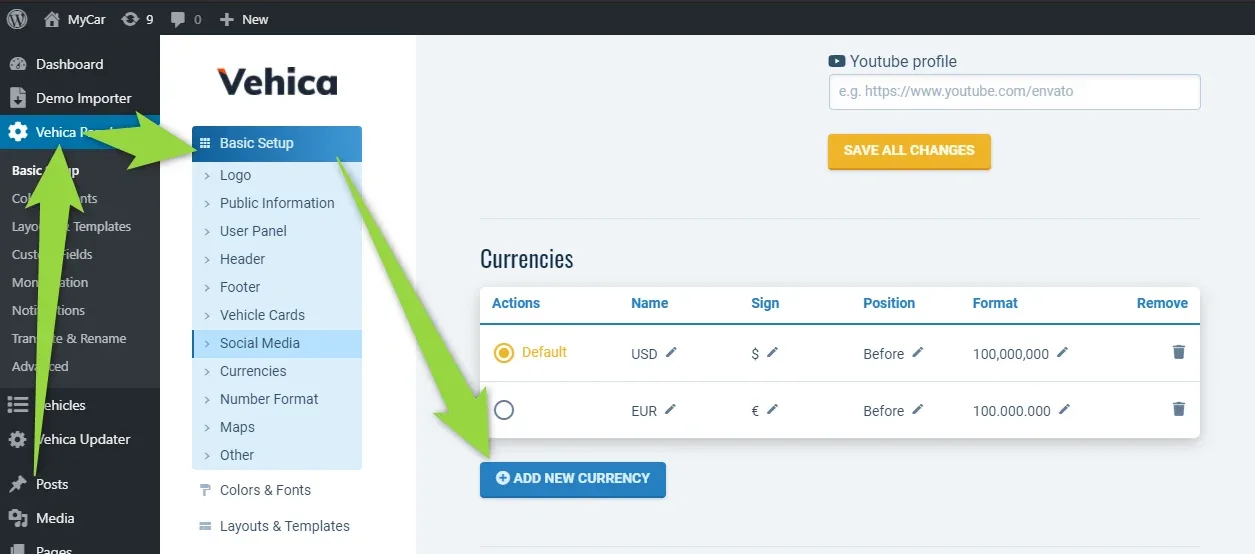
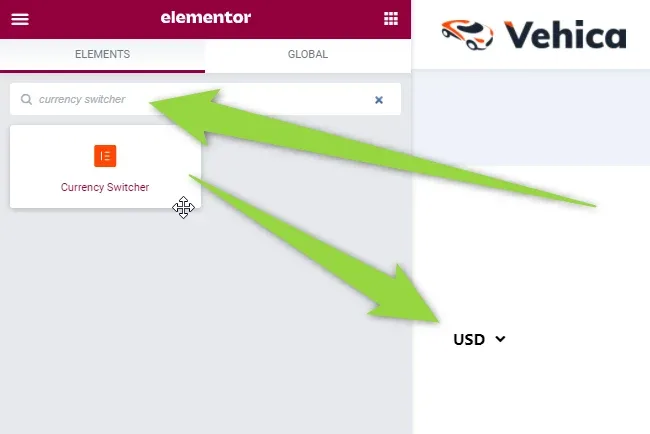
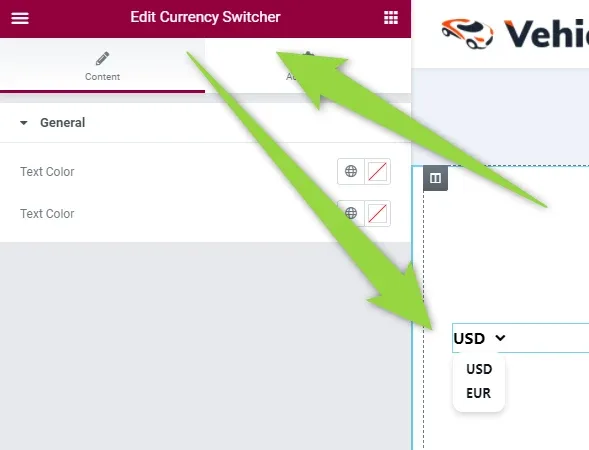
To let visitors change the currency themselves, add the Currency Switcher widget to your layout in Elementor.
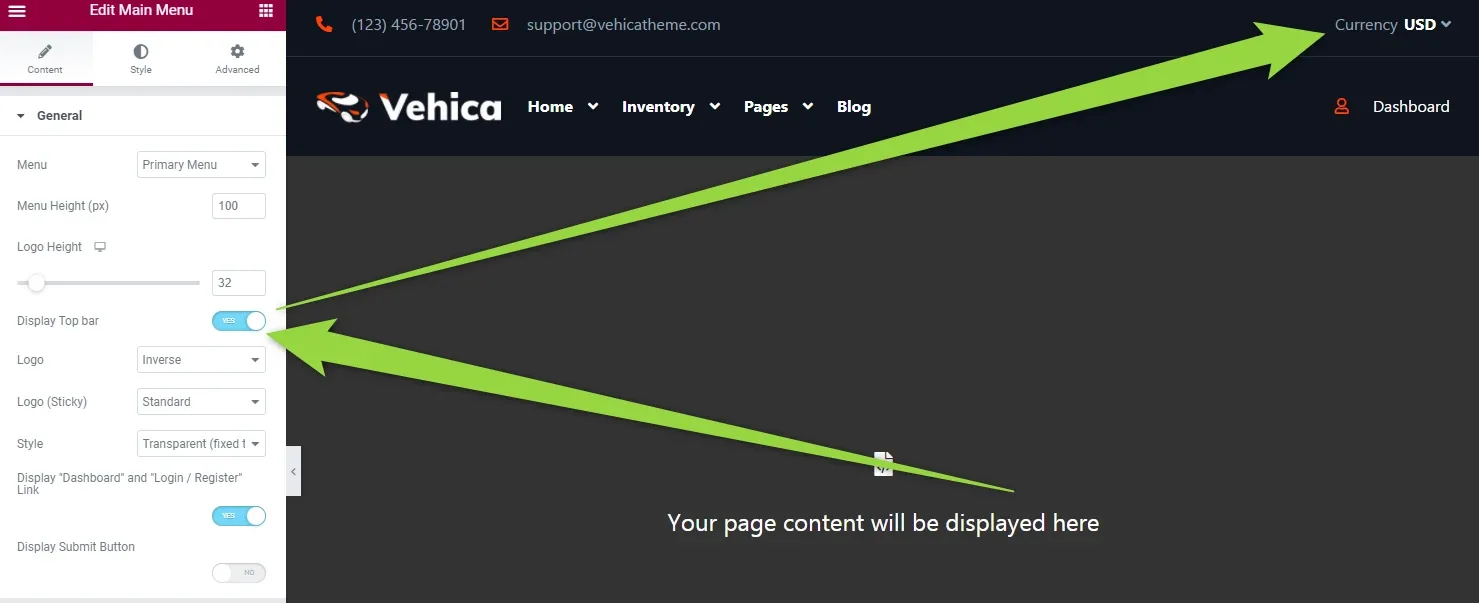
The switcher can also live in the top bar of your Main Menu, which you turn on in the menu settings.
Ask the people who build Vehica
We answer by email from support@tangiblewp.com. With Premium Support, we also fix your site when something breaks.
We can also run your site for you, or build a new one.
Was this guide helpful?