Skip to content

How to change currency and price format?

Set the currency name, its sign, the position of that sign and the number format in the Vehica Panel, so every price on your site is written the way your visitors expect.

1 minute read

Set your currency

You can set your currency in /wp-admin/ > Vehica Panel > Basic Setup > Currencies.
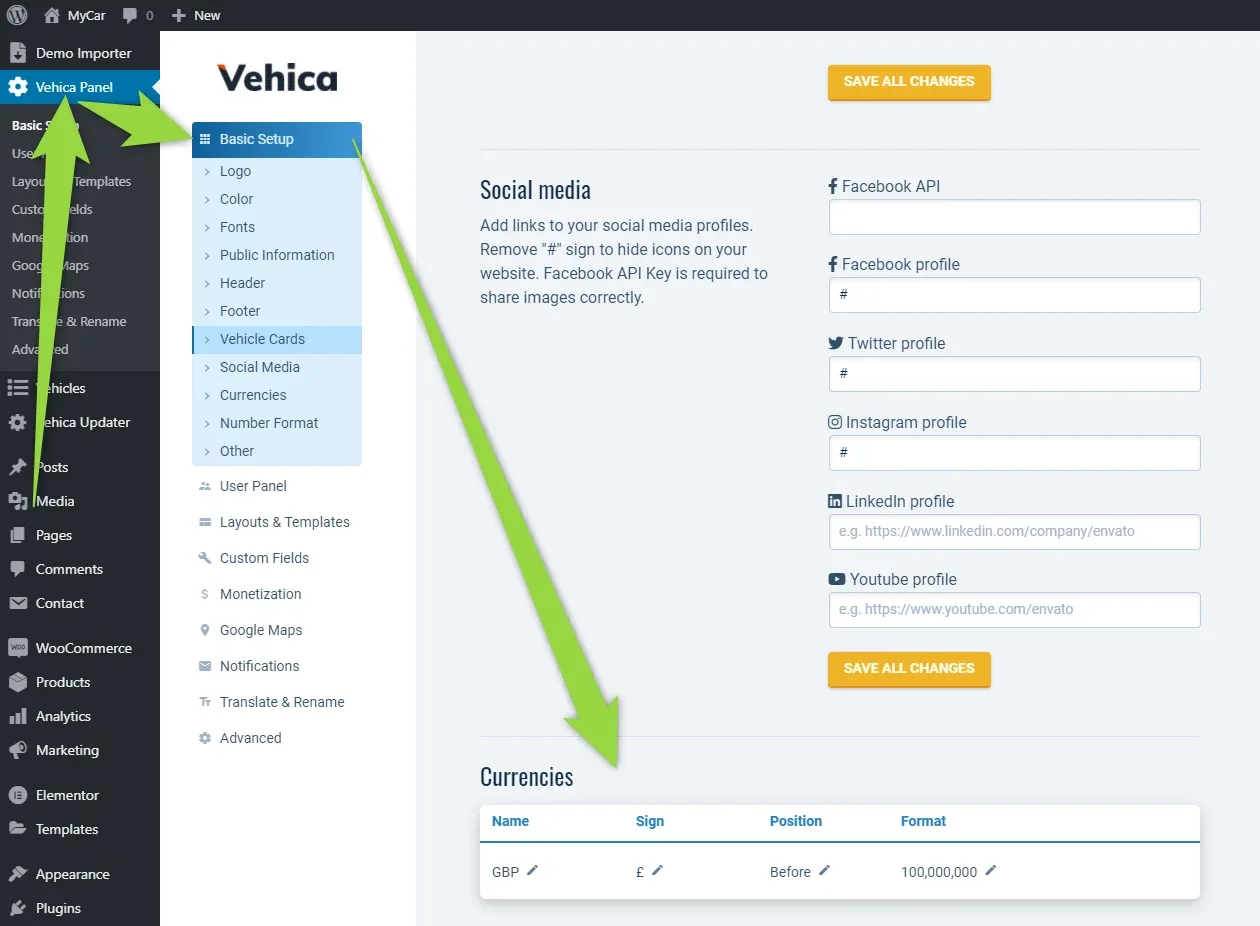
WordPress admin with Vehica Panel > Basic Setup open and Currencies highlighted in the submenu; arrows lead down the page to the Currencies table, which holds one row: GBP, sign £, position Before, format 100,000,000.

You can change the currency name (e.g. GBP), the currency sign (e.g. £), the sign position (Before or After the number) and the number format.
Getting the currency sign
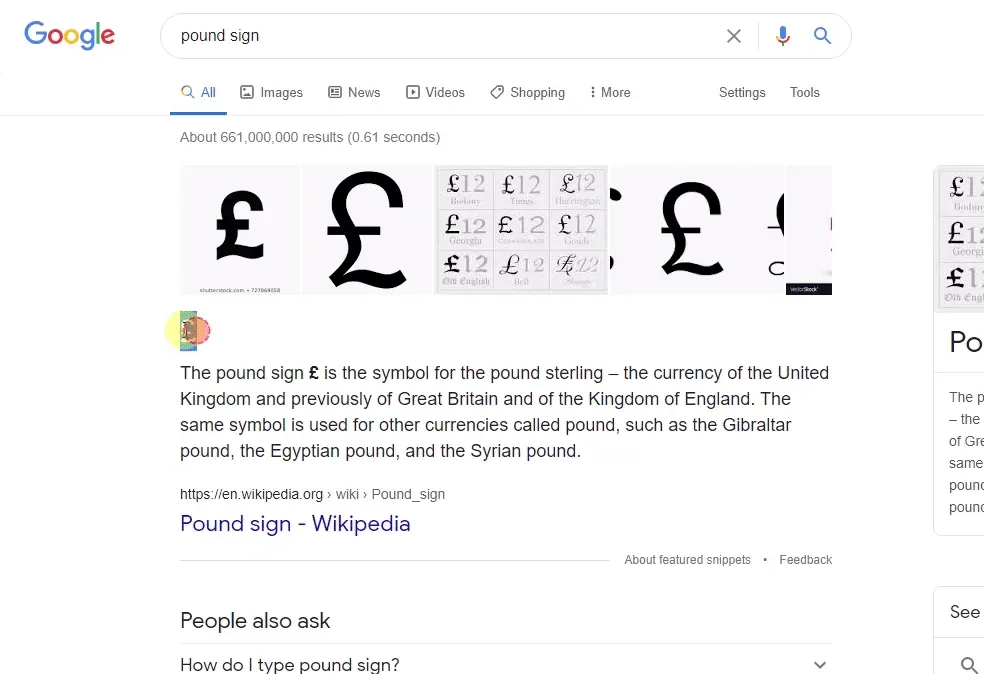
The easiest way to find your currency sign, e.g. £, is to search for it in Google — for example search pound sign — and copy and paste it into the Vehica Panel.
Google search results for "pound sign", with a featured snippet from Wikipedia explaining the £ symbol and images of the sign that can be copied.

Each value is edited on the spot: click the pencil icon next to it.
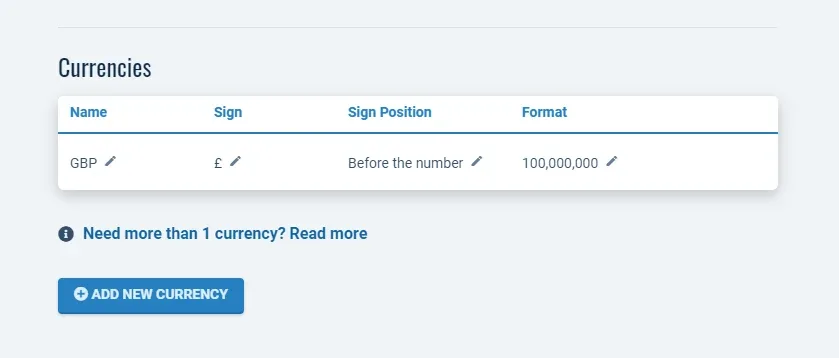
The Currencies table with one row — GBP, sign £, sign position "Before the number", format 100,000,000 — a pencil icon beside every value, and an Add New Currency button below.
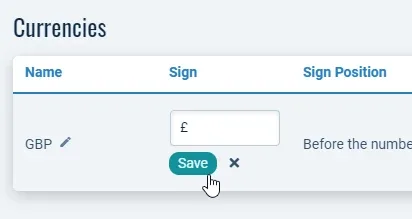
The same table with the Sign value in edit mode: a small text box containing £ and a Save button underneath it.

Where the new format shows up

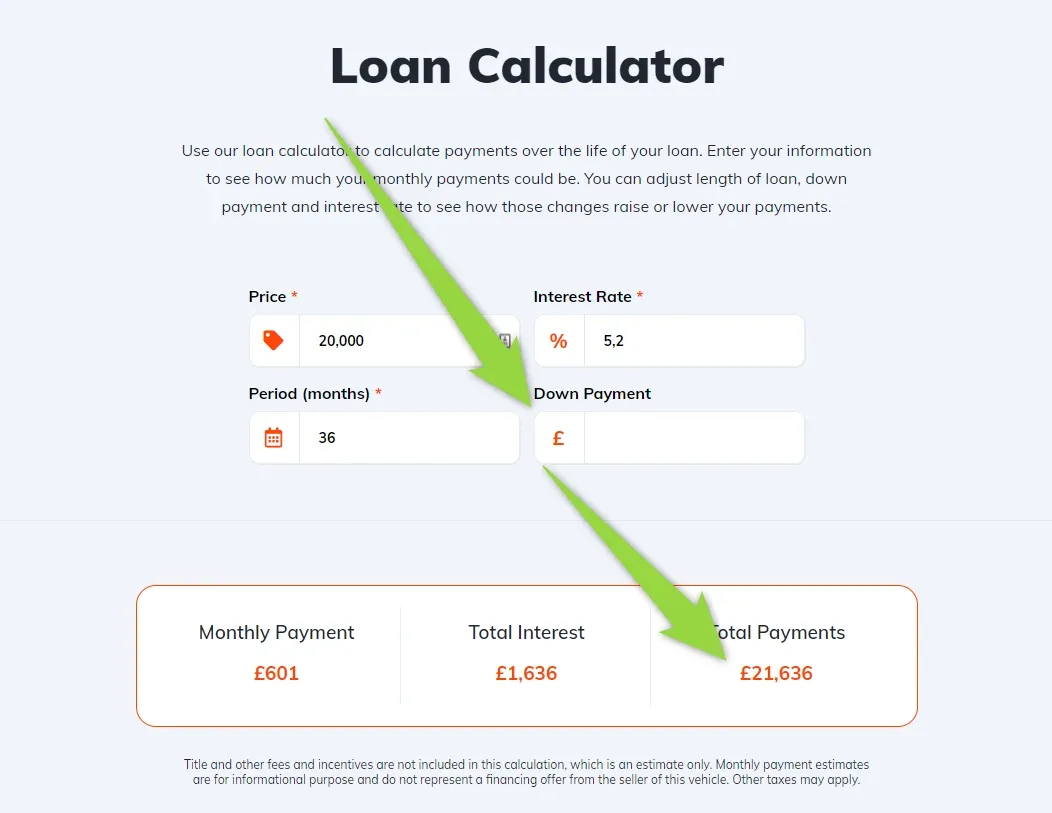
The new price format is used everywhere on your website, for example on listing cards and in the loan calculator.
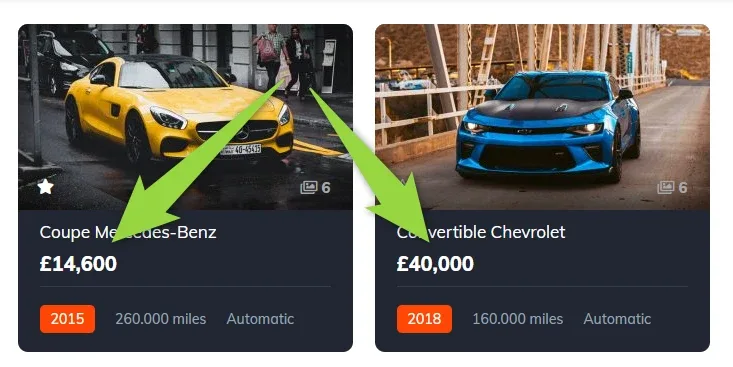
Two listing cards with arrows pointing at their prices: a Mercedes-Benz coupe at £14,600 and a Chevrolet convertible at £40,000.
The Loan Calculator with a £ icon on the Down Payment field and results in pounds: £601 monthly payment, £1,636 total interest and £21,636 total payments.

If you need more than one currency at the same time, see Multi currency.

Ask the people who build Vehica

We answer by email from support@tangiblewp.com. With Premium Support, we also fix your site when something breaks.

Was this guide helpful?