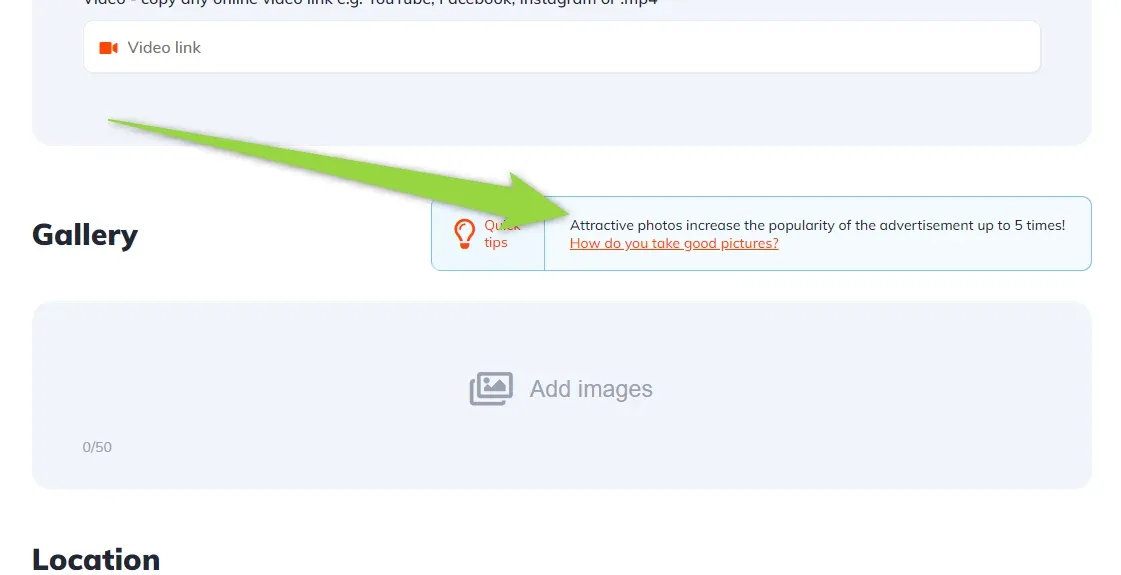
How to customize Submit Vehicle Gallery Quick Tip – Attractive photos increase the popularity of the advertisement up to 5 times! How do you take good pictures?
The Submit Vehicle form shows a quick tip about photo quality next to the Gallery field. This article shows where that text is stored so you can reword it, translate it or take it out.
1 minute read
This article explains how to customize this part of the submit vehicle form:
-
1
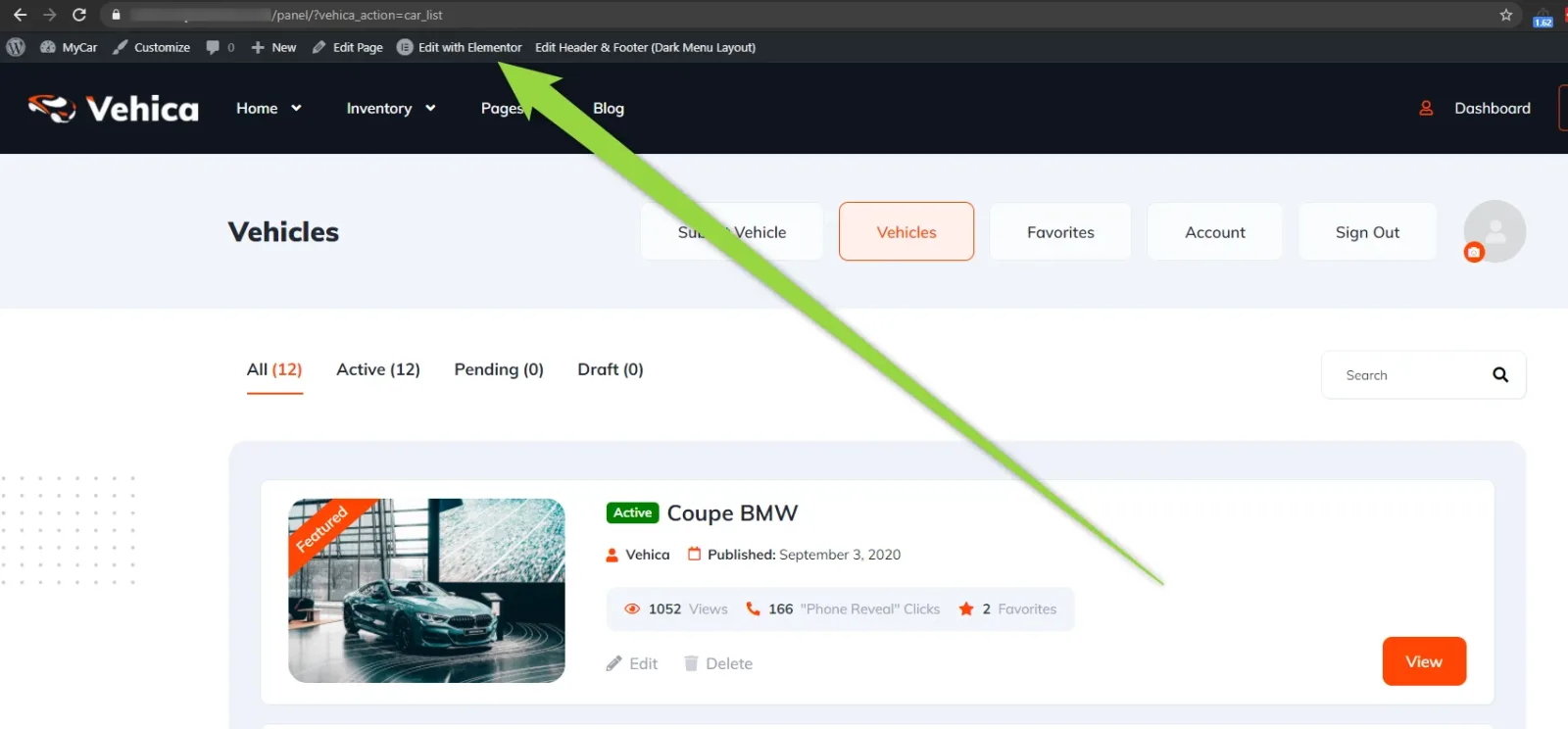
Open the panel page in Elementor
Visit the panel page on your site and edit it with Elementor.
-
2
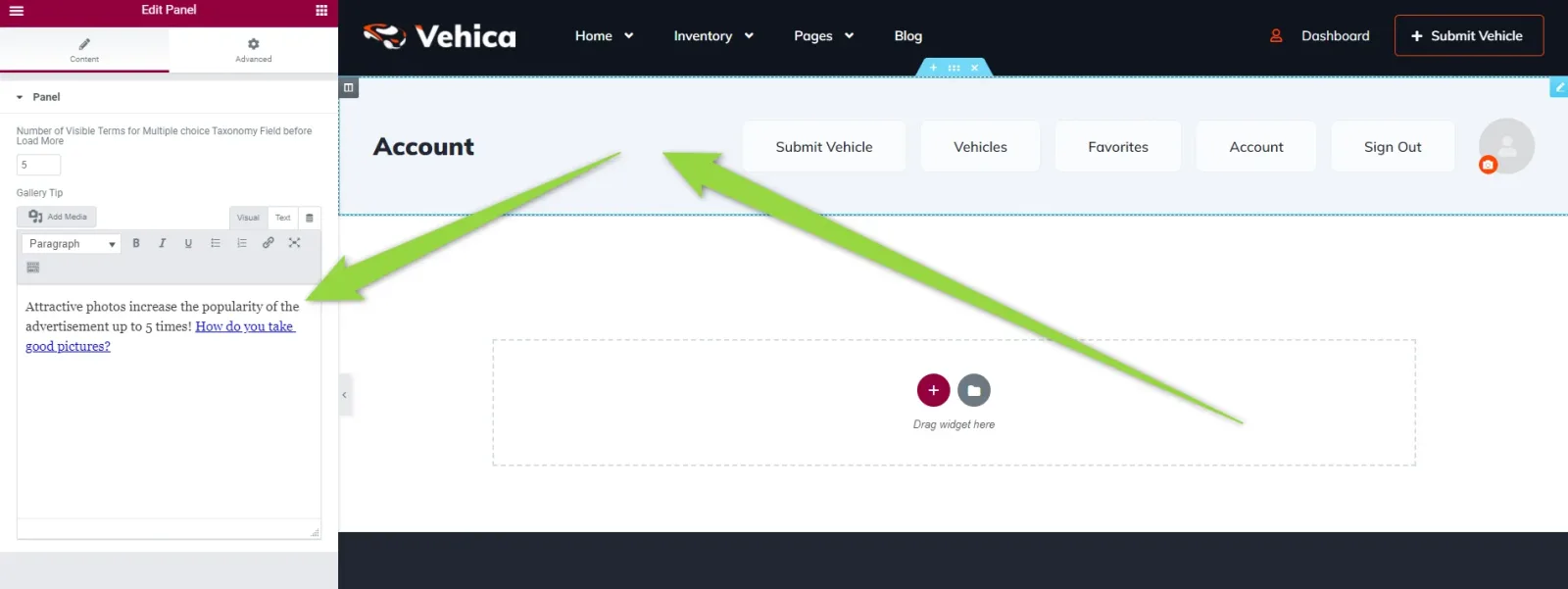
Edit the Gallery Tooltip
You will find the Gallery Tooltip in the widget settings, as a text field you can rewrite or empty.
Ask the people who build Vehica
We answer by email from support@tangiblewp.com. With Premium Support, we also fix your site when something breaks.
We can also run your site for you, or build a new one.
Was this guide helpful?