How to edit footer?
The Listivo footer is part of the layout, not a separate settings page. This article shows the two ways to open that layout in Elementor and how to change the footer's sections and colours.
1 minute read
Listivo has a Layout System.
Layout = header + <page-content> + footer
Open the layout for editing
To edit the footer you will need to edit the layout. You can do it directly on your page this way:
Log in to your website's WordPress admin panel and open your site. In the bar at the top choose Edit with Elementor, then the layout — Inverse Menu Layout in the example below.
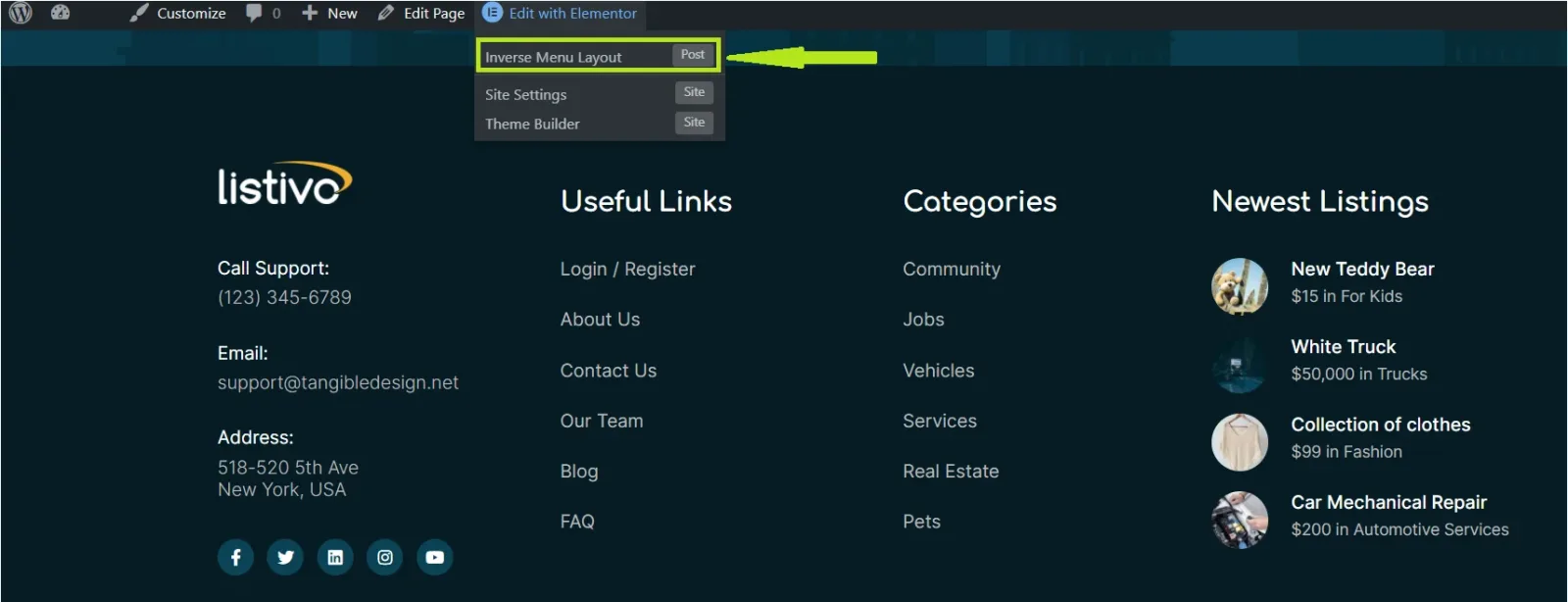
Or you can select it via the /wp-admin/ panel this way:
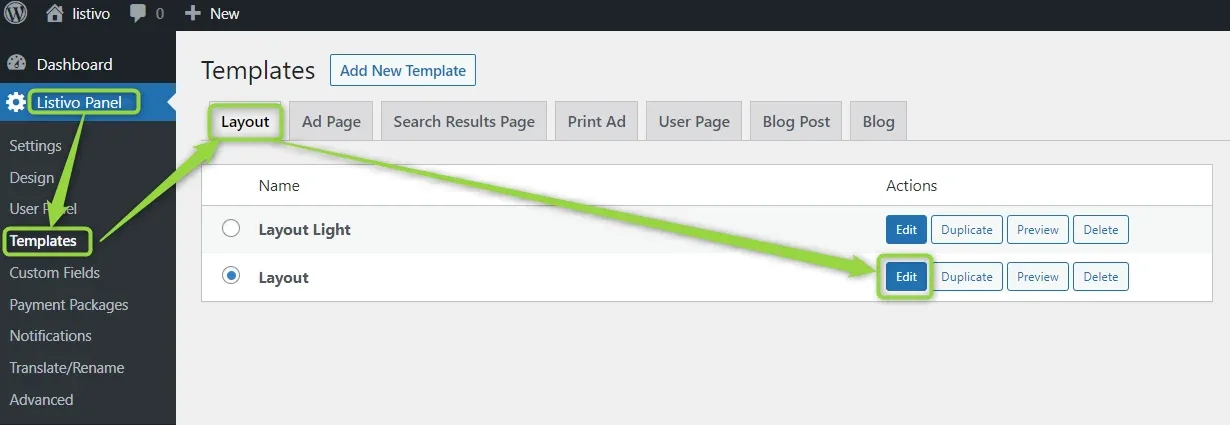
Change the footer
Your website is now in edit mode, and you can change the settings to suit your needs.
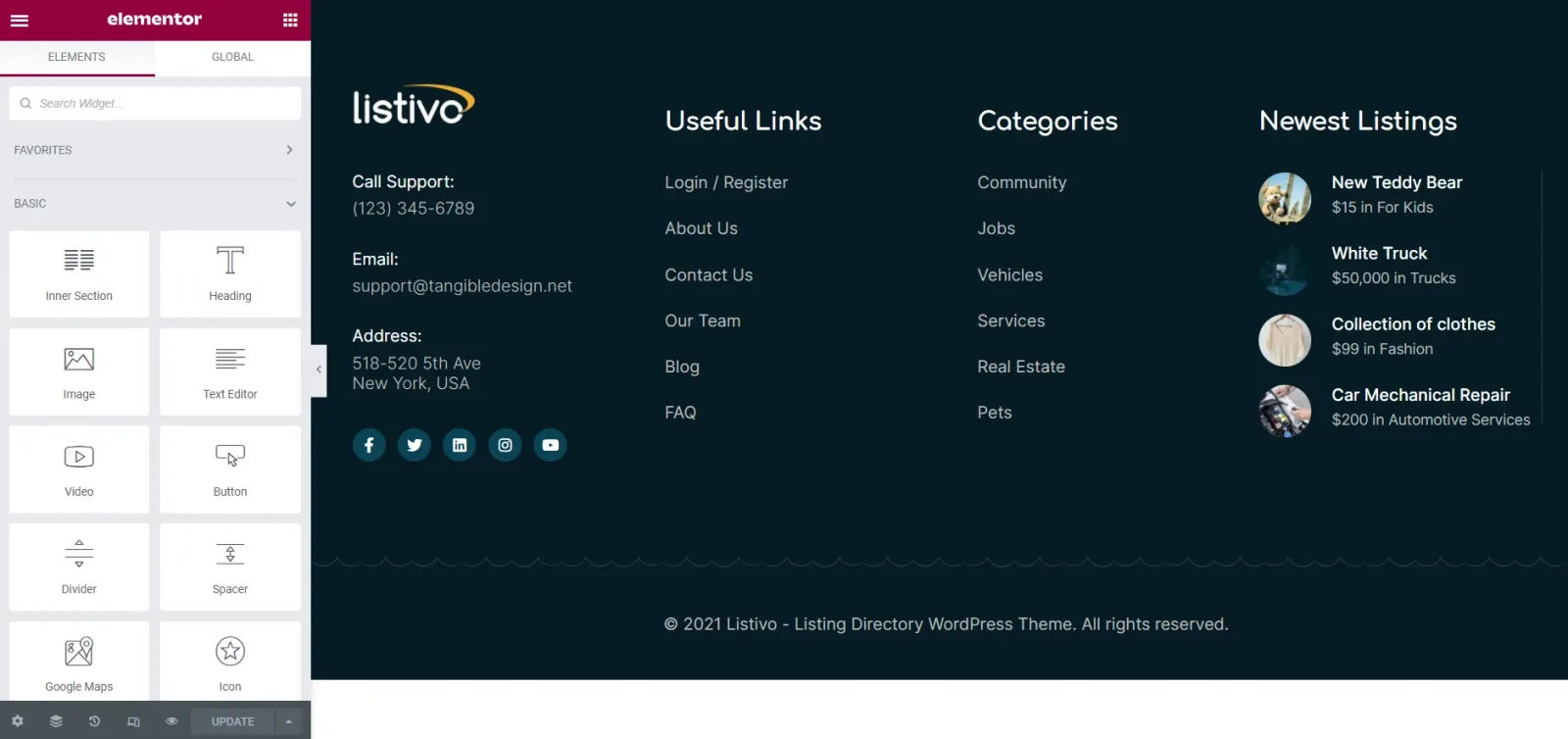
Scroll down and you will see your footer:
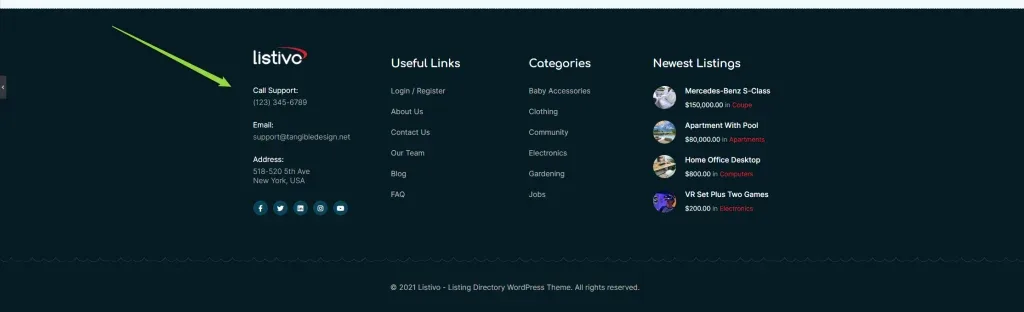
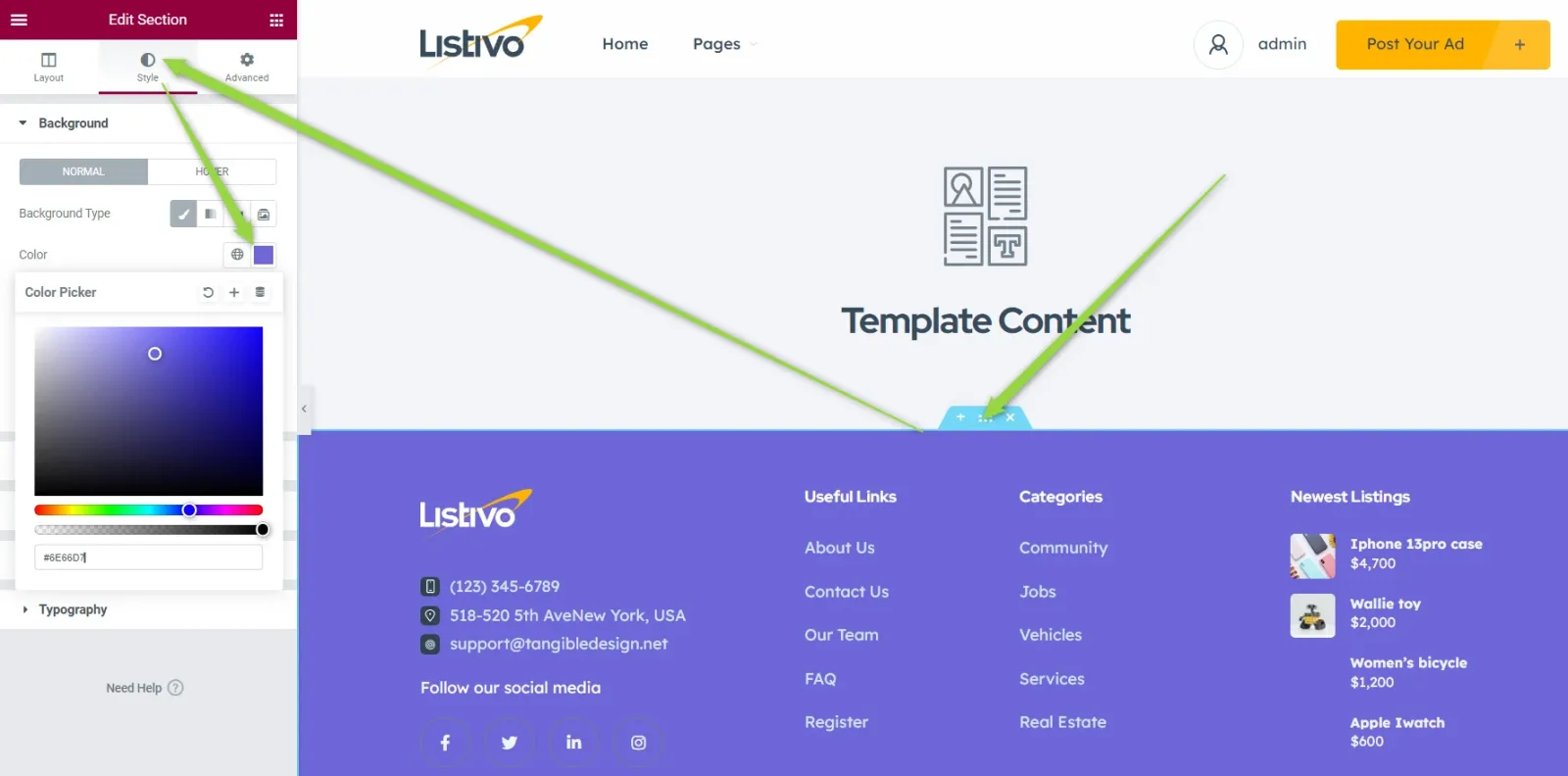
You can now remove or add sections and change the colours easily:
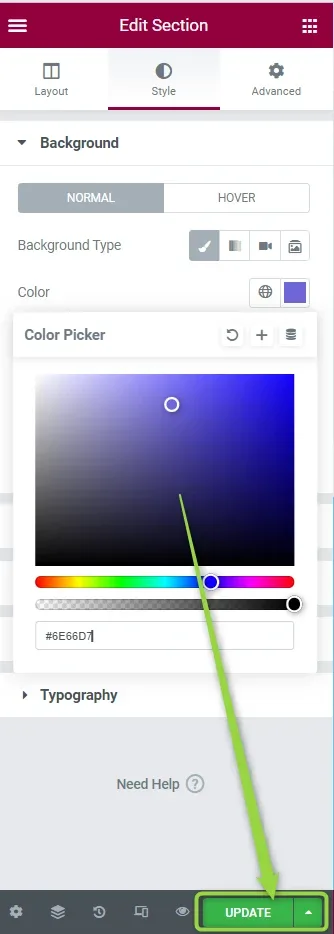
After finishing your work, click Update at the bottom of the panel and it is ready.
Ask the people who build Listivo
We answer by email from support@tangiblewp.com. With Premium Support, we also fix your site when something breaks.
We can also run your site for you, or build a new one.
Was this guide helpful?