How to copy Footer from one layout to another?
Reuse a footer you have already built: open the layout that has it and save the footer as a template, so it can be placed in another layout instead of rebuilt.
1 minute read
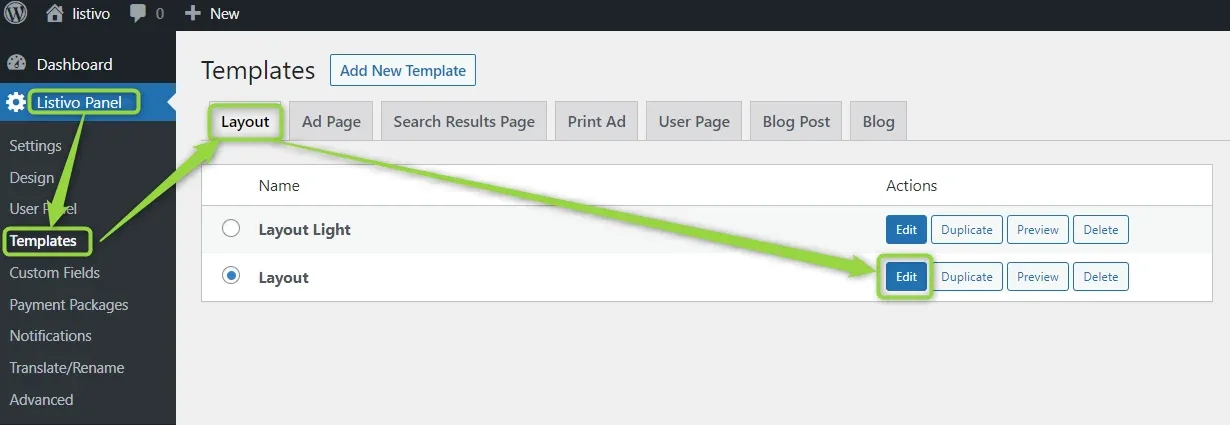
Please edit the layout that already has the footer, from Listivo Panel > Templates > Layout:
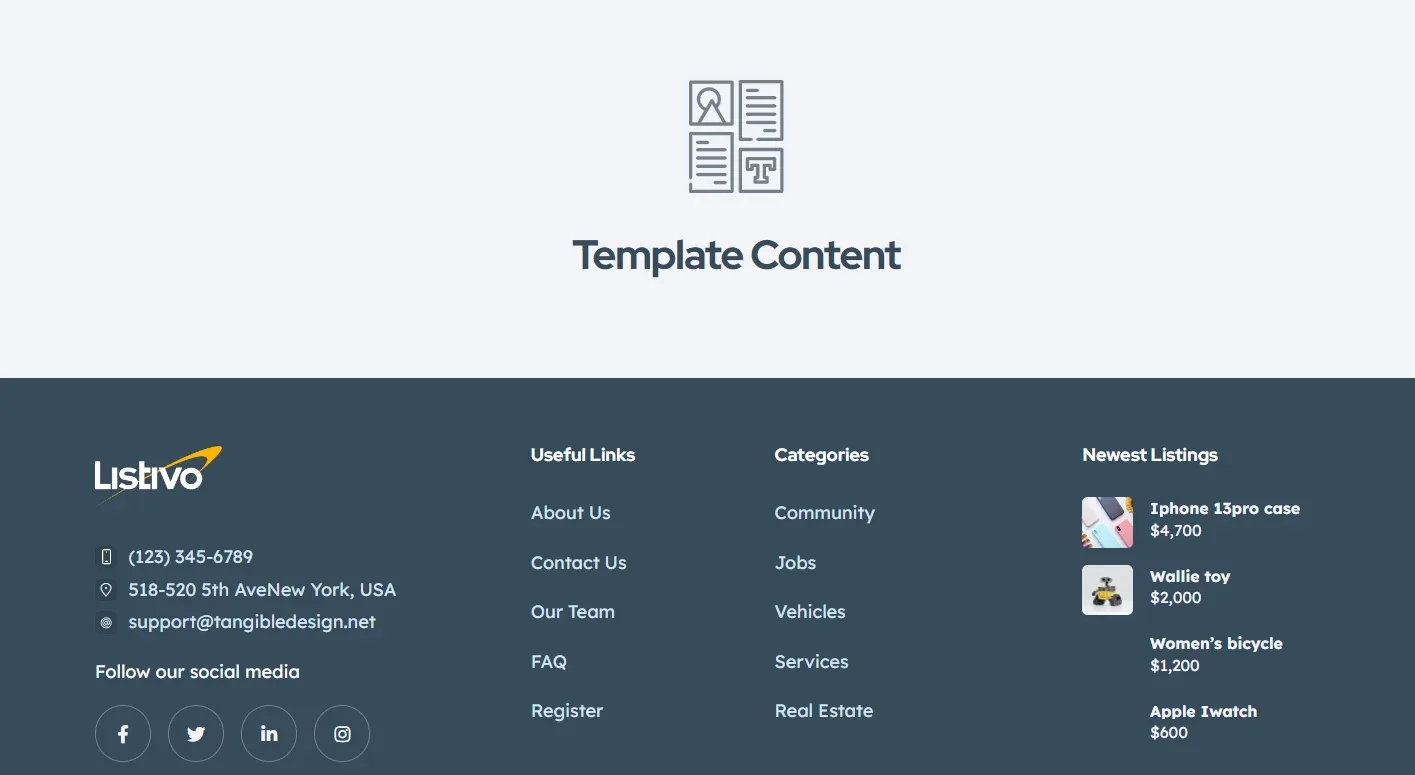
Then save the footer as a template, so it can be reused in your other layout.
Ask the people who build Listivo
We answer by email from support@tangiblewp.com. With Premium Support, we also fix your site when something breaks.
We can also run your site for you, or build a new one.
Was this guide helpful?