How to change + plus icon on the “Add Listing”button (CTA Button Menu Icon)
The plus icon on the call-to-action button in the Listivo menu comes from the layout, and desktop and mobile are set in two different places. This article shows where both live.
1 minute read
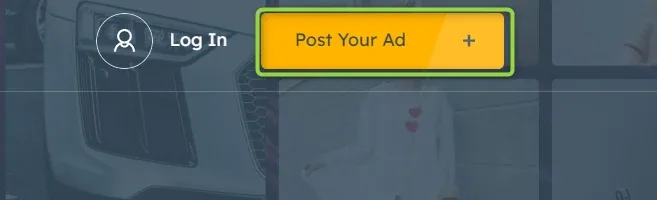
This article explains how to customize the menu + plus icon on the “Post Your Ad” button (CTA Button Menu Icon).
-
1
Open the layout in Elementor
The icon is part of the Layout (header + footer), so start by opening the layout for editing: How to customize header (menu colors, font-size etc.)
-
2
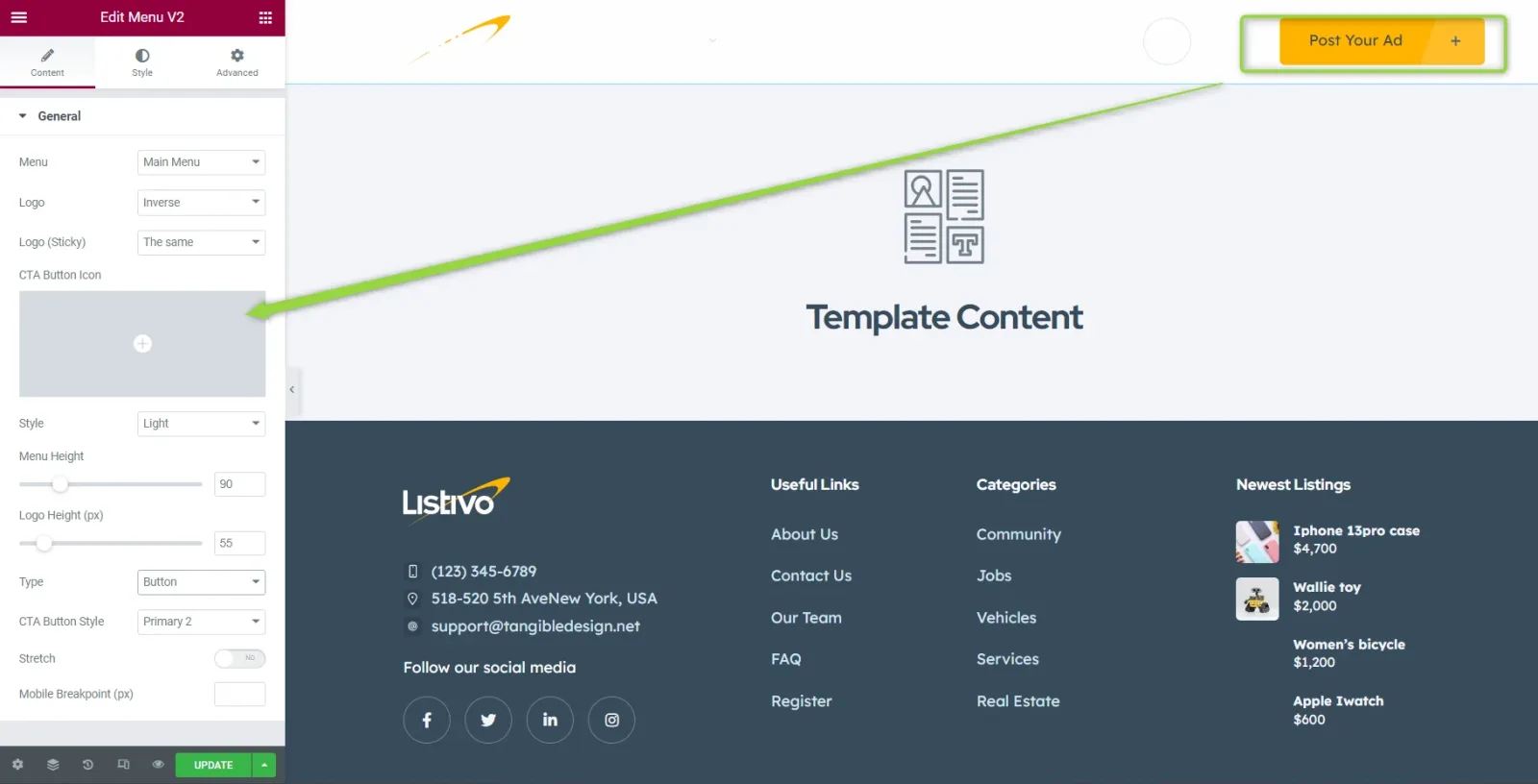
Change the icon on desktop
In the Menu widget, set your new icon under CTA Button Icon.
-
3
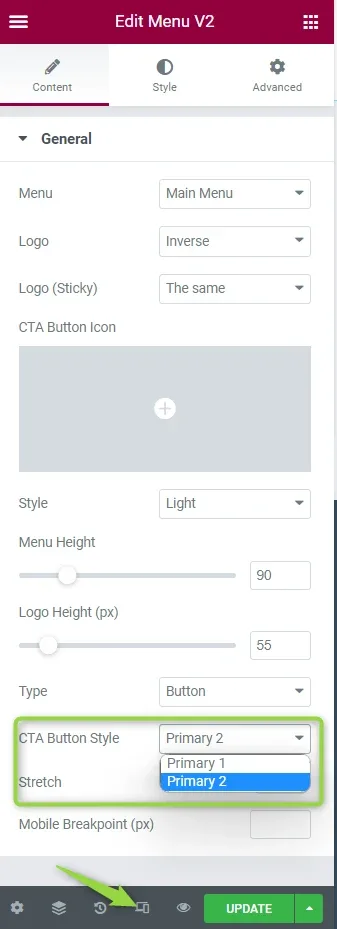
Change the icon on mobile
To change it on mobile, go to Button CTA.
Ask the people who build Listivo
We answer by email from support@tangiblewp.com. With Premium Support, we also fix your site when something breaks.
We can also run your site for you, or build a new one.
Was this guide helpful?