Notifications – how to change sender email from wordpress@yourdomain.com
Replace the default wordpress@yourdomain.com address your site's notification emails are sent from with your own sender name and email address.
1 minute read
Notifications are by default sent from the wordpress@yourdomain.com email address. If you wish to change it, please install CB Change Mail Sender.
-
1
Install CB Change Mail Sender
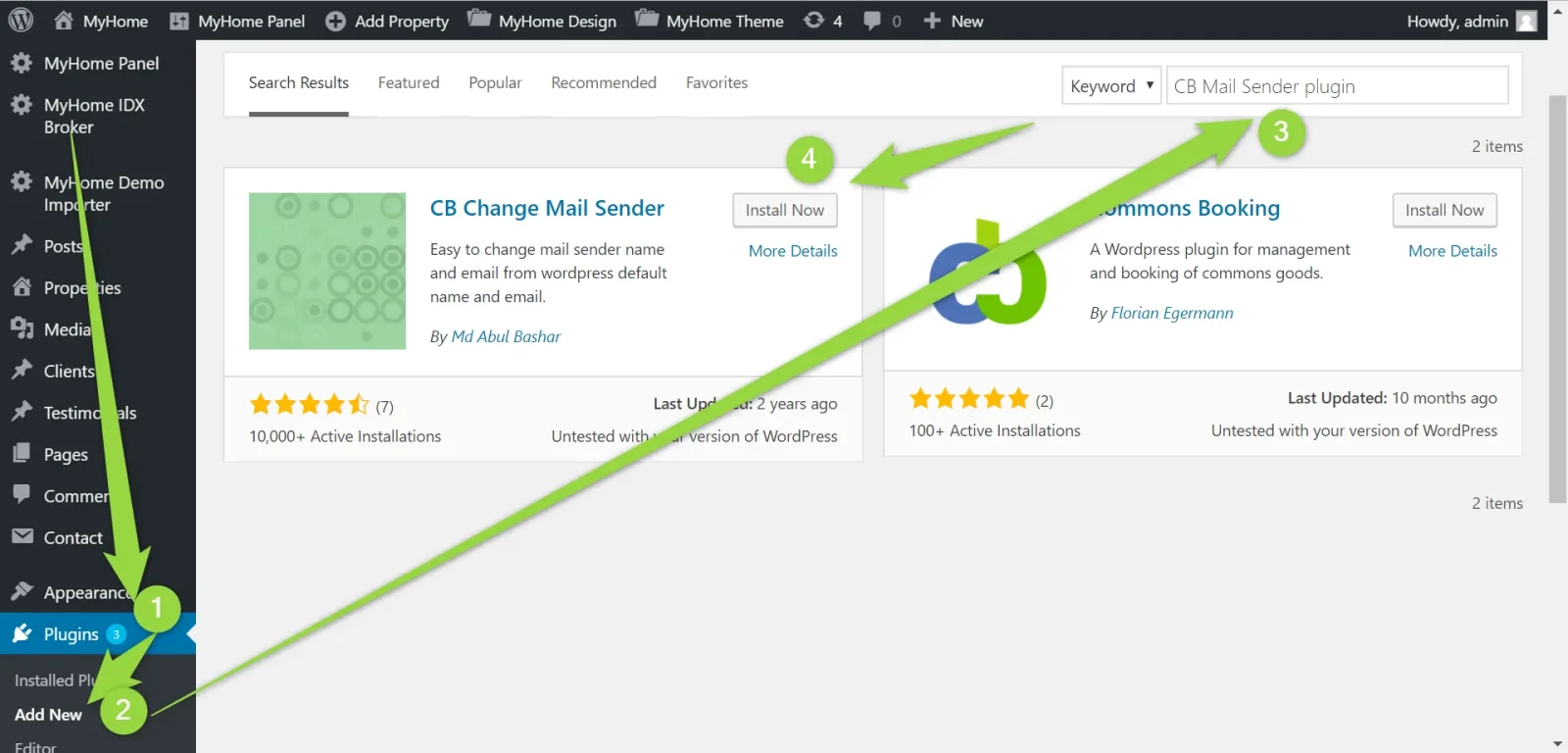
Go to Plugins → Add New, search for the CB Mail Sender plugin and click Install Now on the CB Change Mail Sender card.
-
2
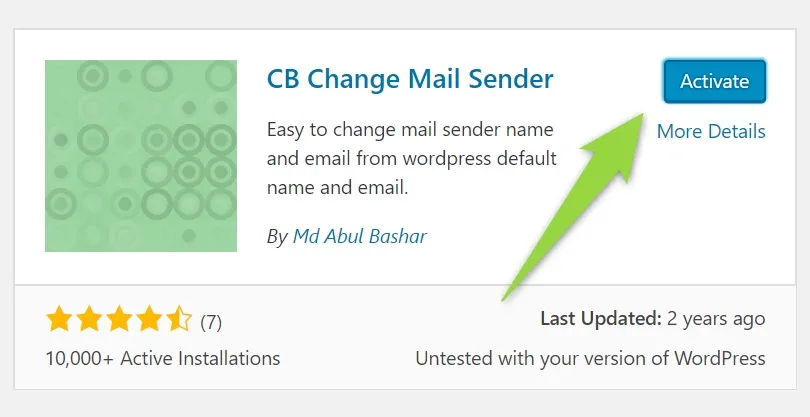
Activate the plugin
-
3
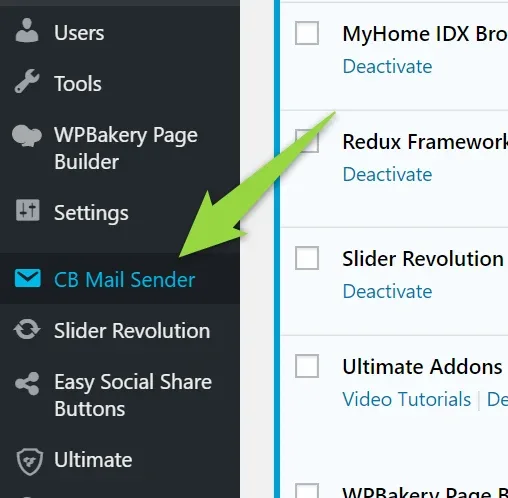
Choose CB Mail Sender from the menu
-
4
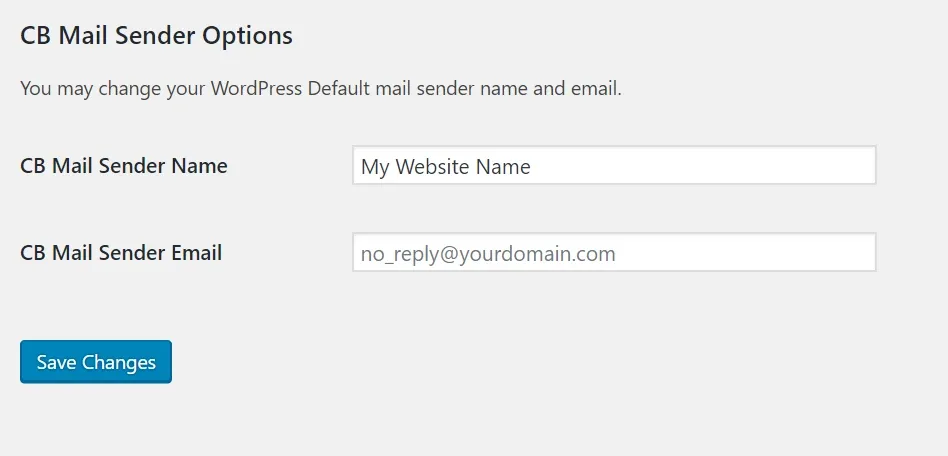
Configure the sender name and email
Fill in CB Mail Sender Name and CB Mail Sender Email, then save.
Ask the people who build Vehica
We answer by email from support@tangiblewp.com. With Premium Support, we also fix your site when something breaks.
We can also run your site for you, or build a new one.
Was this guide helpful?