How to add menu top bar (phone number / email address above menu)
A top bar is the thin strip above the menu where a phone number and an email address are shown. It is a single switch in the menu widget of your layout.
1 minute read
This article explains how to add a menu top bar like this:
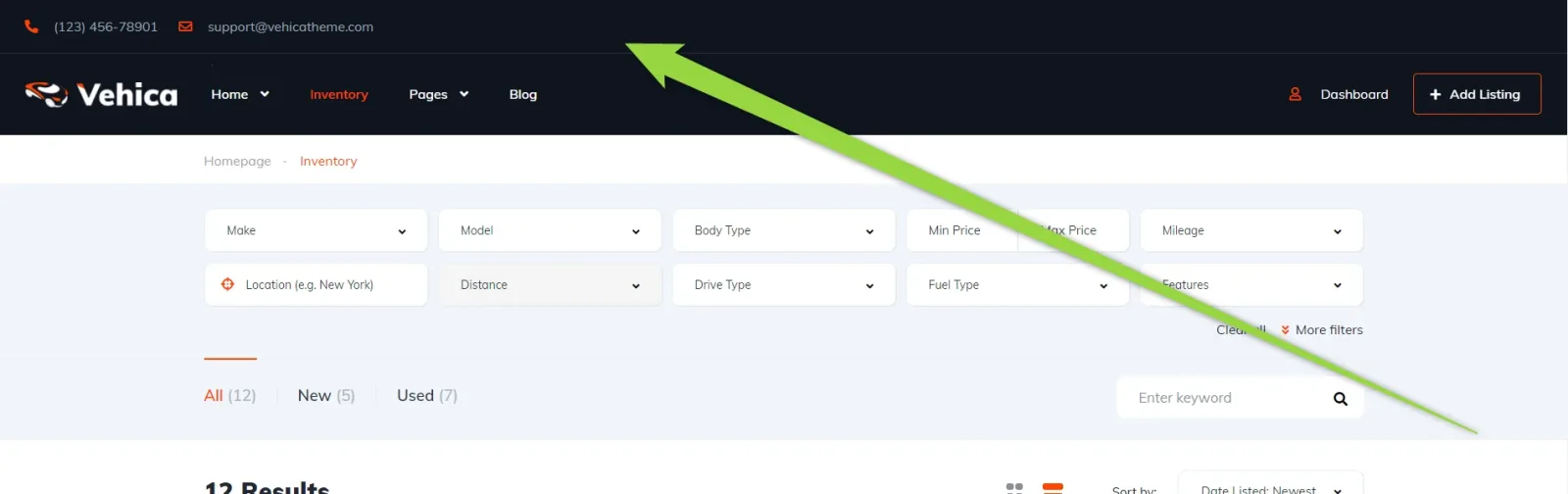
-
1
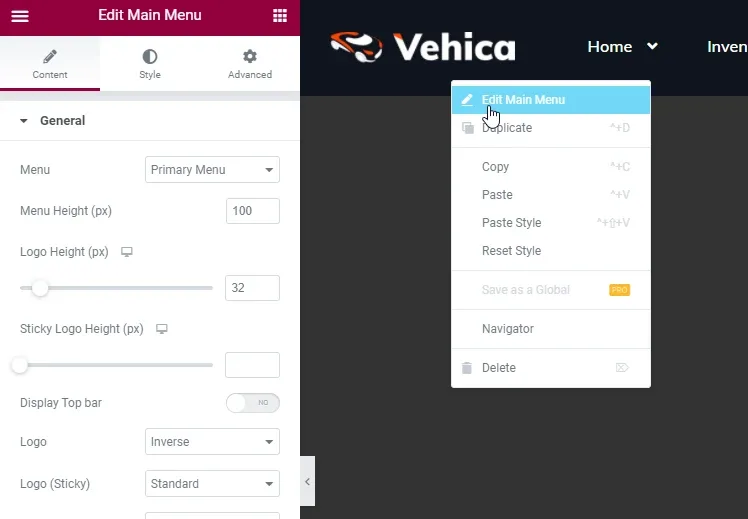
Edit the menu in Elementor
The menu lives in your layout — see How to customize header (menu colors, font-size etc.) for the two ways to open it.
-
2
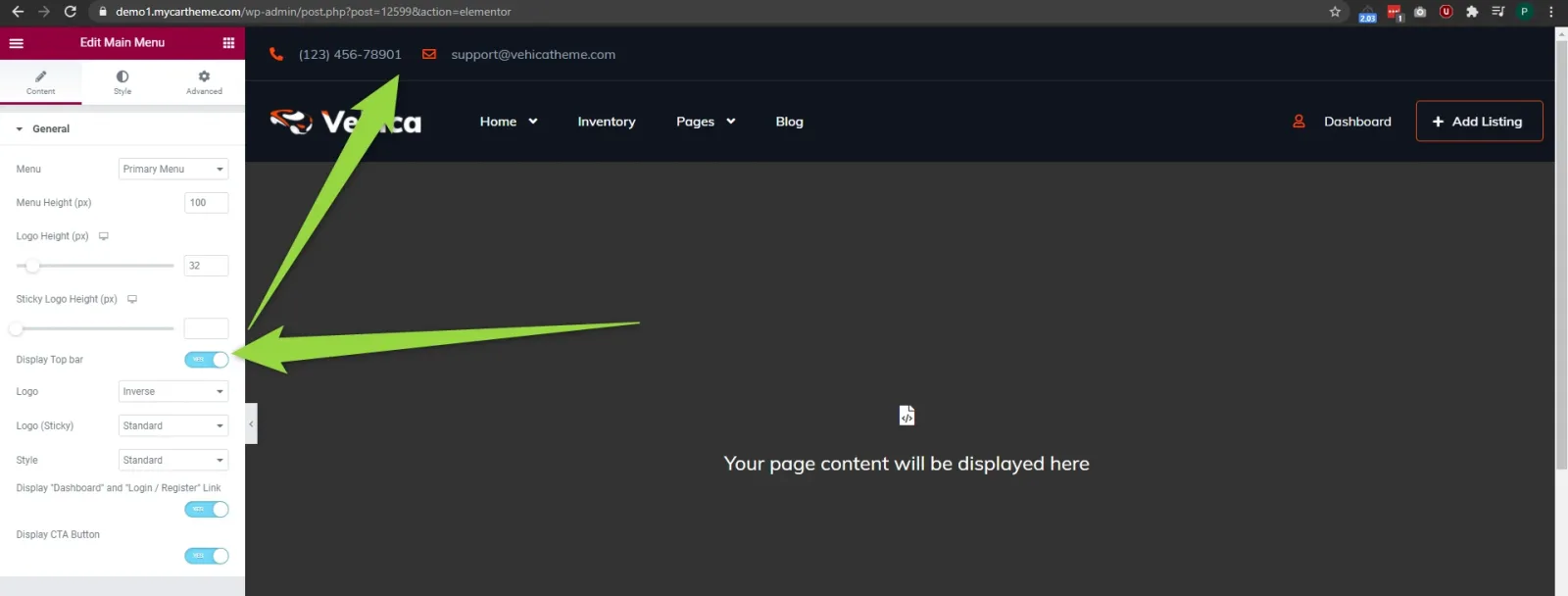
Switch on "Display Top bar"
The bar appears immediately above the menu in the preview.
Ask the people who build Vehica
We answer by email from support@tangiblewp.com. With Premium Support, we also fix your site when something breaks.
We can also run your site for you, or build a new one.
Was this guide helpful?