Featured Packages
Create Featured packages that promote published ads for a set number of days without extending their expiry date.
2 minute read
A Featured package is used to promote an ad that is already published. It adds featured time to the ad but does not extend its expiry date.
Enable Featured Packages
-
1
Open Monetization settings
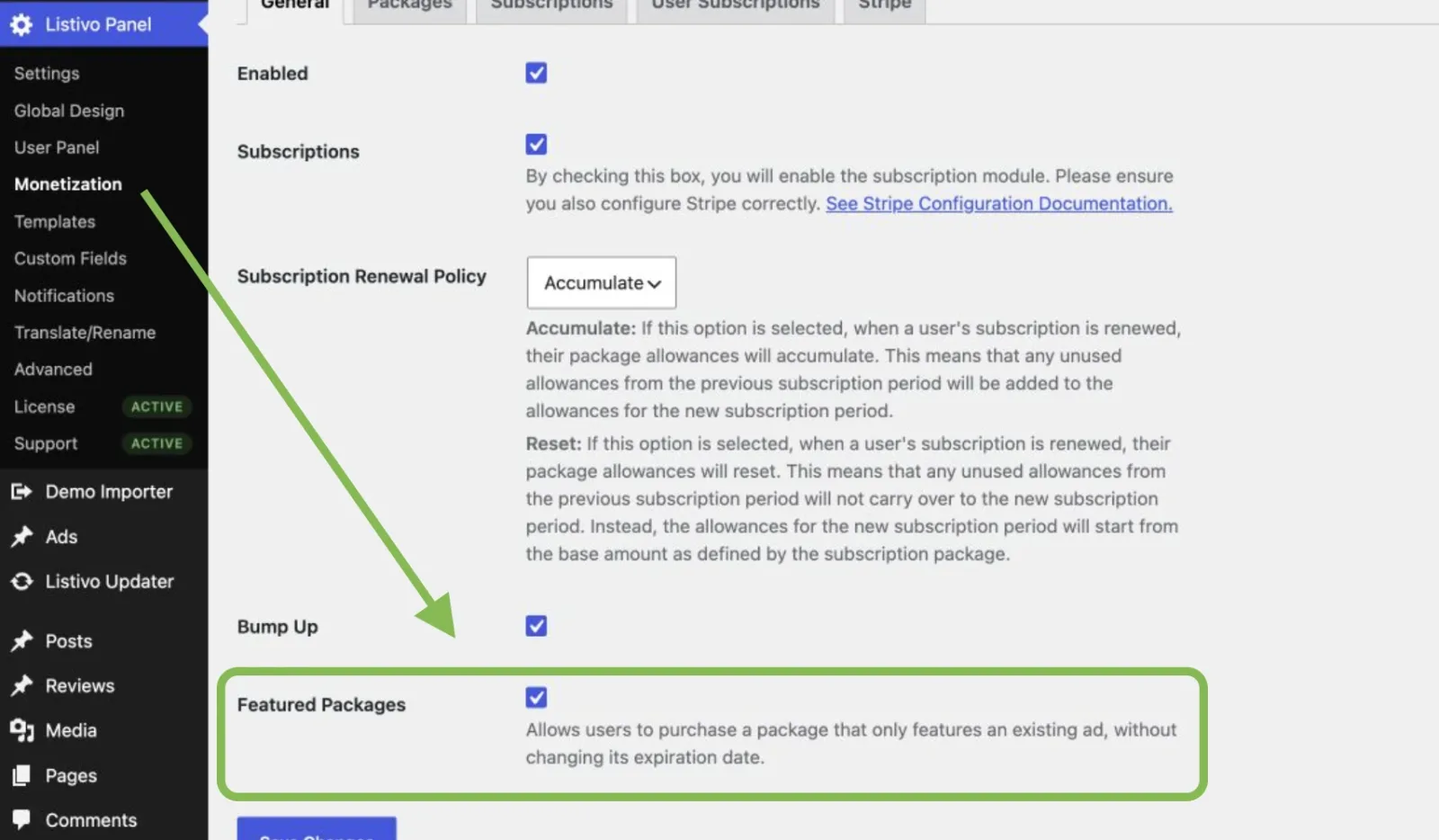
Go to Listivo Panel → Monetization → General.
-
2
Enable the feature
Turn on Featured Packages.
-
3
Save the settings
Click Save Changes.
Add a Featured package
-
1
Open Packages
Open Listivo Panel → Monetization → Packages.
-
2
Add a package
Click Add New Package.
-
3
Name the package
Enter a name for the package.
-
4
Choose the type
Select Featured as the package type.
-
5
Create the package
Click Add Package.
You can now set the package price and choose how many days an ad will stay featured. You can also limit the package to selected categories or account types. Save the package when the settings are ready.
What happens after purchase
The package can be used for an ad that is already live. It does not publish a new ad and does not add extra time to the current ad.
For example, an ad has five days left before it expires. The user buys a package with three featured days. The ad will be featured for three days, but it will still expire on the same date.
To buy the package, the user goes to My Ads, finds the ad, and clicks Promote. The user selects a Featured package and continues to checkout. Once the payment is complete, the featured time is added to that ad.
Ask the people who build Listivo
We answer by email from support@tangiblewp.com. With Premium Support, we also fix your site when something breaks.
We can also run your site for you, or build a new one.
Was this guide helpful?